How to disable event cancellation in Cal.com
Here is how to disable event cancellation in cal.com
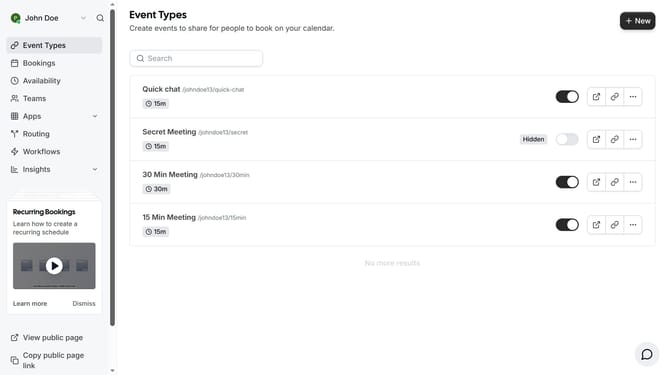
- First click on "Event Types" link in the sidebar menu
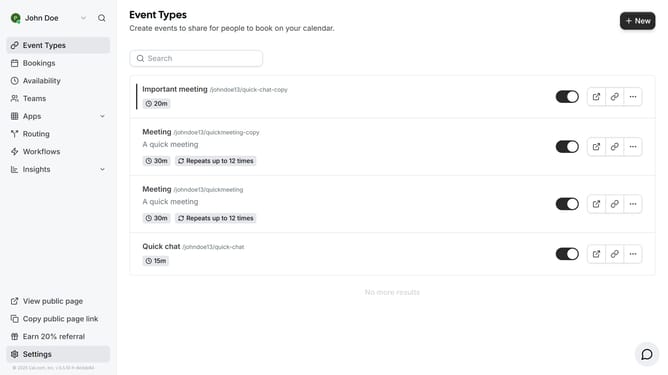
- Then click on an event from the list
- Next click on "Advanced" settings option in the left sidebar
- Then click scroll down in the advanced settings
- Next click on "Disable Cancelling" toggle switch in the advanced settings
- Finally click on "Save" button in the top-right corner to save the changes
Why should you disable event cancellation in Cal.com
Cal.com is a versatile scheduling tool designed to simplify managing appointments for individuals and businesses alike.
Disabling event cancellation in Cal.com enhances reliability by preventing last-minute changes that can disrupt plans and workflows.
This feature increases trust and commitment, which is critical for maintaining professional relationships and ensuring a smooth scheduling process.
By avoiding unexpected cancellations, users can enjoy more stable and predictable scheduling outcomes, leading to improved efficiency and satisfaction.
Last update