How to connect Apple Calendar in Cal.com
Here is how to connect apple calendar in cal.com
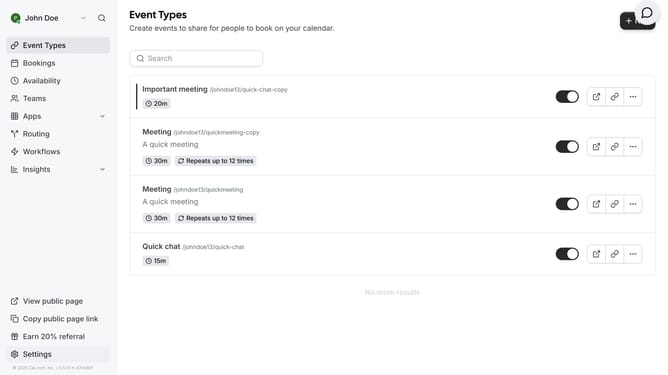
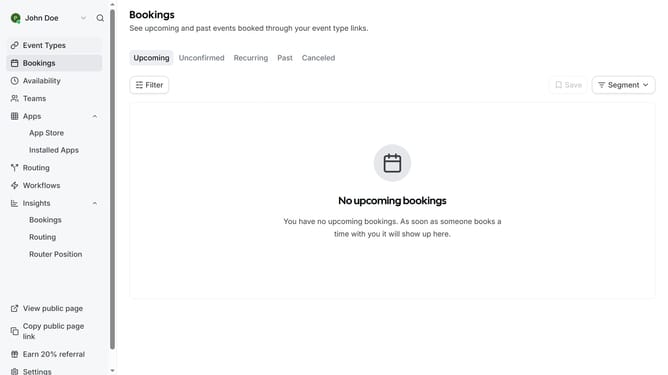
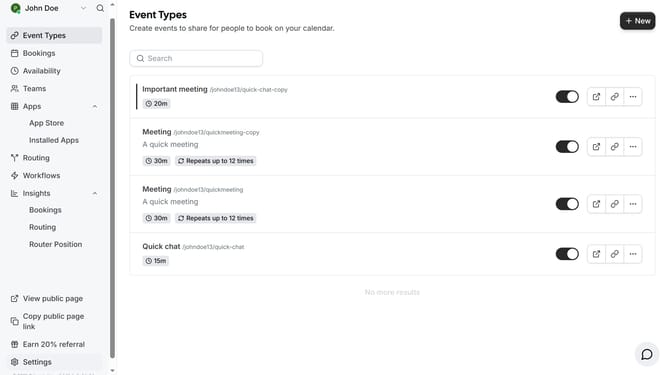
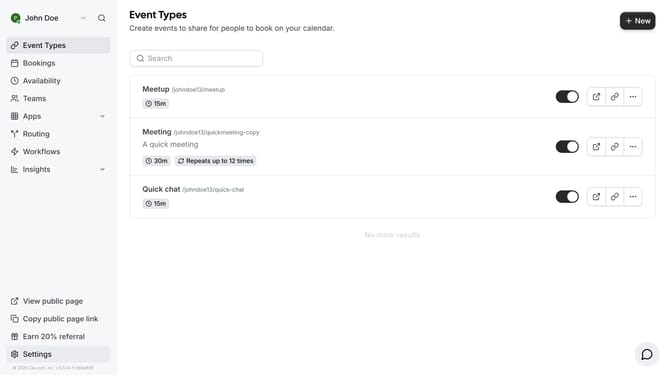
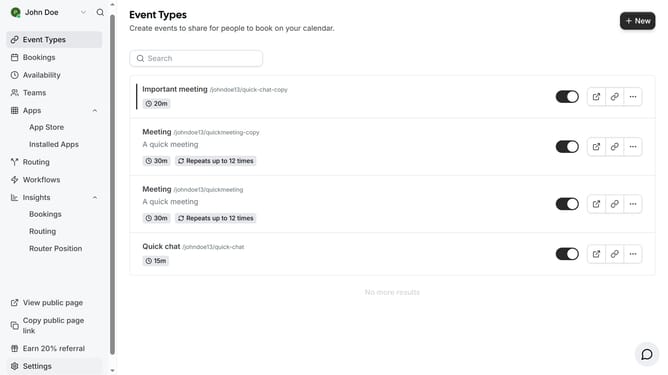
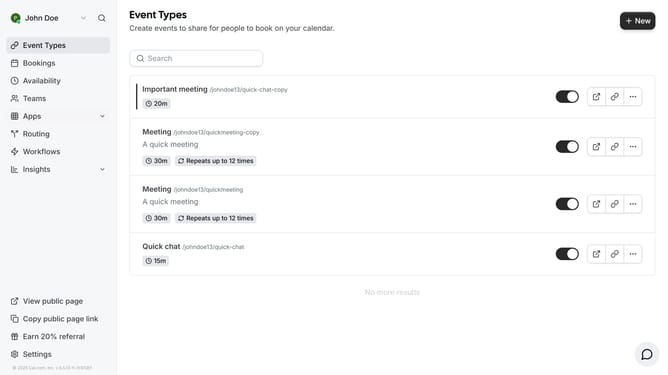
- First click on the "Apps" item in the left sidebar menu
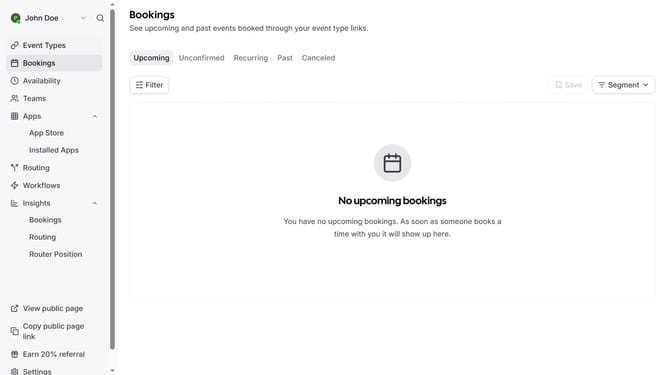
- Then click on "App Store" in the expanded Apps submenu
- Next click on the "Calendar" category tile in the Featured Categories section
- Then click on the "Details" button under the Apple Calendar app
- Finally click the "Install" button for Apple Calendar app card to integrate it with Cal
Why should you connect Apple Calendar in Cal.com
Cal.com is a powerful scheduling tool designed to streamline your calendar management effortlessly.
Connecting your Apple Calendar to Cal.com ensures seamless synchronization between your schedules. This integration eliminates the hassle of managing multiple calendars by centralizing your appointments, ensuring you never miss an important meeting or event.
By linking your Apple Calendar, you can enjoy a balanced workflow, as Cal.com effortlessly updates changes across both platforms. This feature maximizes your productivity, saving time and reducing stress in your daily life.
Last update