How to add email in Cal.com
Here is how to add email in cal.com
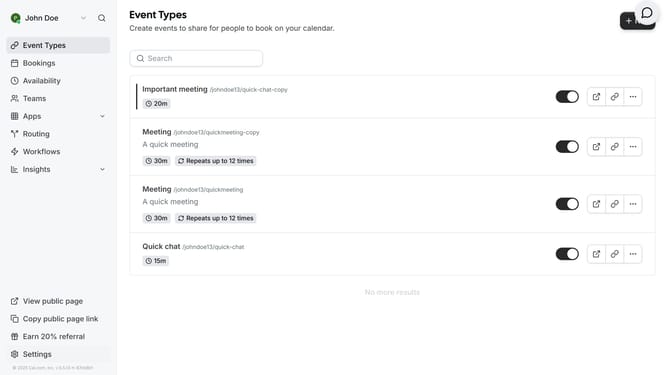
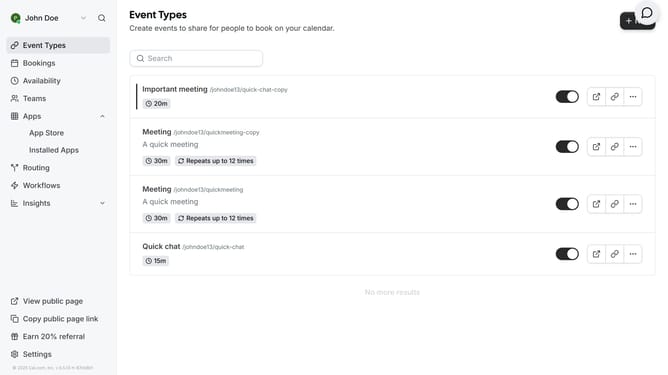
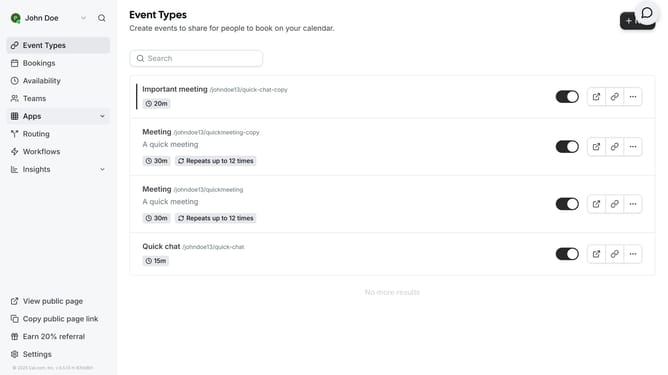
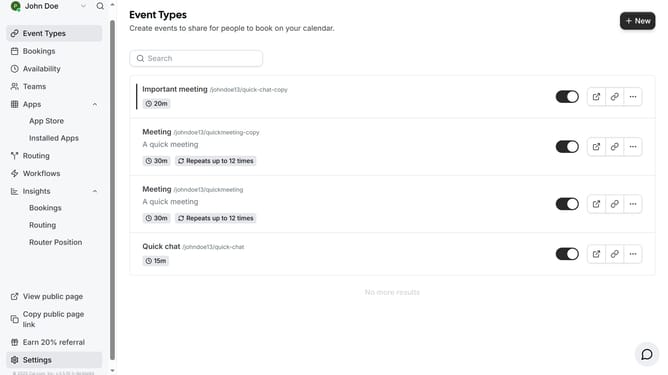
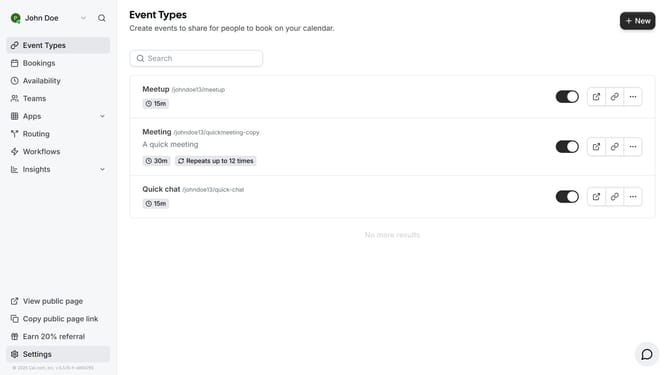
- First click on the "Settings" option in the left sidebar menu
- Then click on the "Add Email" button located next to the primary email in the Profile section
- Next click on the email input field in the Add Email dialog box and type in the email you want to add
- Then click on the "Add Email" button in the dialog box after entering the new email address
- Finally click on the "Done" button in the confirmation dialog to complete the email addition process
Why should you add email in Cal.com
Cal.com is a versatile scheduling platform designed to streamline appointment management and enhance productivity.
Integrating your email with Cal.com amplifies its efficiency by ensuring seamless communication and reliable appointment notifications.
This feature keeps your calendar synchronized, reducing the risk of missed meetings and enhancing professional coherence.
Utilizing email integration within Cal.com simplifies notifying and reminding your clients, solidifying their trust in your punctuality and attention to detail.
Last update