Cal.com
Cal.com is an open-source scheduling platform that helps individuals, teams, and developers automate bookings with customizable workflows, integrations, and full control over data and branding.
Website
Industry
Leadgen
Share this article:

How to remove timezone change schedule in Cal.com

Here is how to remove timezone change schedule in cal.com

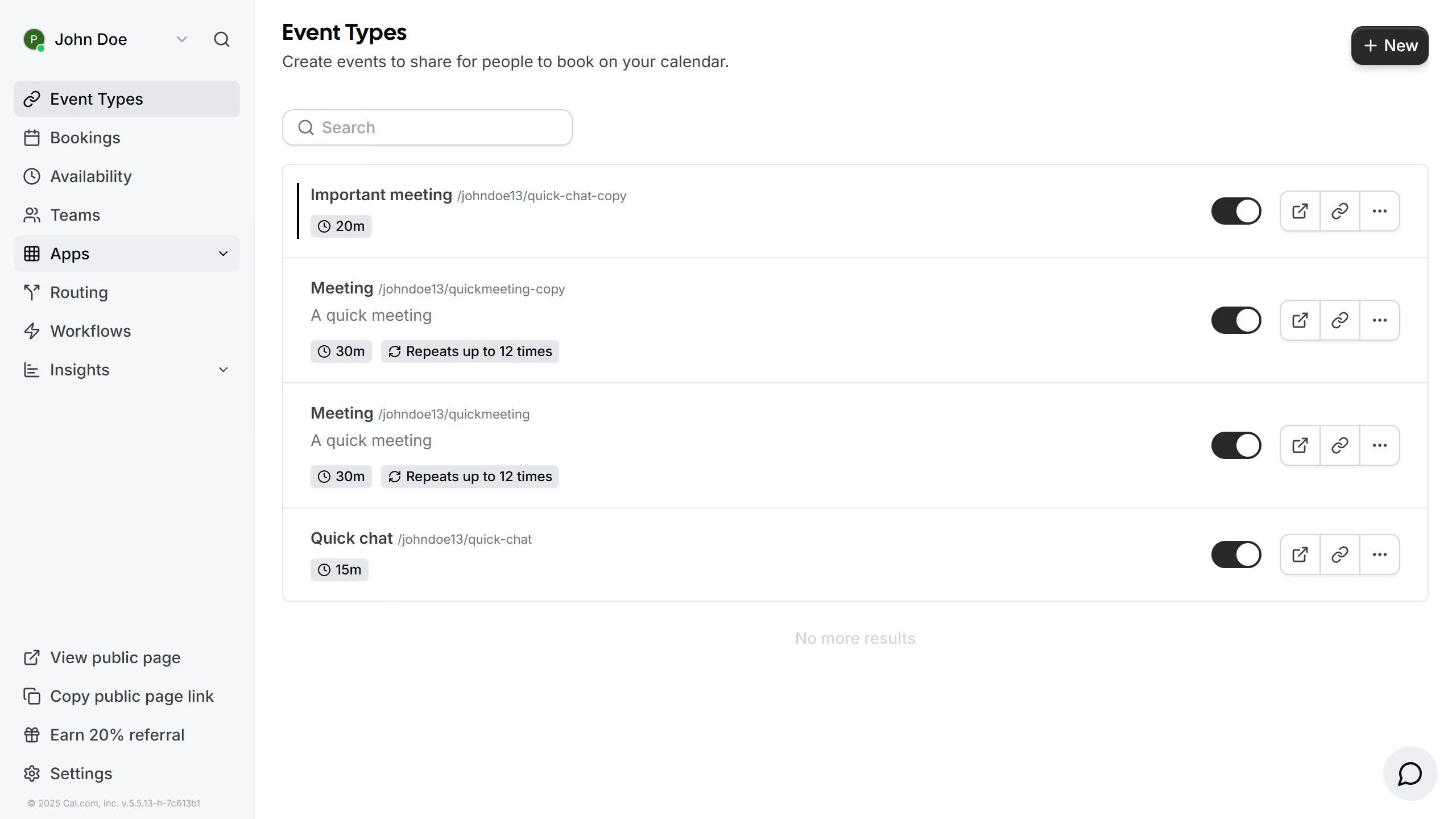
  1. First click on the "Settings" option in the left sidebar
  2. Then click on the "General" tab in the settings menu
  3. Next click on the delete icon next to next to the timezone schedule you want to delete
  4. Finally click on the "Update" button at the bottom of the general settings form

Create your own interactive guide with Guideflow

Why should you remove timezone change schedule in Cal.com

Cal.com is an innovative scheduling platform designed to simplify how you book and manage appointments across various time zones.

The ability to remove timezone change schedules within Cal.com is incredibly useful for individuals and businesses aiming to streamline their calendar management.

This feature enhances clarity and reduces confusion that may arise from automatic timezone shifts, ensuring everyone is consistently aligned to the same schedule.

Employing this feature fosters seamless communication and coordination, allowing for more efficient planning and an improved meeting experience.

Last update
February 3, 2026
Cursor MariaA cursor points to a button labeled "James."

Create your first demo in less than 30 seconds.