How to delete an event in Cal.com
Here is how to delete an event in cal.com
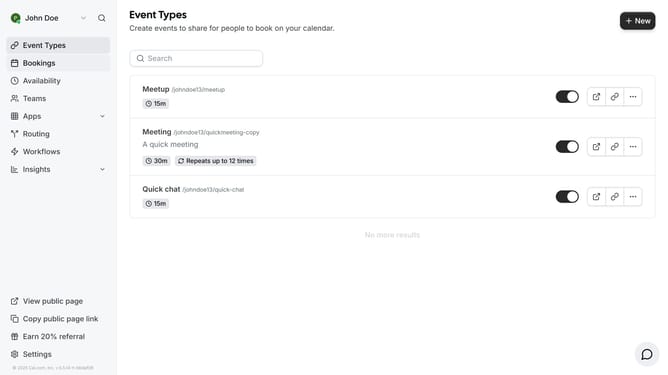
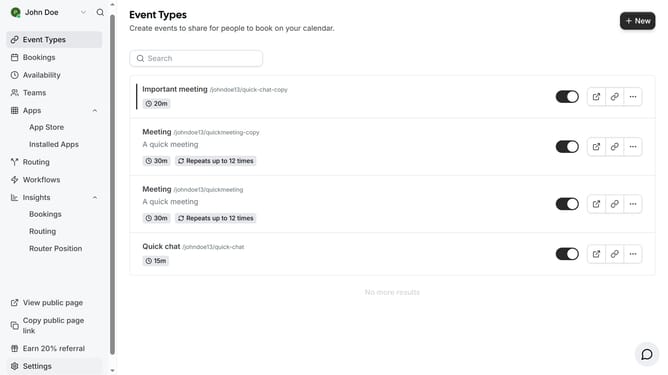
- First click on "Event Types" in the sidebar menu
- Then click on the "more options" button (three dots) next to the event you want to delete
- Next click on "Delete" option in the dropdown menu
- Finally click "Yes, delete" button in the confirmation dialog
Why should you delete an event in Cal.com
Cal.com is a versatile scheduling platform designed to simplify your appointment management.
One valuable feature of Cal.com is the ability to effortlessly delete an event. This ensures that your calendar remains accurate and clutter-free, which is essential for effective time management.
Using the delete function helps you keep your schedule flexible, allowing you to adapt to changes quickly. It contributes to a more streamlined and organized workflow, providing peace of mind and efficiency in managing your engagements.
Last update