How to edit the location of an upcoming event in Cal.com
Here is how to edit the location of an upcoming event in cal.com
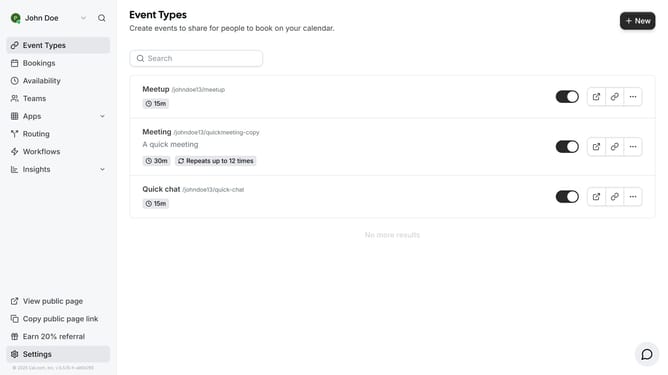
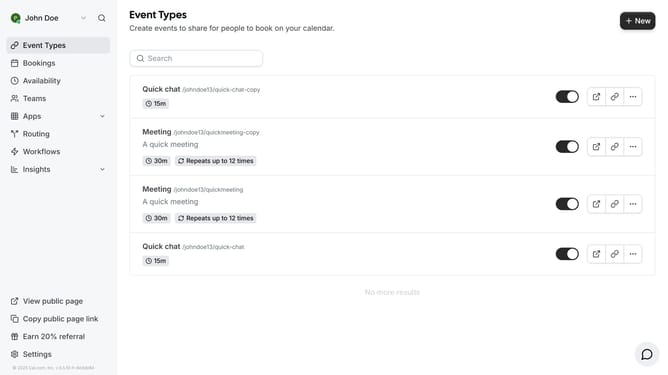
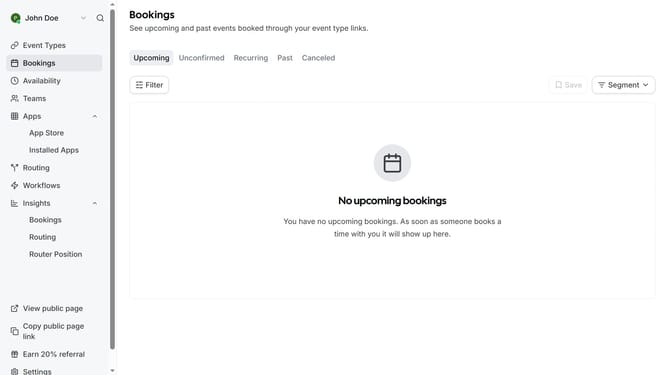
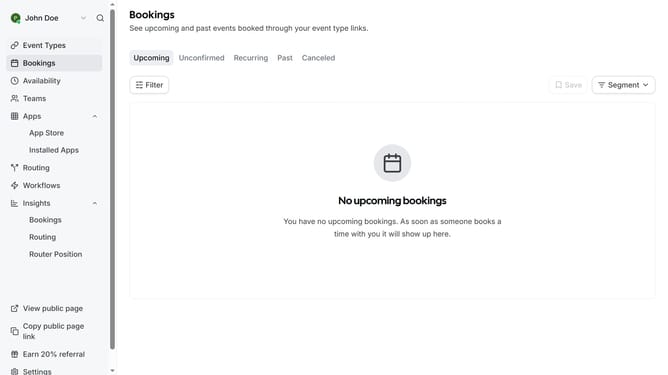
- First click on the "Bookings" item in the left sidebar
- Then click on the options menu ("...") next to the event you want to edit the location
- Next click on "Edit location" option in the dropdown menu
- Then click on the dropdown arrow in the location field
- Next select your preferred location from the location options list
- Finally click the "Update" button to save the location change
Why should you edit the location of an upcoming event in Cal.com
Cal.com is a dynamic scheduling platform designed to simplify event management for individuals and businesses.
One of the standout features is the ability to easily edit the location of an upcoming event. This feature enhances flexibility and ensures that event details remain current, accommodating any changes.
By effortlessly adjusting the venue in Cal.com, users can keep participants informed and engaged, reducing miscommunication and increasing event success.
Last update