How to connect Basecamp3 in Cal.com
Here is how to connect basecamp3 in cal.com
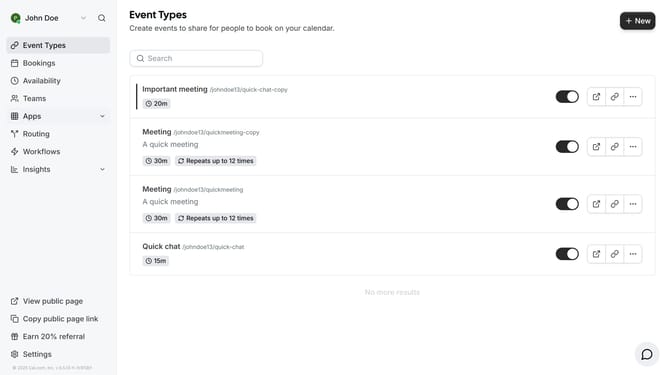
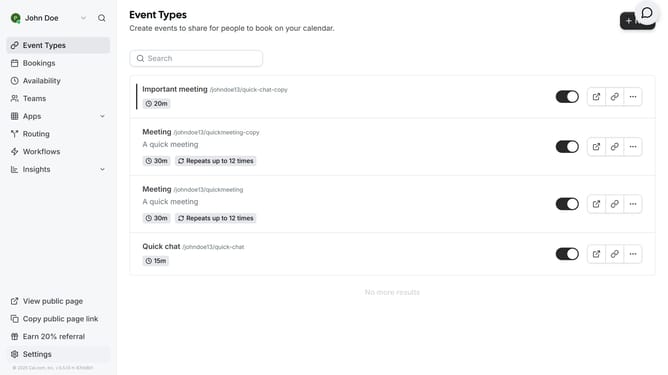
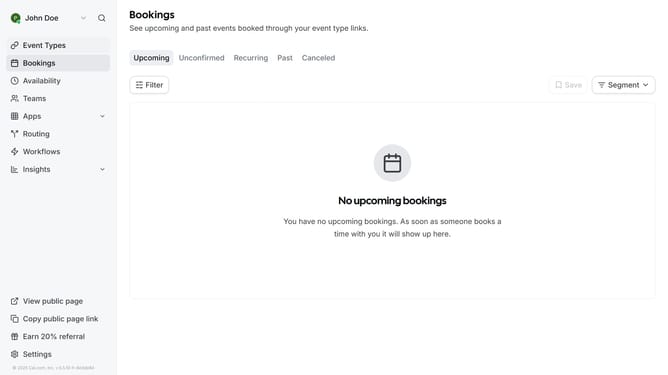
- First click on the "Apps" item in the left sidebar menu
- Then click on "App Store" in the expanded Apps submenu
- Next click on the "Other" category tile in the Featured Categories section
- Then scroll down until you see the Basecamp3 app card
- Next click "Details" button under the Basecamp3 app card
- Finally click the "Install" button for Basecamp3 app card to integrate it with Cal
Why should you connect Basecamp3 in Cal.com
Cal.com is a seamless scheduling tool designed to streamline your calendar management experience.
By connecting Basecamp 3 to Cal.com, you integrate project management with scheduling effortlessly. This connection fosters a smoother workflow, reducing the complexities of managing tasks and meetings separately.
Utilizing this feature means more organized project timelines and better time management. It enhances productivity by aligning your tasks and schedules, saving time and ensuring nothing falls through the cracks.
Last update