Cal.com
Cal.com is an open-source scheduling platform that helps individuals, teams, and developers automate bookings with customizable workflows, integrations, and full control over data and branding.
Website
Industry
Leadgen
Share this article:

How to change the name of event types in Cal.com

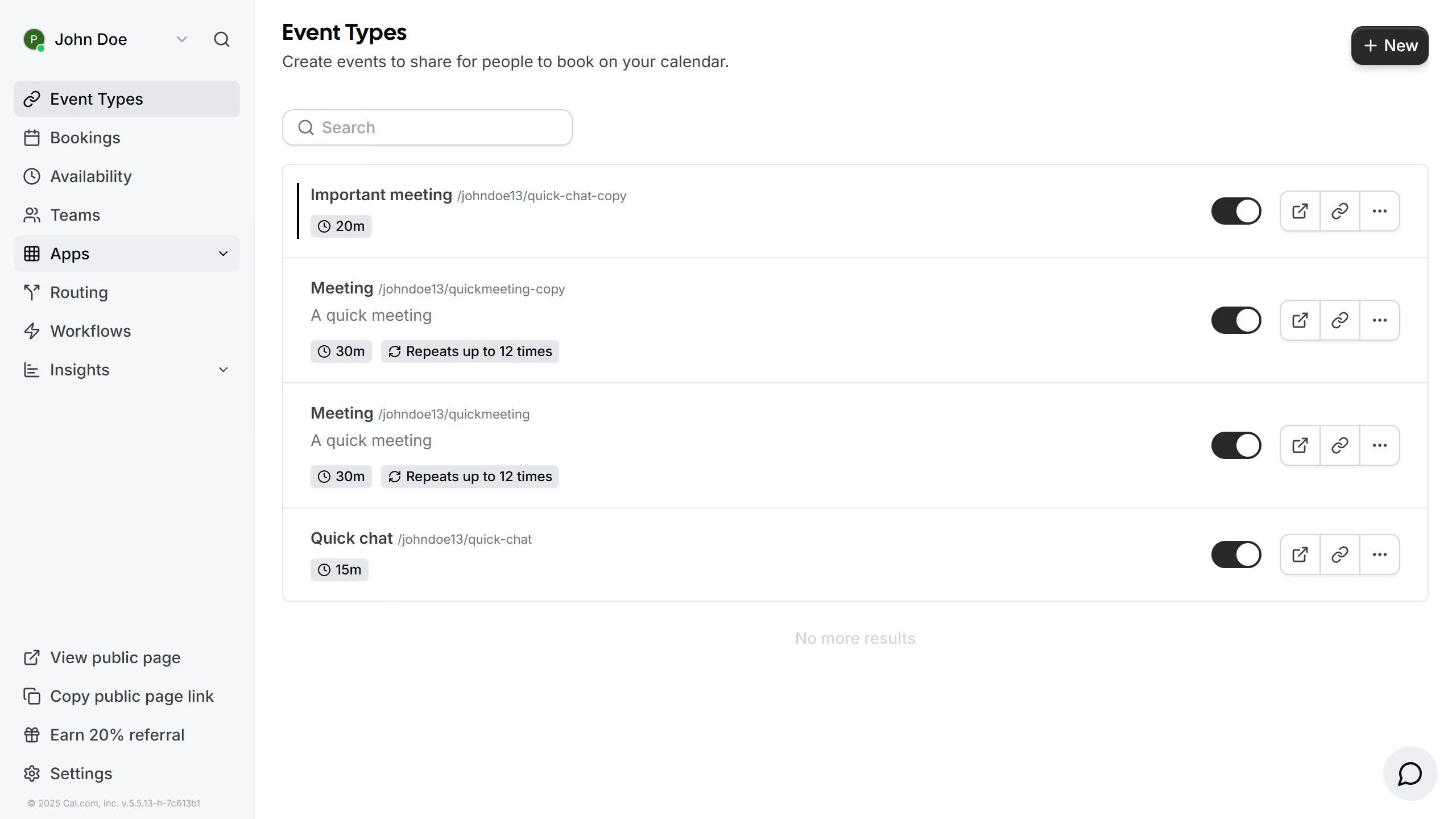
Here is how to change the name of event types in cal.com

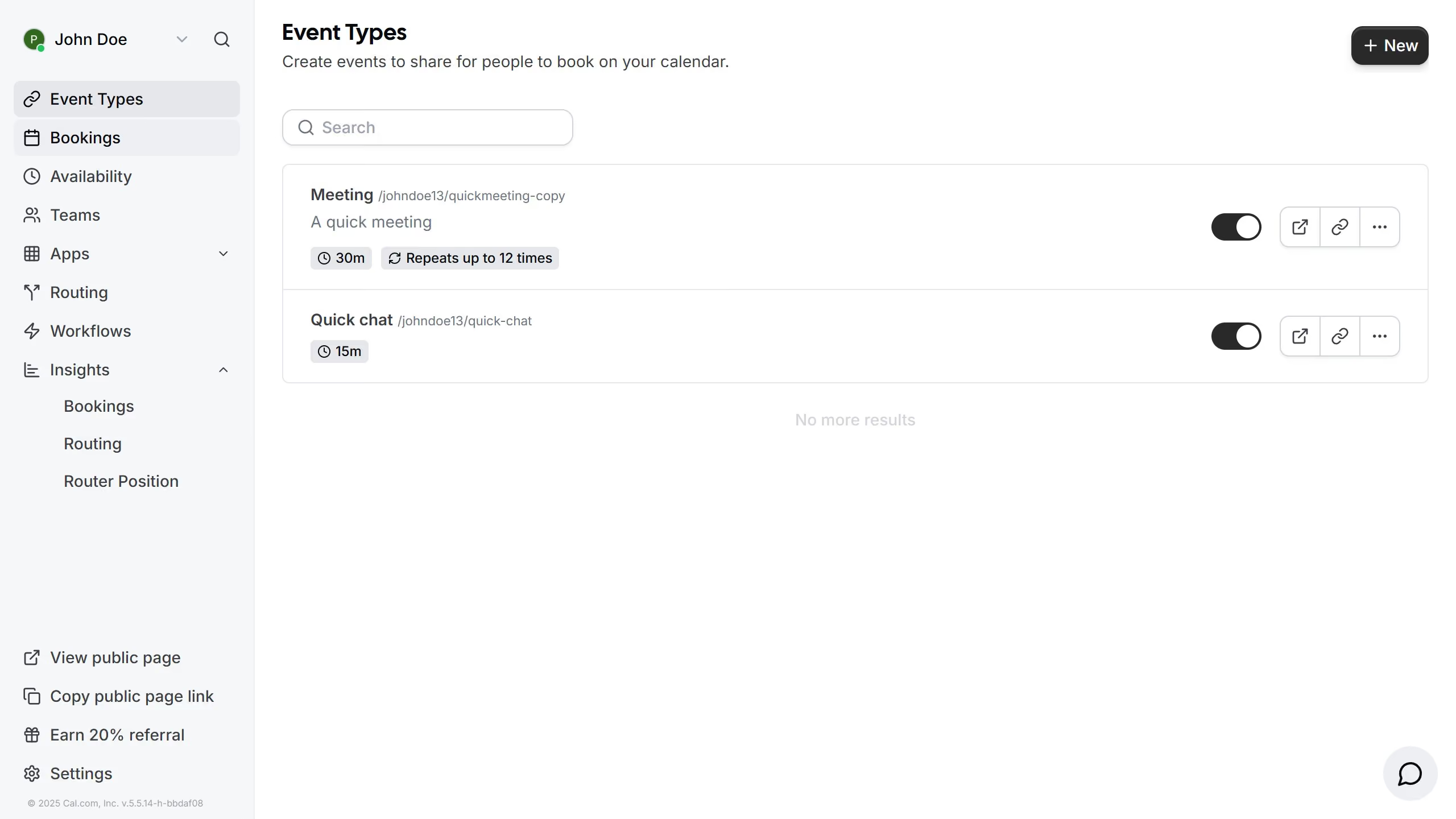
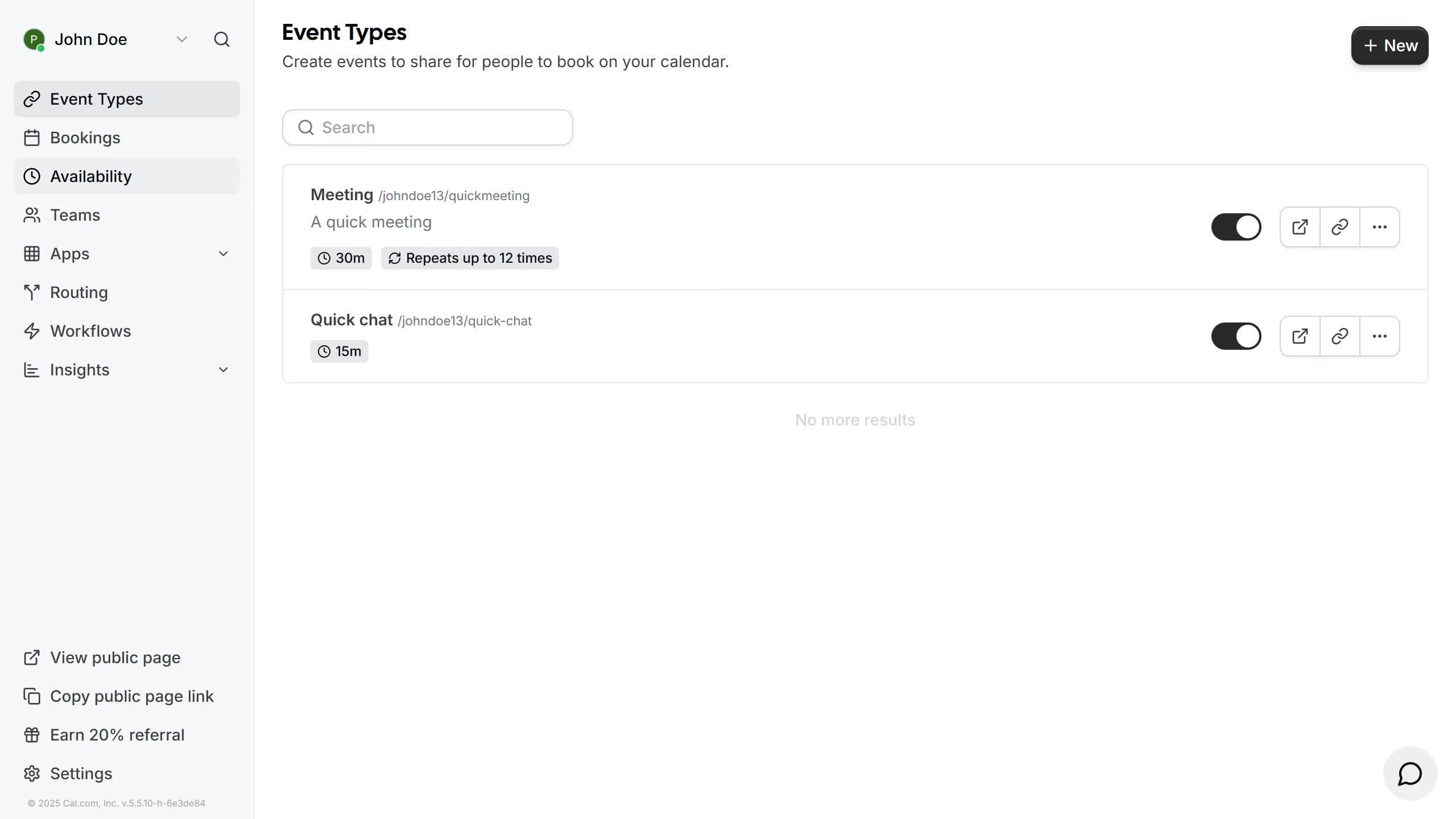
  1. First click on "Event Types" in the left sidebar menu
  2. Then click on an event type from the event types list
  3. Next click on the Title field and erase the current title
  4. Then click again and type in your desired title for the event
  5. Finally click on the "Save" button in the top right corner

Create your own interactive guide with Guideflow

Why should you change the name of event types in Cal.com

Cal.com is a seamless scheduling tool that simplifies the process of booking meetings and events.

The ability to change the name of event types in Cal.com offers a personalized approach to organizing your schedule. This feature enables users to customize event titles to better reflect their unique purpose or audience, making it more intuitive for both organizers and attendees.

By tailoring the names of event types, you enhance clarity and professionalism, ensuring that each engagement is represented accurately and attractively. Harnessing this capability aids in maintaining an organized and efficient calendar experience.

Last update
February 3, 2026
Cursor MariaA cursor points to a button labeled "James."

Create your first demo in less than 30 seconds.