How to enable automatic transcription in Cal.com
Here is how to enable automatic transcription in cal.com
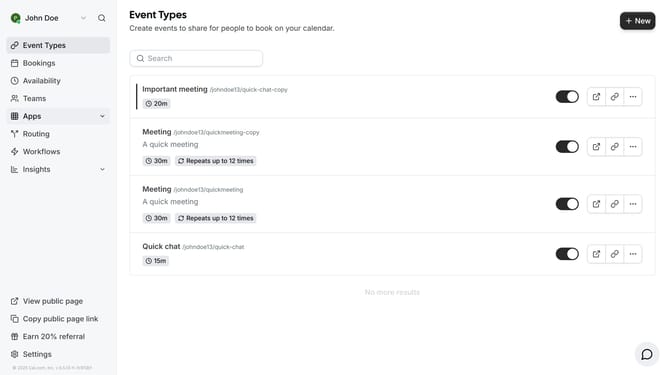
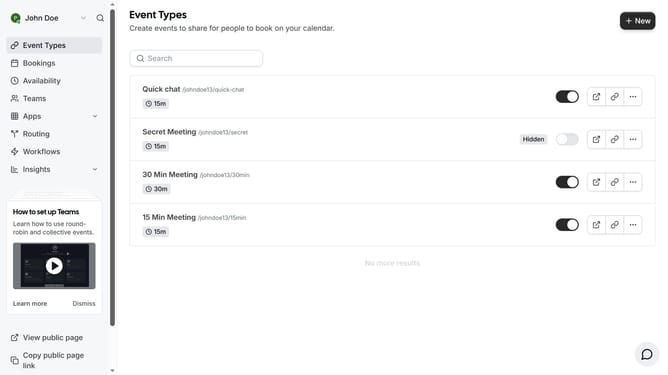
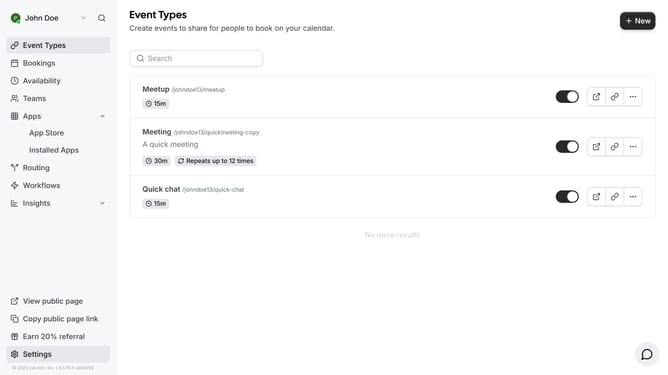
- First click on the "Event Types" link in the left sidebar menu
- Then click on an event type item in the event list
- Next scroll down in the event setup settings
- Then enable the "Enable automatic transcription after joining the meeting" toggle switch in the location settings
- Finally click the "Save" button in the top right corner to save all changes
Why should you enable automatic transcription in Cal.com
Cal.com is a versatile platform designed to streamline scheduling and communication.
Enabling automatic transcription in Cal.com enhances your meeting efficiency by converting spoken words into text seamlessly.
This feature can be activated, allowing you to capture important details without manual note-taking, enhancing focus and engagement.
Automatic transcription aids in record-keeping and reviewing discussions, empowering teams to maintain accurate documentation effortlessly.
Last update