How to connect Chatbase in Cal.com
Here is how to connect chatbase in cal.com
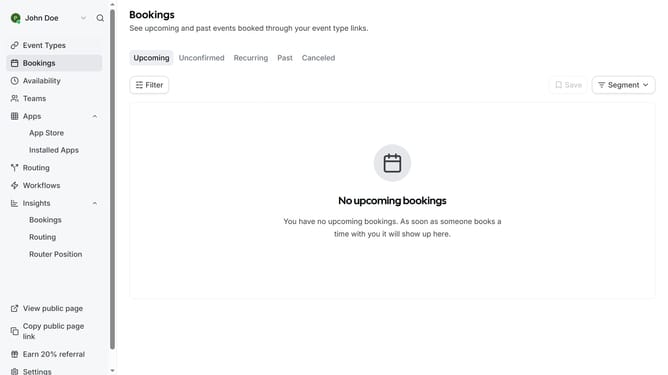
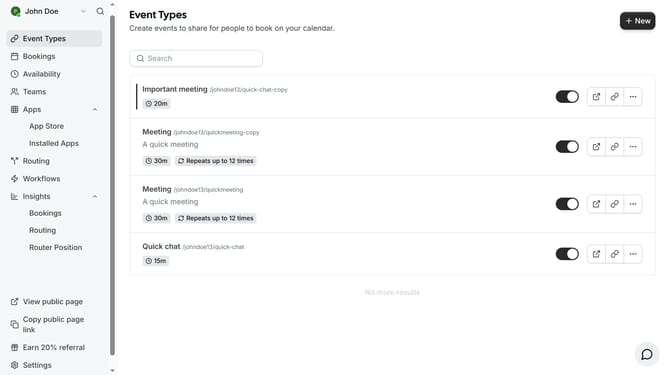
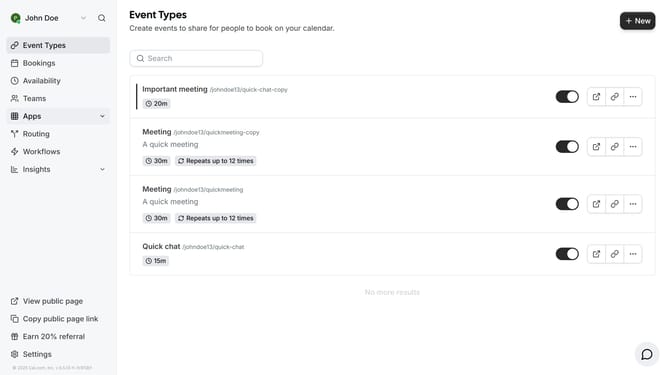
- First click on the "Apps" item in the left sidebar
- Then click on "App Store" in the expanded Apps menu
- Next click on the "Other" category tile in the Featured Categories section
- Then click on the "Details" button under the Chatbase app card
- Finally click the "Install" button for Chatbase app card to integrate it with Cal
Why should you connect Chatbase in Cal.com
Cal.com is a versatile scheduling platform that simplifies appointments for businesses and individuals alike.
Integrating Chatbase with Cal.com amplifies the user interaction experience by enabling seamless and intelligent conversation capabilities. This connection allows for an enhanced user engagement, personalized responses, and efficient appointment management.
The benefits of using Chatbase in Cal.com are numerous. It ensures quick and relevant interactions, reduces manual task load, and improves customer satisfaction by offering instant, personalized assistance. Embracing this integration can lead to more streamlined operations and increased user satisfaction.
Last update