How to show calendar event details on shared calendars in Cal.com
Here is how to show calendar event details on shared calendars in cal.com
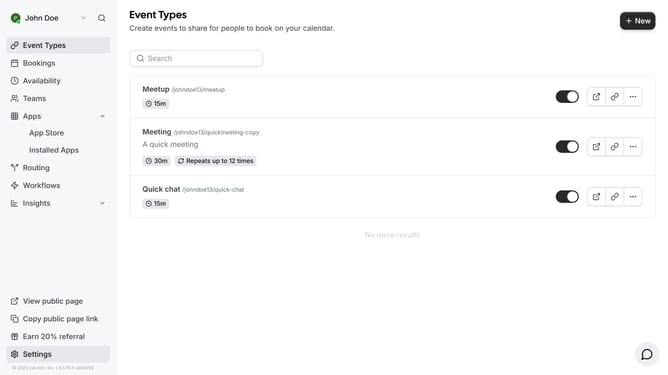
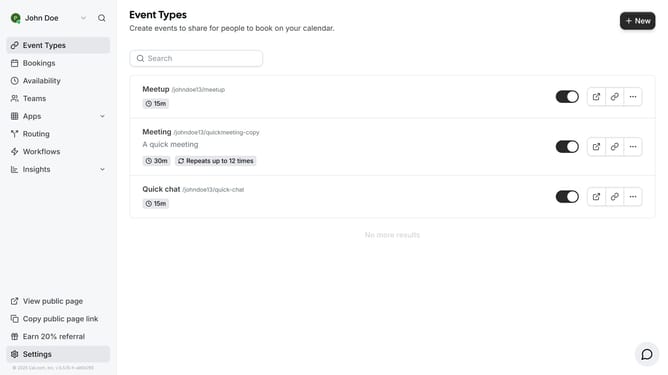
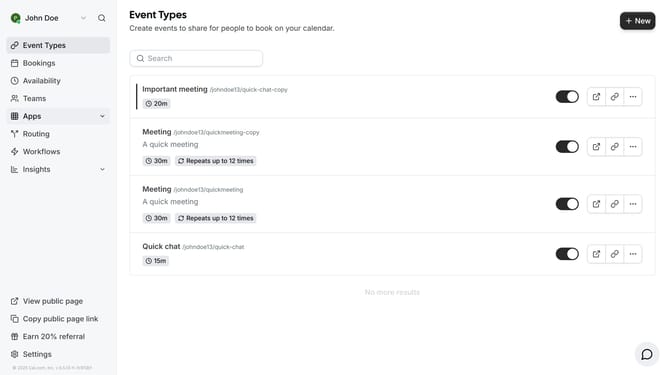
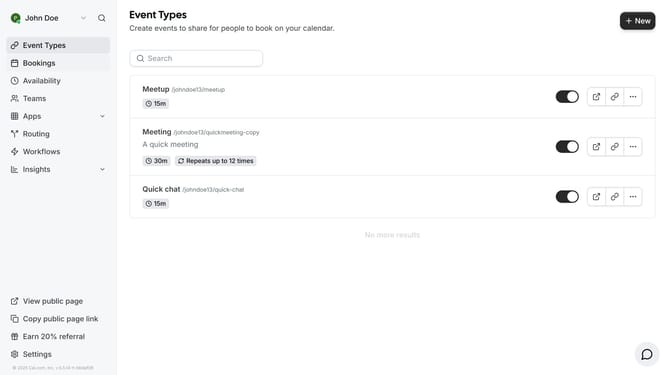
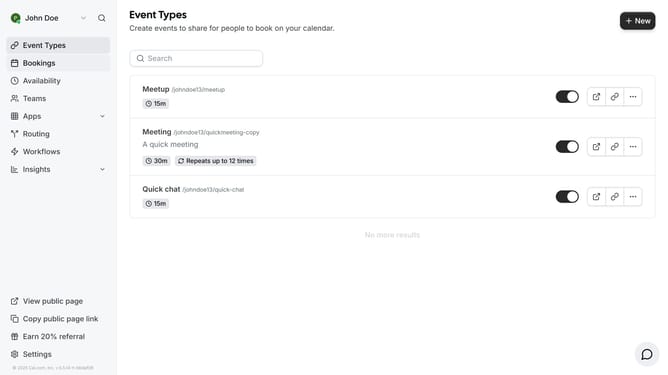
- First click on "Event Types" in the left sidebar menu
- Then click on an event in the main content area
- Next click on the "Advanced" settings option in the left settings panel
- Then scroll down in advanced settings
- Next click the toggle switch next to "Hide calendar event details on shared calendars" in the Advanced settings
- Finally click on the "Save" button in the top-right corner
Why should you show calendar event details on shared calendars in Cal.com
Cal.com is a versatile scheduling platform designed to simplify appointment booking and calendar management.
Displaying event details on shared calendars in Cal.com allows team members or collaborators to easily access pertinent information without toggling between different apps.
This feature streamlines coordination and maximizes productivity by ensuring everyone involved remains well-informed and up-to-date with schedules.
Emphasizing transparency and efficiency, Cal.com's calendar event details on shared views enable smooth communication and facilitate effective time management.
Last update