How to create an OOO schedule for vacation in Cal.com
Here is how to create an ooo schedule for vacation in cal.com
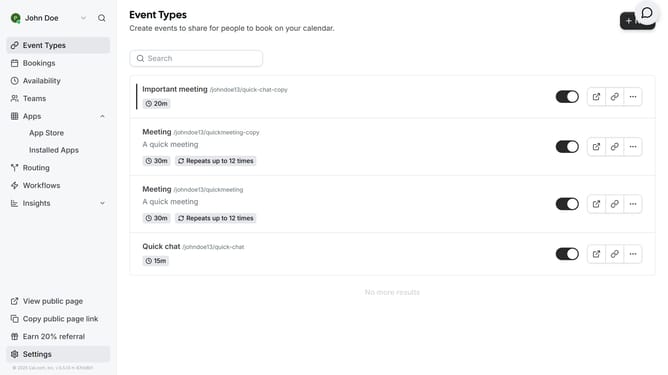
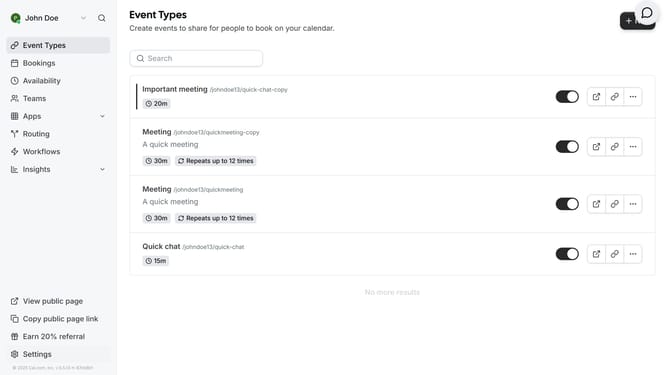
- First click on "Settings" in the left sidebar menu
- Then click on "Out of office" option in the settings sidebar menu
- Click the "Add" button in the top-right corner of the screen
- Click the calendar icon under "Dates"
- Then select the date range of your vacation in the calendar date picker
- Click on the "Reason" dropdown menu to expand options
- Select "Vacation" from the reason dropdown list
- Finally click the "Create" button to set your out of office status
Why should you create an OOO schedule for vacation in Cal.com
Cal.com is your ultimate scheduling partner, offering seamless booking experiences for professionals and teams.
Creating an Out Of Office (OOO) schedule for vacation in Cal.com is a breeze, allowing you to manage your availability with ease. With just a few clicks, you can block off your calendar, ensuring a stress-free time away.
Utilizing this feature ensures that your calendar remains organized and accurate, preventing any scheduling conflicts while you enjoy your well-earned break. It maximizes productivity by minimizing interruptions during your vacation.
Last update