How to connect Weather in your Calendar in Cal.com
Here is how to connect weather in your calendar in cal.com
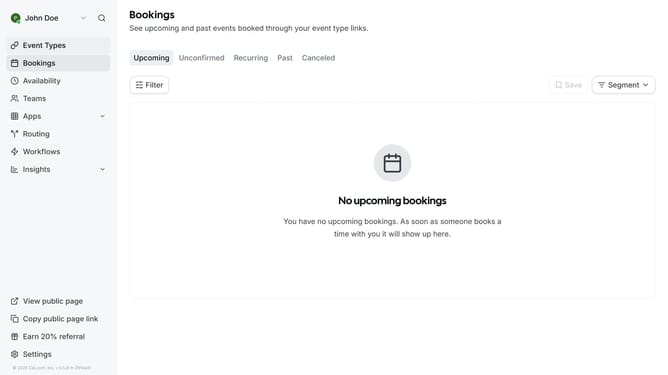
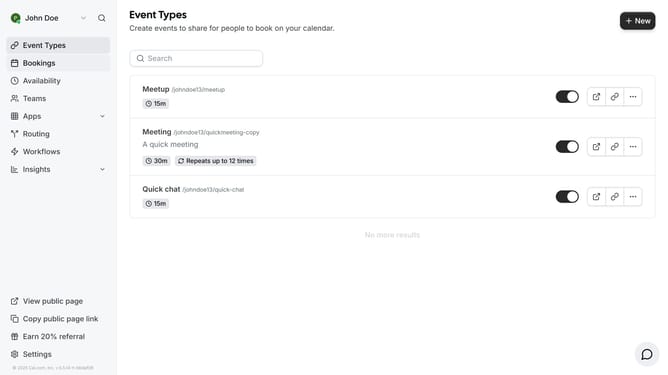
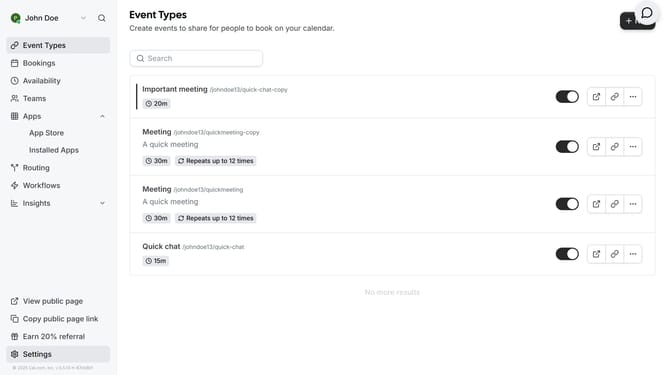
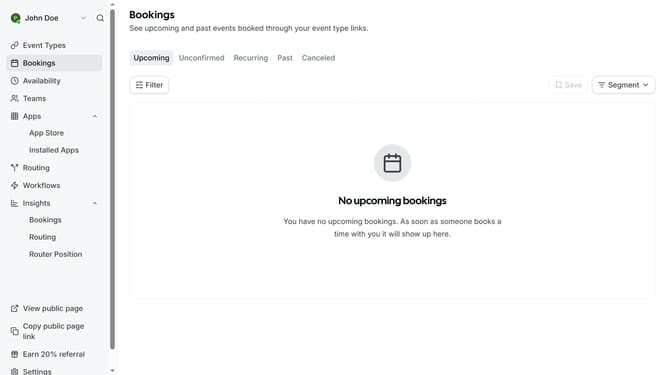
- First click on the "Apps" item in the left sidebar menu
- Then click on the "App Store" submenu item in the expanded Apps menu
- Next click on the "Other" category tile in the Featured Categories section
- Then click on the "Details" button under the Weather in your Calendar app
- Finally click the "Install" button for Weather in your Calendar card to integrate it with Cal
Why should you connect Weather in your Calendar in Cal.com
Cal.com is the ultimate tool for seamless scheduling, enabling you to effortlessly manage your time and appointments.
By connecting Weather to your Calendar in Cal.com, you gain the advantage of planning events with precise weather insights directly at your fingertips.
This feature enhances your ability to make informed decisions for outdoor activities, ensuring you are always prepared for what the day brings.
Enjoy the peace of mind that comes with knowing whether to pack an umbrella or sunscreen by integrating weather updates into your schedule.
Last update