How to set up event locations in Cal.com
Here is how to set up event locations in cal.com
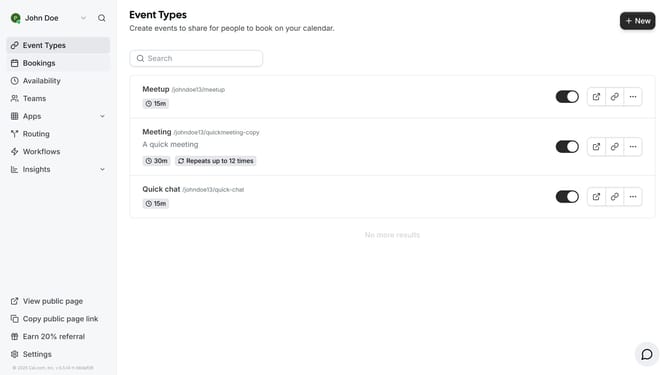
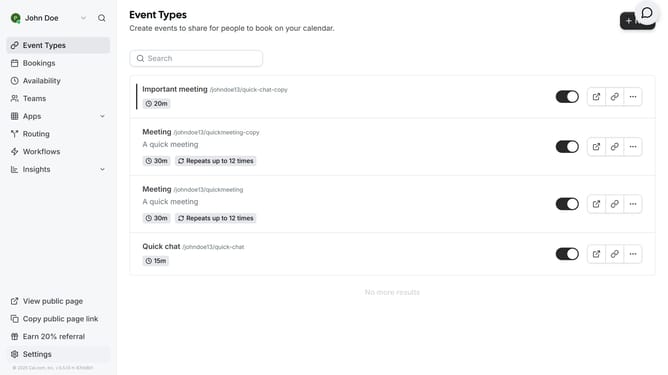
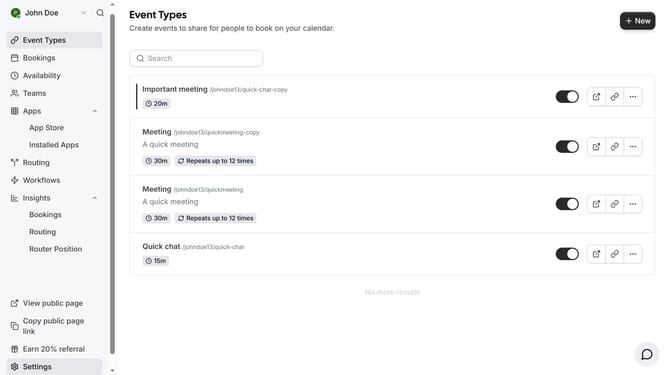
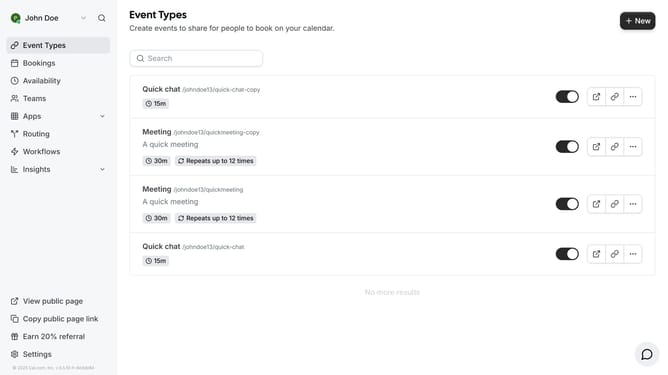
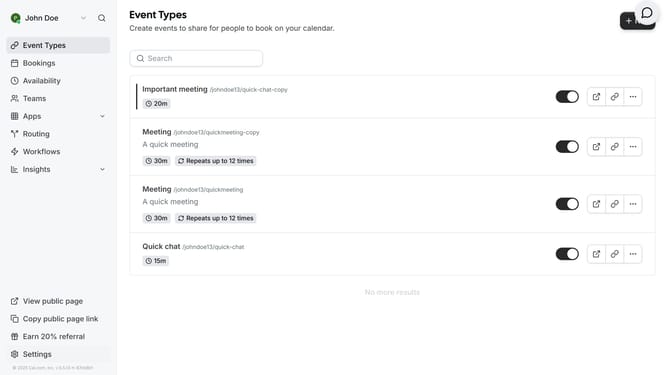
- First click on "Event Types" in the left sidebar menu
- Click on "New" button in the top-right corner
- Click on title input field and type in your desired event title
- Click the "Continue" button at the bottom of the form
- Scroll down on the event setup page
- Click on the "Location" dropdown menu in the event settings
- Finally select the preferred location for your calendar event
Why should you set up event locations in Cal.com
Cal.com streamlines scheduling by connecting people effortlessly through shared events.
Setting up event locations within Cal.com maximizes the efficiency and effectiveness of your meetings. It provides a centralized space for managing where your events will take place, whether virtually or in-person.
Organizing events with precise locations enhances clarity and coordination, ensuring participants are aligned and meetings are productive.
This feature saves time and reduces confusion, fostering a smoother scheduling experience in all your professional and personal engagements.
Last update