How to cancel upcoming event in Cal.com
Here is how to cancel upcoming event in cal.com
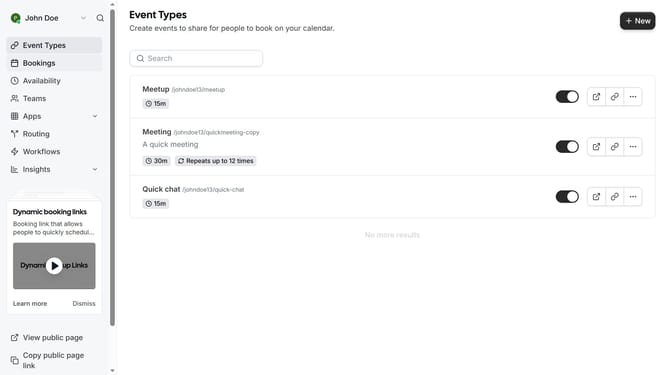
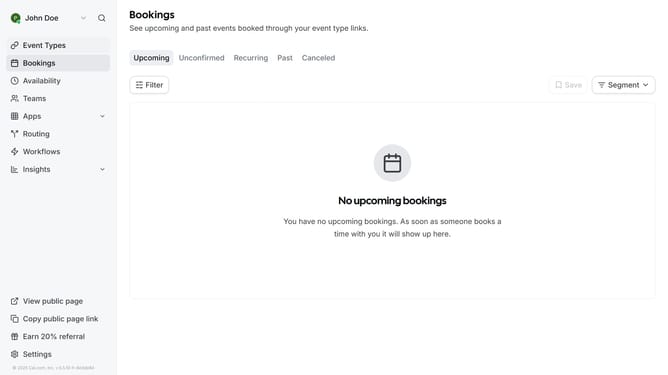
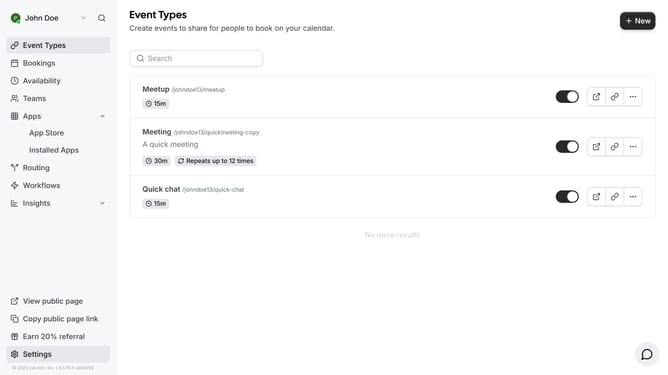
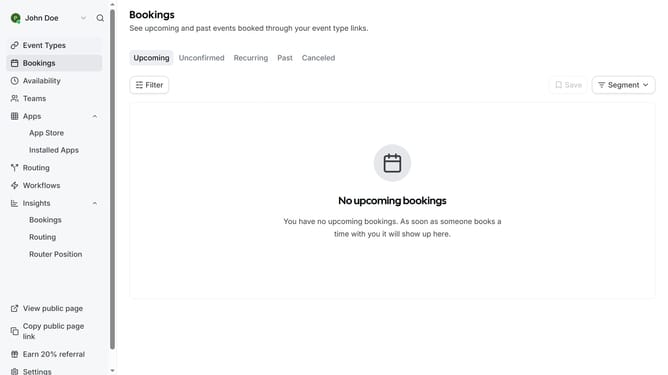
- First click on "Bookings" item in the left sidebar
- Then click on the "more options" button (three dots) next to the event you want to cancel
- Next click on "Cancel event" option in the dropdown menu
- Then click on the cancellation reason text field and enter the reason for your cancellation
- Finally click on the "Cancel event" button at the bottom of the cancellation dialog
Why should you cancel upcoming event in Cal.com
Cal.com is a seamless scheduling platform designed to simplify booking processes for individuals and businesses.
The ability to cancel upcoming events in Cal.com is streamlined, ensuring flexibility and ease in rescheduling. This feature helps users manage their time efficiently by allowing adjustments in commitments effortlessly.
Using the cancel event feature is beneficial for maintaining professionalism and time management, offering both the host and attendees the chance to stay organized and informed at all times.
Last update