How to filter upcoming bookings by attendee email in Cal.com
Here is how to filter upcoming bookings by attendee email in cal.com
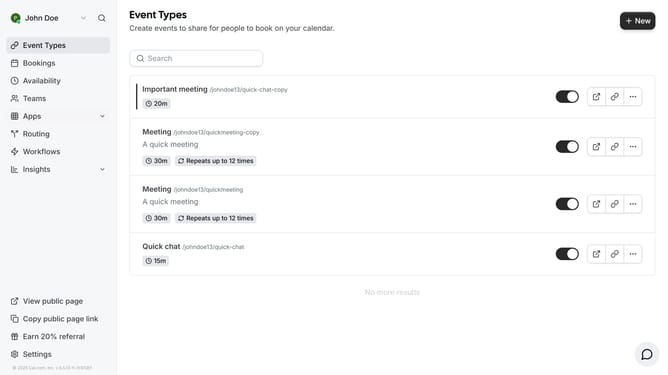
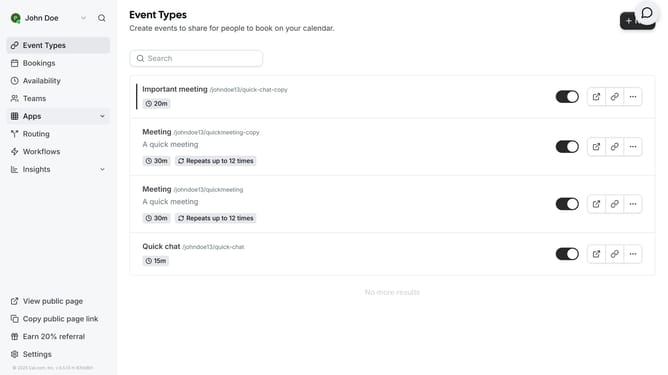
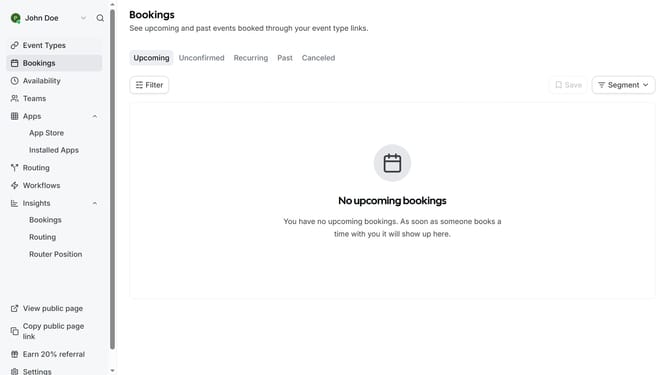
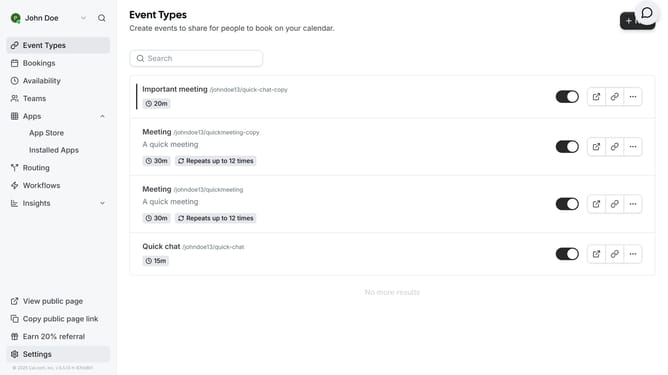
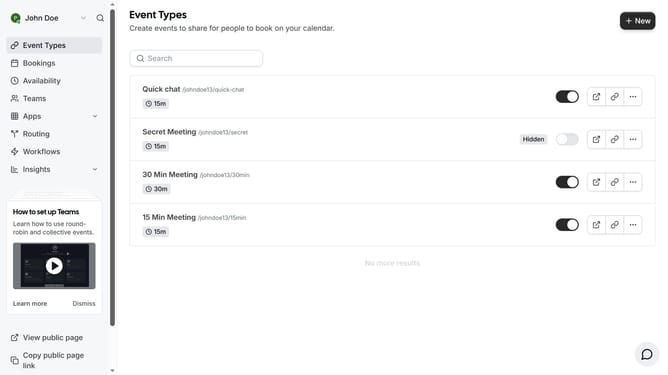
- First click on "Bookings" item in the left sidebar
- Then click on "Filter" button in the main content area
- Next click on "Attendee Email" option in the filter dropdown menu
- Then click on the "Attendee Email" button with dropdown in the filter bar
- Next click on attendee email input field and type in the email of the attendee you want to filter
- Then click on "Apply" button in the filter dialog
- Finally click on an empty space on the page to view the events based on the attendee email you filtered
Why should you filter upcoming bookings by attendee email in Cal.com
Cal.com is an all-in-one scheduling platform designed to streamline your meeting management.
One of its standout features is the ability to filter upcoming bookings by attendee email. This feature allows for instant access to specific booking details, ensuring your schedule remains organized and manageable.
By accurately pinpointing bookings, you can enhance your productivity and maintain seamless communication with attendees. Utilizing Cal.com's email filtering ensures that you never overlook important meetings, keeping your workflow efficient and stress-free.
Last update