How to connect Zoho Bigin in Cal.com
Here is how to connect zoho bigin in cal.com
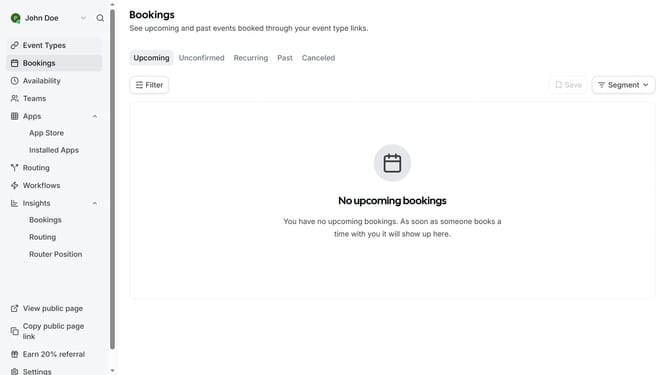
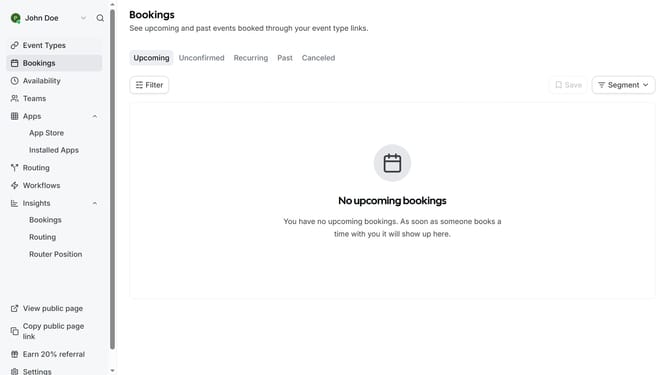
- First click on the "Apps" item in the left sidebar menu
- Then click on "App Store" in the expanded Apps submenu
- Next click on the "Other" category tile in the Featured Categories section
- Then scroll down until you see the Zoho Bigin app card
- Next click "Details" button under the Zoho Bigin app card
- Finally click the "Install" button for Zoho Bigin app card to integrate it with Cal
Why should you connect Zoho Bigin in Cal.com
Cal.com is a seamless scheduling platform designed to simplify your appointment setting needs.
Connecting Zoho Bigin with Cal.com unlocks a powerful integration that streamlines your customer relationship management and scheduling in one smooth operation.
By integrating these tools, you ensure that your sales and customer service teams can access up-to-date information and make data-driven decisions efficiently.
Optimizing these processes enhances productivity and provides an excellent customer journey, helping you build stronger client relationships.
Last update