How to disable recording for guests in Cal.com
Here is how to disable recording for guests in cal.com
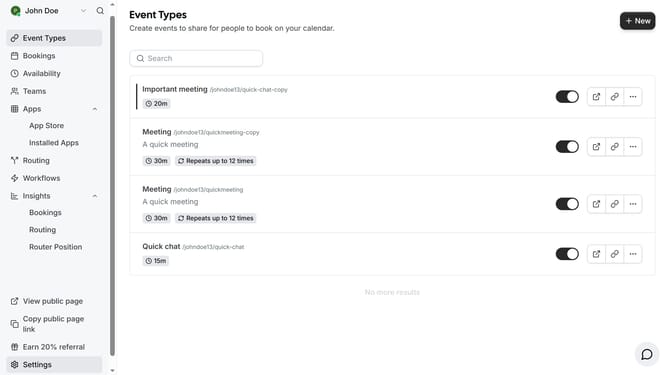
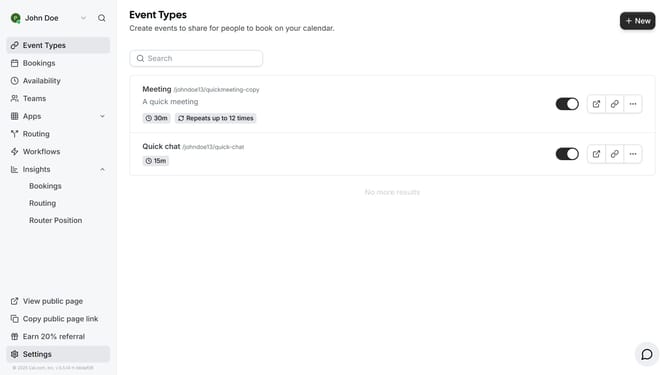
- First click on the "Event Types" option in the left sidebar menu
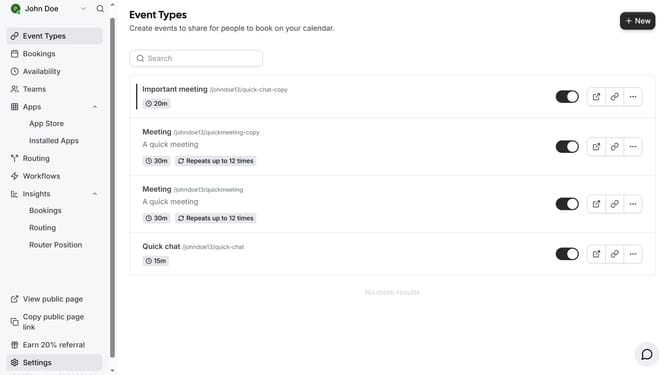
- Then click on an event type card in the event types page
- Next scroll down in the event setup settings
- Then click the checkbox for "Disable recording for guests" under Location settings
- Finally click the "Save" button in the top right corner to save the changes
Why should you disable recording for guests in Cal.com
Cal.com is a versatile scheduling platform designed to streamline your booking process effortlessly.
A valuable feature of Cal.com is the ability to disable recording for guests, enhancing privacy protection. This option offers an extra layer of security, assuring guests that their conversations and data remain confidential.
By preventing unauthorized recordings, you foster a trustworthy environment where clients feel comfortable engaging openly. Reducing recording further enables compliance with privacy regulations, minimizing legal risks.
Ultimately, this feature emphasizes respect for participants’ privacy while maintaining a professional atmosphere.
Last update