How to allow the booker to choose event duration in Cal.com
Here is how to allow the booker to choose event duration in cal.com
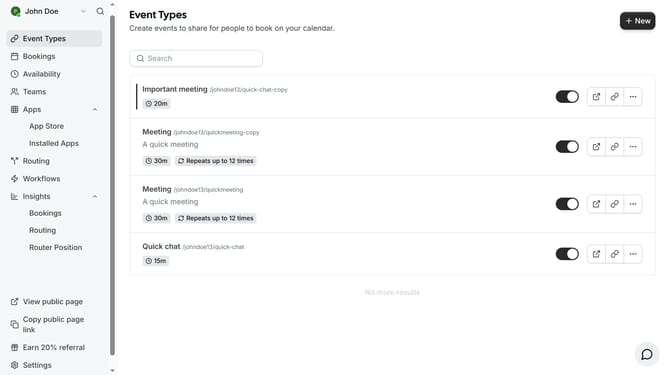
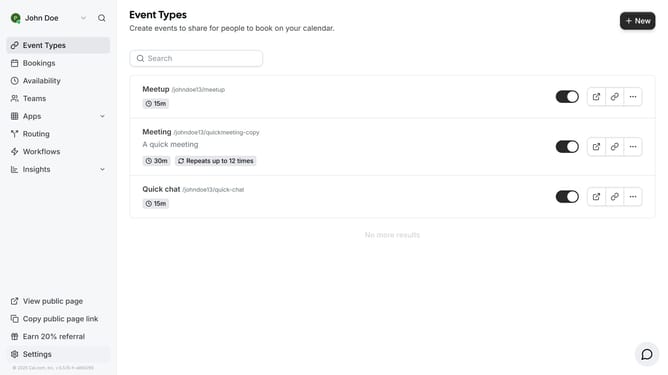
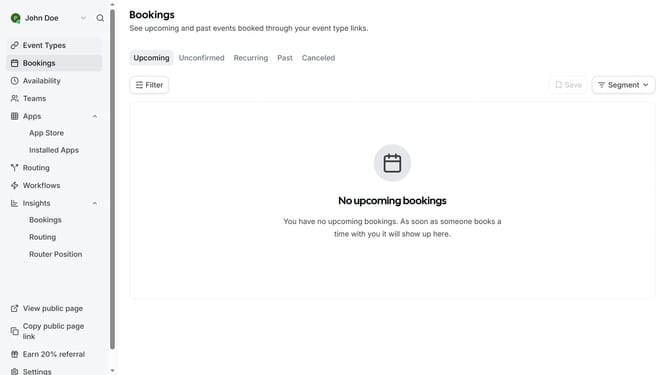
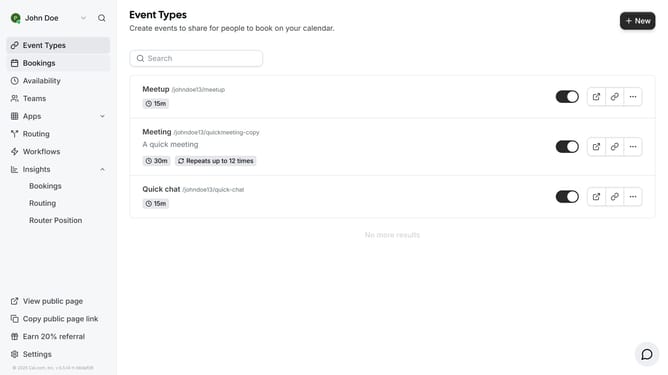
- First click on "Event Types" in the sidebar menu
- Then click on an event card in the main content area
- Next click the toggle switch for "Allow booker to select duration" in the event settings
- Click on the "Available durations" dropdown menu to expand it
- Select your preferred time from the available duration options
- Finally click the "Save" button in the top-right corner to save the changes
Why should you allow the booker to choose event duration in Cal.com
Cal.com is a versatile scheduling tool designed to streamline the booking process for both businesses and individuals.
One standout feature of Cal.com is the ability to allow bookers to choose their event duration. This flexibility caters to both parties, providing an efficient scheduling experience.
By letting bookers select the duration, it tailors meetings to their specific needs, enhancing satisfaction and productivity. This adaptability can lead to fewer scheduling conflicts, making time management a breeze.
Last update