How to filter upcoming bookings by date range in Cal.com
Here is how to filter upcoming bookings by date range in cal.com
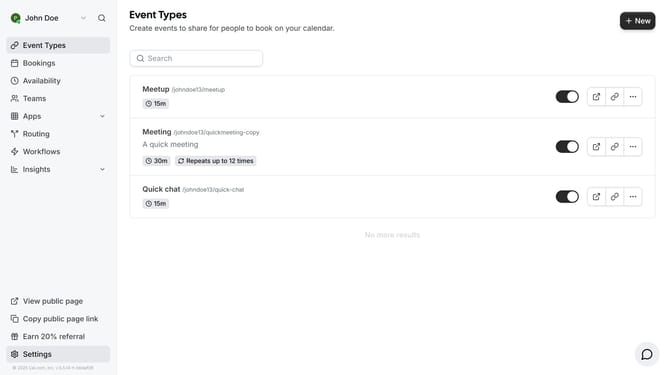
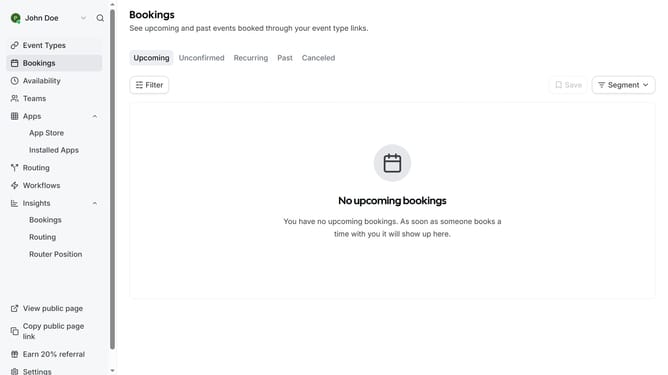
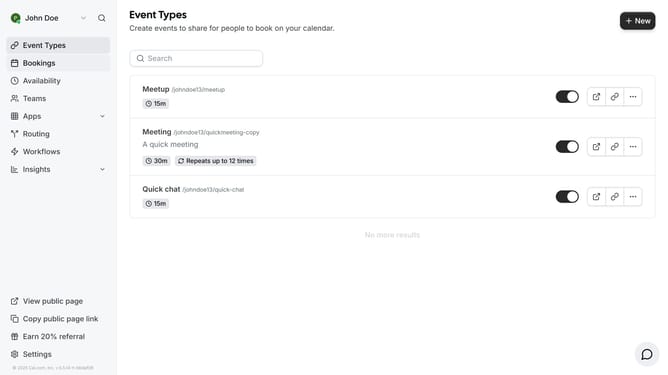
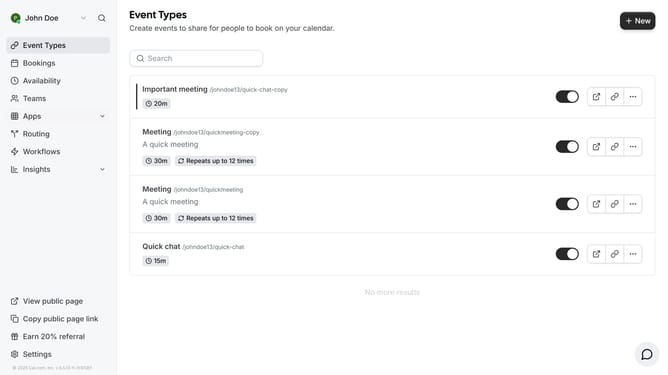
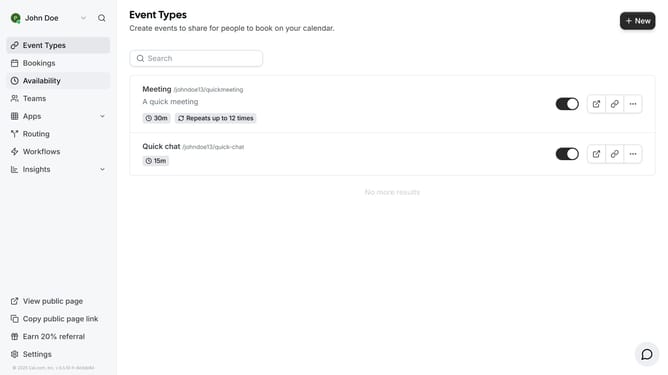
- First click on "Bookings" in the left sidebar menu
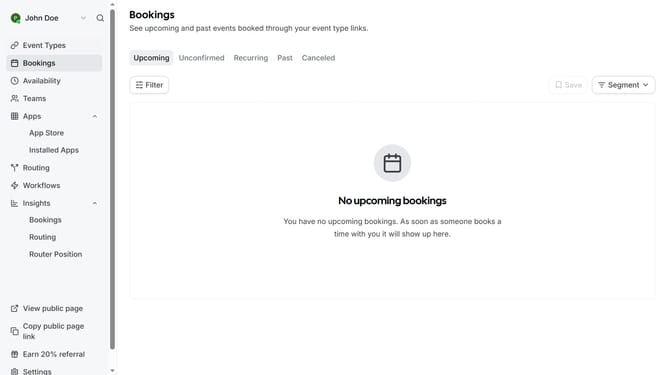
- Then click on "Filter" button in the main content area
- Next click on "Date Range" option in the filter dropdown menu
- Click on the "Date Range" dropdown button to open the calendar
- Then select the date range you want to filter in the calendar view
- Finally click on an empty space on the page to view the events based on the date range you filtered
Why should you filter upcoming bookings by date range in Cal.com
Cal.com is a versatile scheduling platform designed to streamline your booking process effortlessly.
One of its standout features is the ability to filter upcoming bookings by date range. This allows you to quickly focus on specific time frames, ensuring you stay organized and efficient.
Using this feature helps save you time, prevents scheduling conflicts, and provides a clearer overview of your agenda. It's perfect for managing appointments and enhancing productivity without a hitch.
Last update