Cal.com
Cal.com is an open-source scheduling platform that helps individuals, teams, and developers automate bookings with customizable workflows, integrations, and full control over data and branding.
Website
Industry
Leadgen
Share this article:

How to remove event location in Cal.com

Here is how to remove event location in cal.com

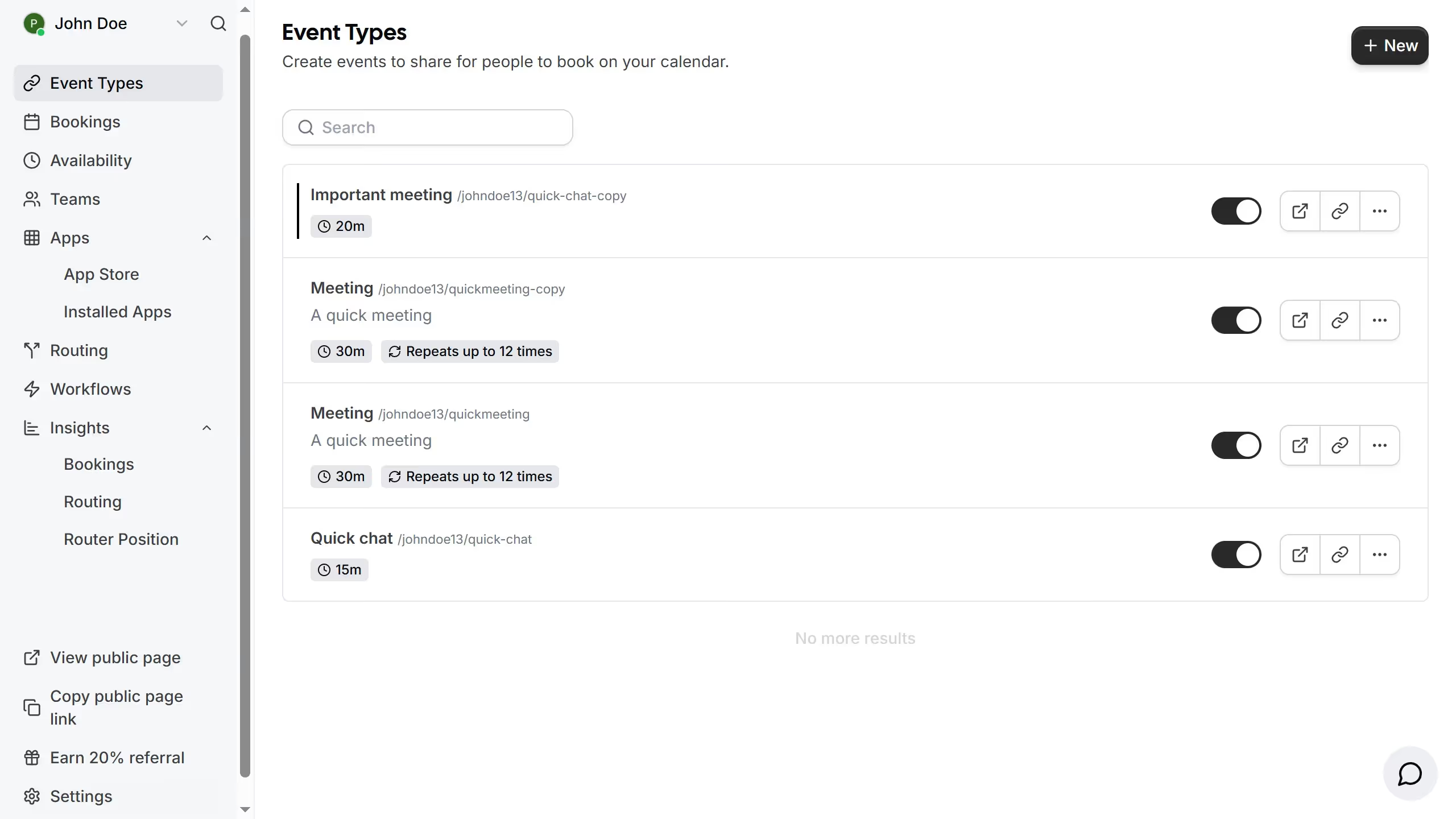
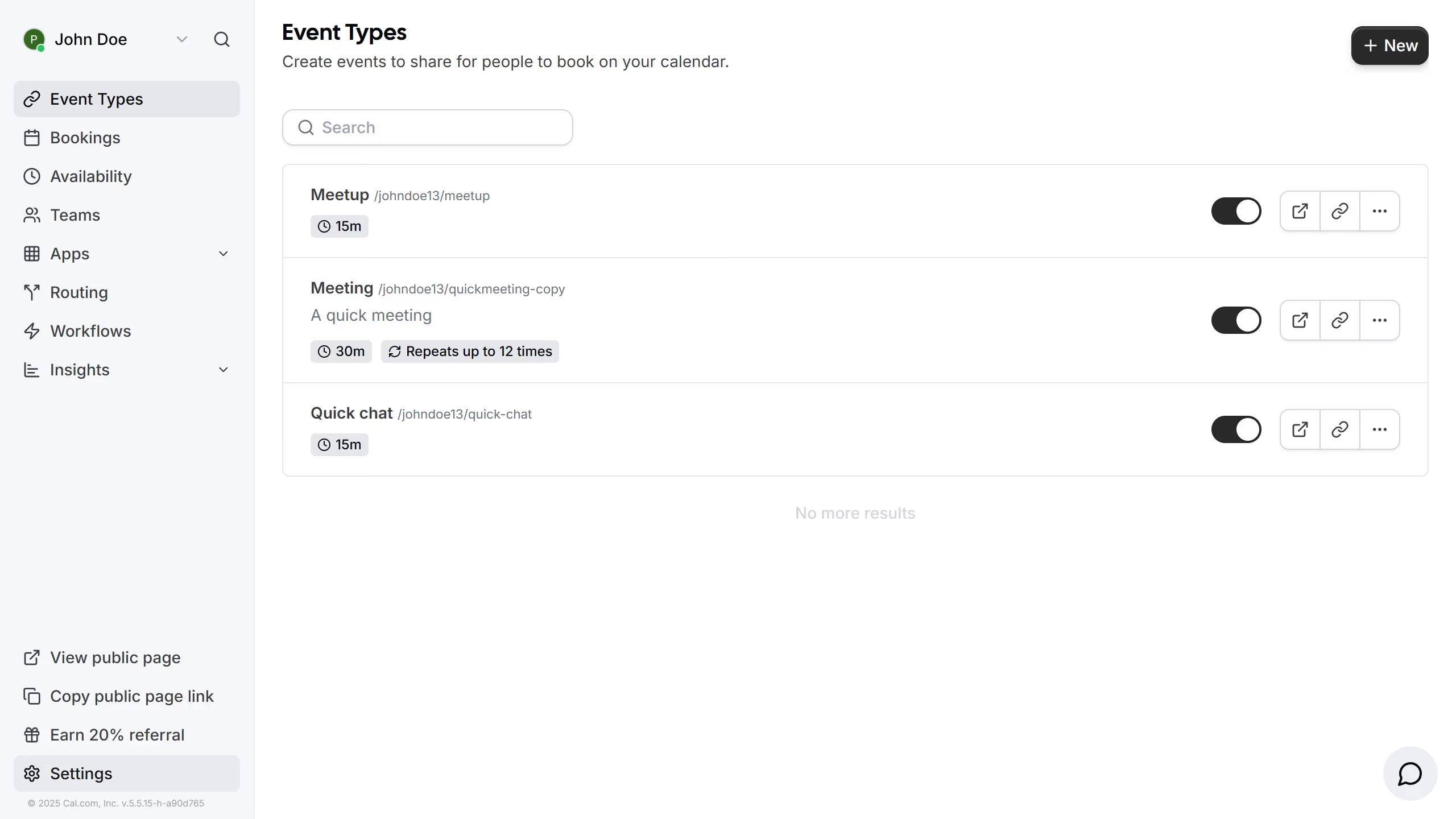
  1. First click on "Event Types" in the left sidebar menu
  2. Then click on an event from the list
  3. Next scroll down in the event setup settings
  4. Then click the "X" button to next to the location you want to remove
  5. Finally click the "Save" button in the top right corner to save the event settings

Create your own interactive guide with Guideflow

Why should you remove event location in Cal.com

Cal.com is a versatile scheduling tool designed to simplify and streamline your appointment scheduling needs.

The ability to remove event locations in Cal.com is a handy feature that adds flexibility to your scheduling options. By omitting the physical location, you can now create virtual or phone-based meetings with ease.

This feature encourages more inclusive and adaptable event planning, accommodating attendees from various geographical locations without the constraints of travel.

Ultimately, it enhances the efficiency and accessibility of your meetings, ensuring everyone can participate seamlessly.

Last update
February 3, 2026
Cursor MariaA cursor points to a button labeled "James."

Create your first demo in less than 30 seconds.