How to change event duration in Cal.com
Here is how to change event duration in cal.com
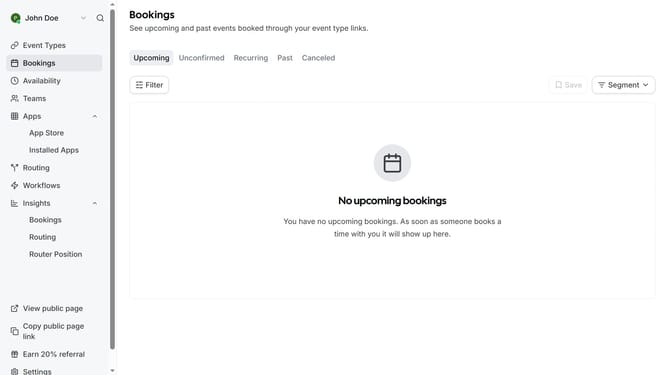
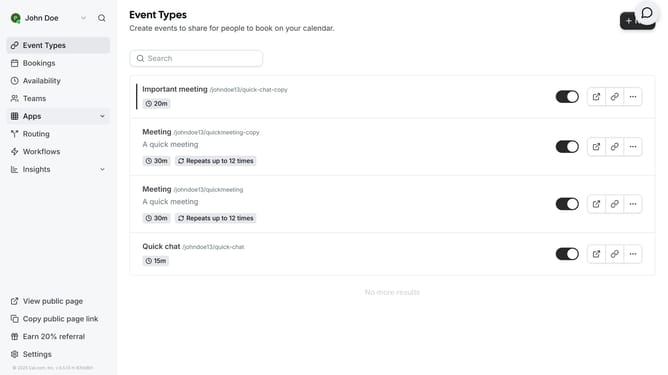
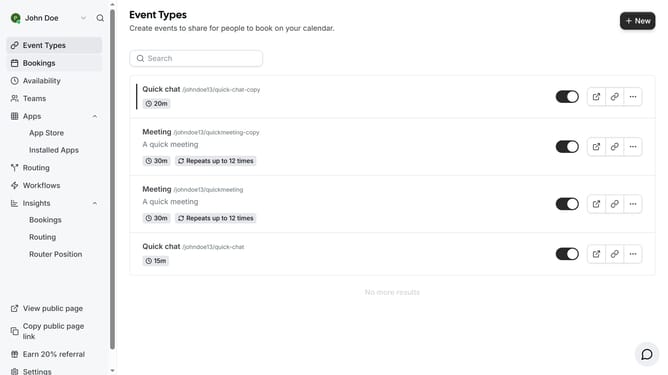
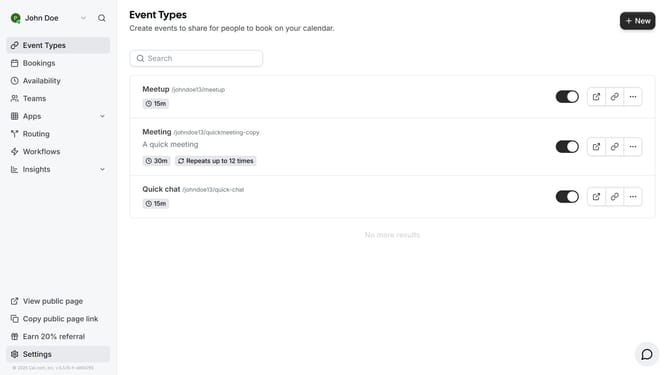
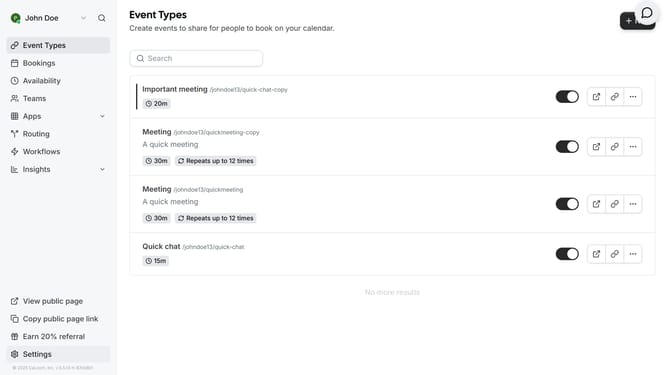
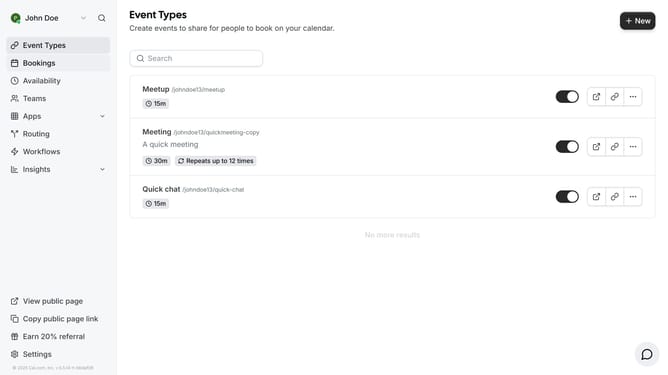
- First click on "Event Types" item in the sidebar menu
- Then click on the event you want to change the duration in the main content area
- Click on the duration field showing the current duration of the event
- Clear the duration field value
- Type the desired duration in the duration field
- Finally click the "Save" button in the top right corner
Why should you change event duration in Cal.com
Cal.com is a flexible scheduling platform designed to make booking and managing events seamless.
One of its standout features is the ability to effortlessly change event duration. This feature ensures that you can customize the length of your meetings or appointments according to your unique needs, offering unparalleled flexibility.
By adjusting event duration, you maximize the efficiency of your time management. It allows you to tailor each meeting to fit its specific purpose, ensuring productive use of every minute.
Last update