How to connect Salesforce in Cal.com
Here is how to connect salesforce in cal.com
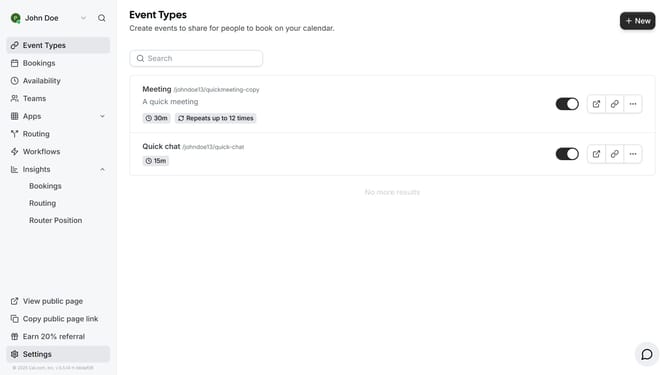
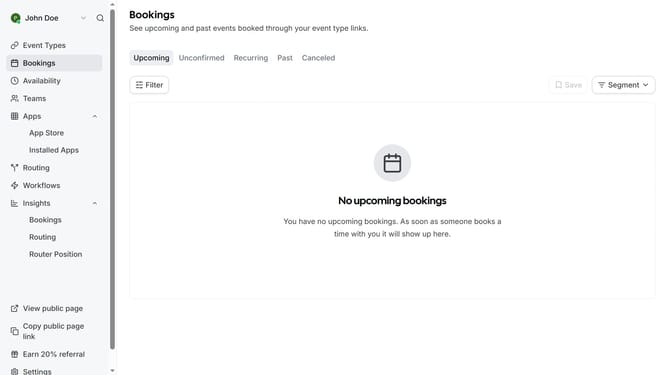
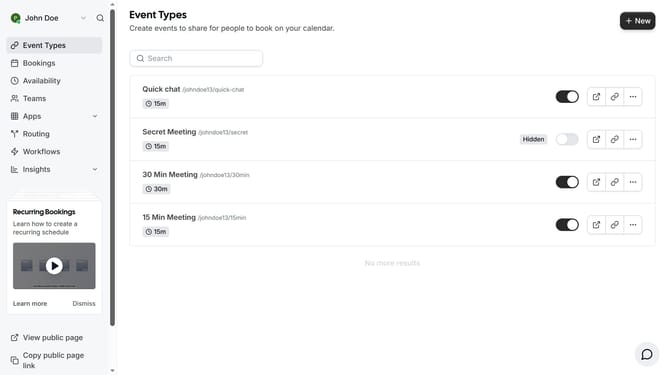
- First click on the "Apps" dropdown button in the left sidebar menu
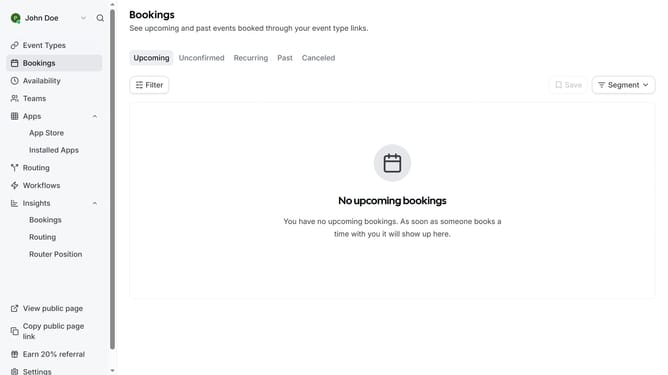
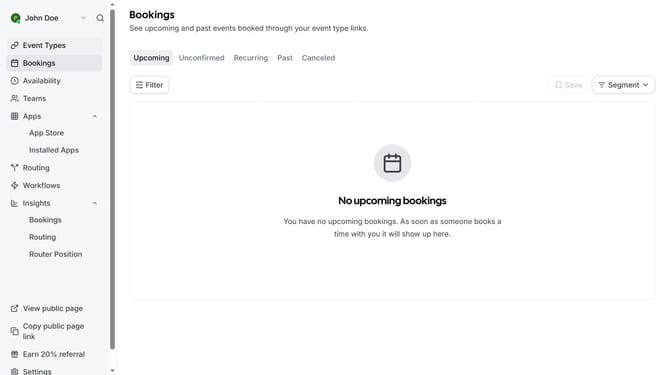
- Then click on "App Store" option in the expanded Apps menu
- Next click on the right arrow button in the Featured Categories section to view more categories
- Click the right arrow button again to navigate to the next set of categories
- Then click on the "Crm" category tile
- Next click on the "Details" button under the Salesforce app card
- Finally click the "Install" button for Salesforce to integrate it with Cal
Why should you connect Salesforce in Cal.com
Cal.com is an intuitive scheduling tool designed to streamline appointments and meetings effortlessly.
Integrating Salesforce with Cal.com maximizes efficiency by synchronizing customer interactions seamlessly. This connection allows for an automated flow of data, ensuring sales teams have up-to-date information right at their fingertips.
With Salesforce connected to Cal.com, users benefit from improved customer relationship management and time savings, boosting productivity and service quality without the hassle of manual data entry.
Last update