How to download expense log in Cal.com
Here is how to download expense log in cal.com
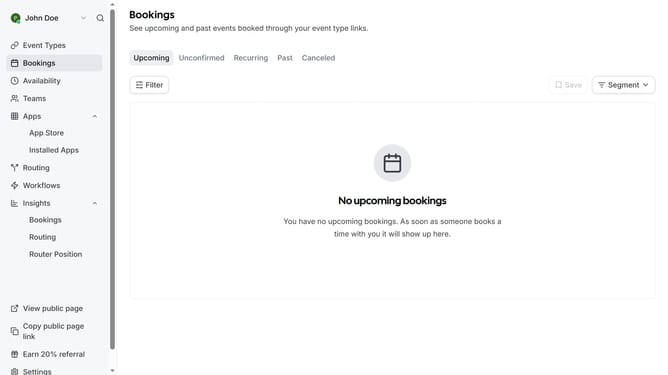
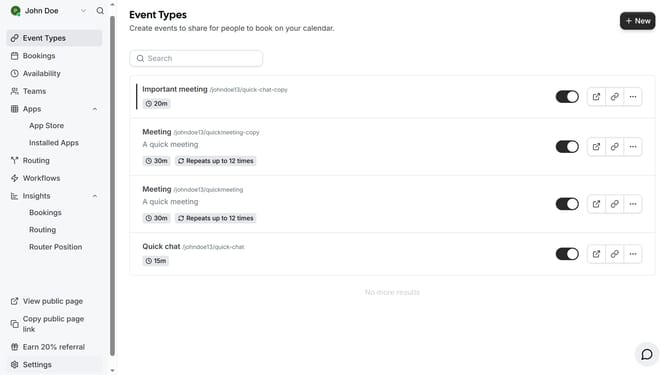
- First click on the "Settings" option in the left sidebar menu
- Then click on "Manage billing" in the left sidebar under the Billing section
- Click on the date dropdown menu showing in the Download Expense Log section
- Select the date you want to see the expense log from the dropdown menu options
- Finally click the "Download" button next to the date selector to get the expense log
Why should you download expense log in Cal.com
Cal.com is a versatile scheduling platform designed to simplify your planning needs.
One fantastic feature on Cal.com is the ability to download your expense log, making financial tracking seamless and efficient. This feature ensures that all your expenses are neatly organized and easily accessible for review and analysis.
Having quick access to your downloaded expense logs allows for better financial oversight, helping you make informed decisions and strategize future budgeting with confidence.
Last update