How to connect Wordpress in Cal.com
Here is how to connect wordpress in cal.com
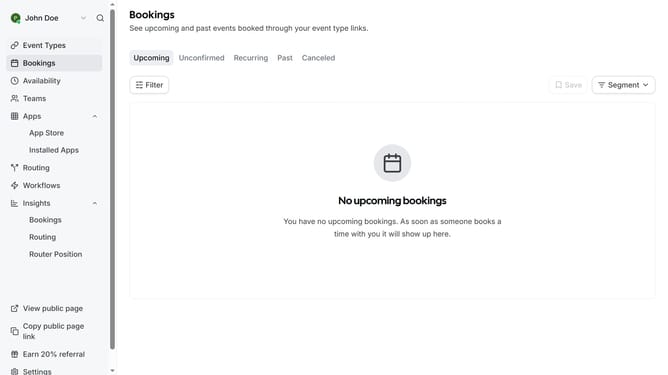
- First click on the "Apps" item in the left sidebar menu
- Then click on "App Store" in the expanded Apps submenu
- Next click on the "Other" category tile in the Featured Categories section
- Then click on the "Details" button under the WordPress app card
- Finally click the "Install" button for Wordpress app card to integrate it with Cal
Why should you connect Wordpress in Cal.com
Cal.com is a versatile scheduling tool that simplifies appointments for individuals and teams.
Connecting WordPress to Cal.com is an intuitive way to streamline booking processes directly on your site. It enhances user experience by allowing easy integration and seamless management of scheduling flows.
By using this feature, you can boost engagement on your WordPress site, offering a professional and efficient way to manage appointments without redirecting users away from your pages.
Last update