Cal.com
Cal.com is an open-source scheduling platform that helps individuals, teams, and developers automate bookings with customizable workflows, integrations, and full control over data and branding.
Website
Industry
Leadgen
Share this article:

How to email embed your event in Cal.com

Here is how to email embed your event in cal.com

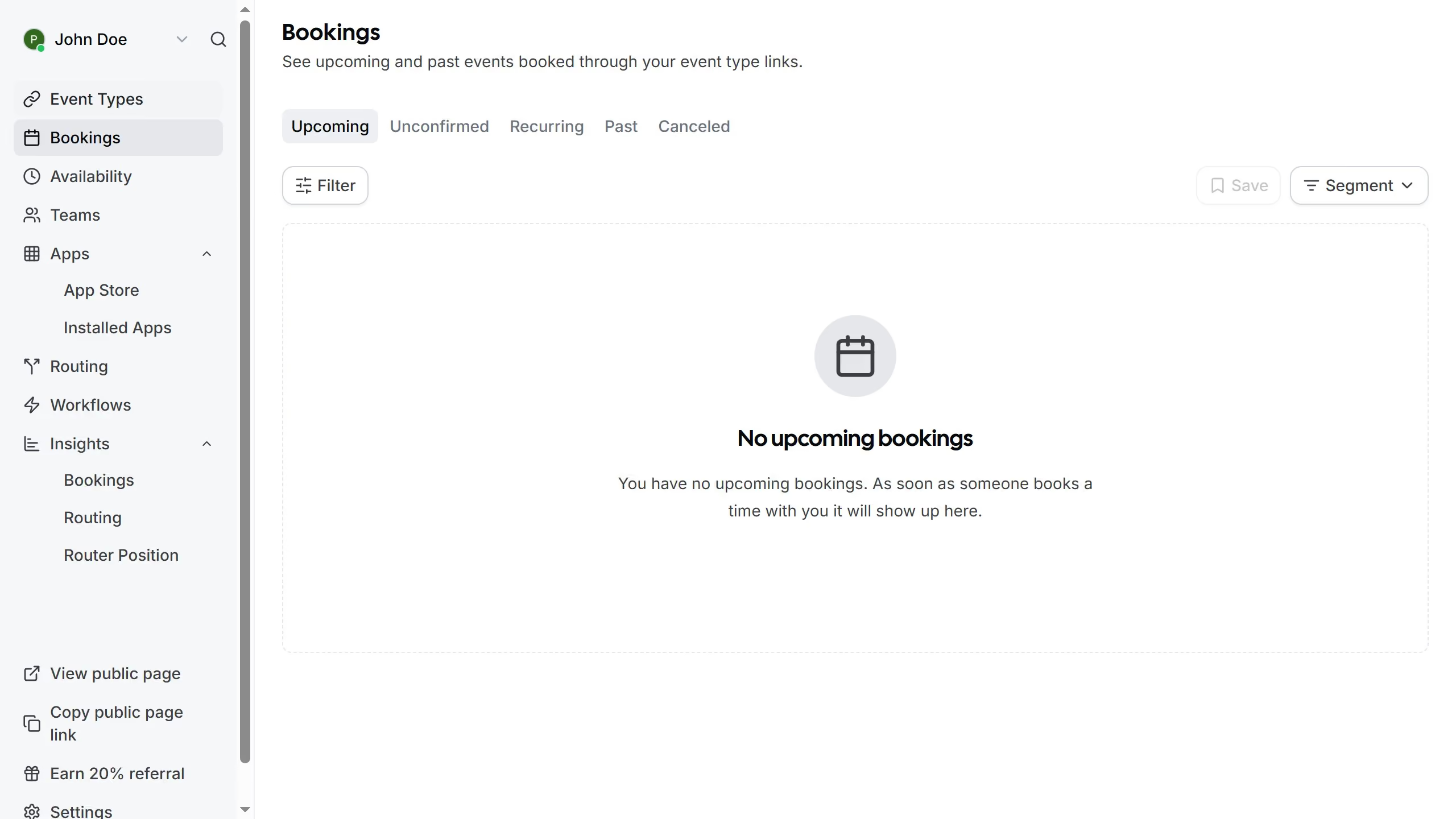
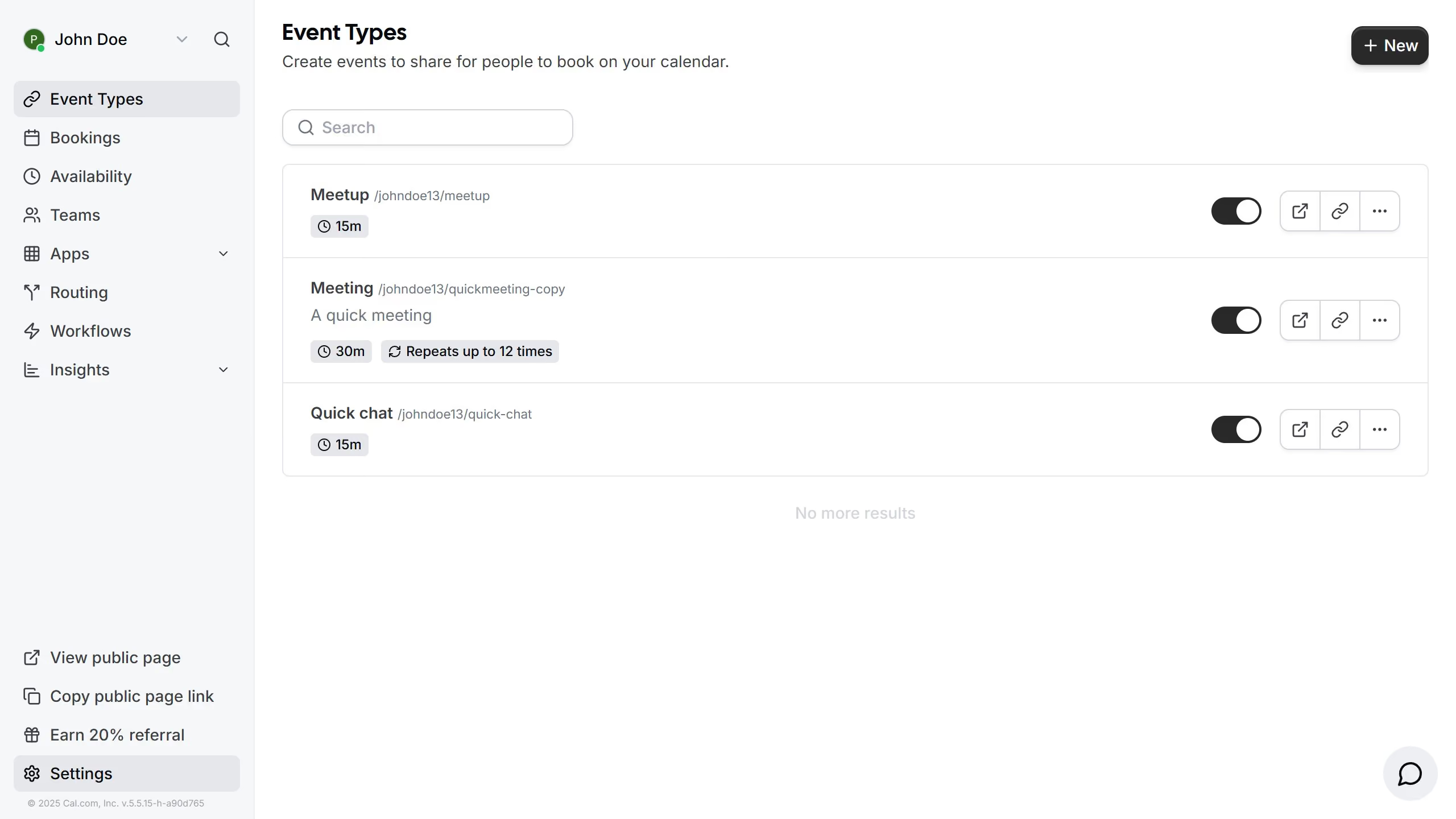
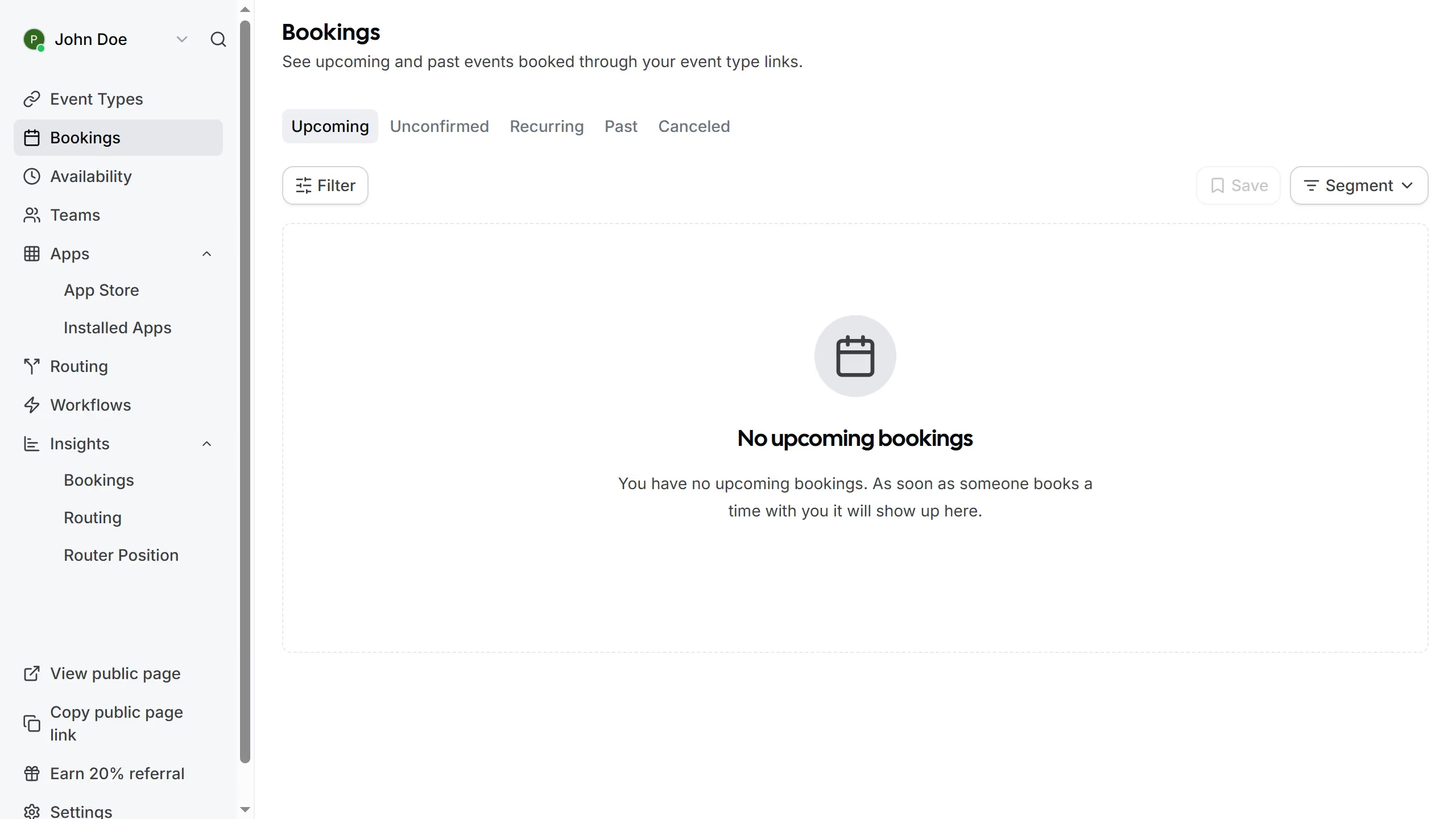
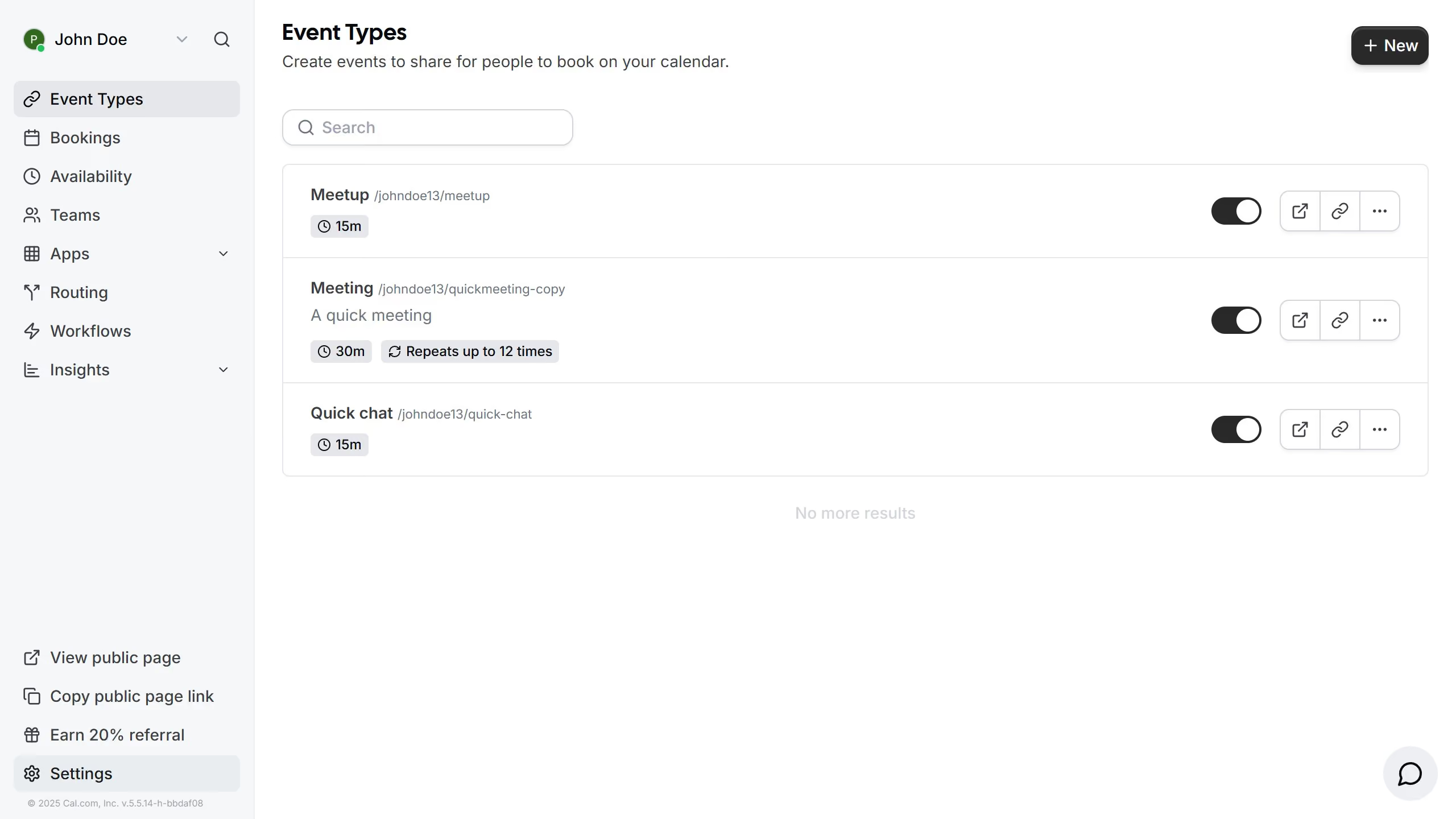
  1. First click on the "Event Types" item in the left sidebar
  2. Then click on the three dots menu next to the event you want to email embed
  3. Next select the "Embed" option
  4. Then select the "Email Embed" option from the embedding options dialog
  5. Finally click the "Copy" button in the Email Embed configuration modal

Create your own interactive guide with Guideflow

Why should you email embed your event in Cal.com

Cal.com is your go-to scheduling platform that seamlessly integrates with your workflow.

Easily embedding your event in Cal.com emails ensures your invitees have all the details at a glance. Clear communication is vital for success, and an embedded event invitation makes your scheduling more efficient and professional.

This feature enhances accessibility and encourages immediate responses, making it easier to coordinate schedules and manage time effectively.

With Cal.com, keeping everyone on the same page has never been more streamlined and straightforward.

Last update
February 3, 2026
Cursor MariaA cursor points to a button labeled "James."

Create your first demo in less than 30 seconds.