How to filter canceled event by attendee name in Cal.com
Here is how to filter canceled event by attendee name in cal.com
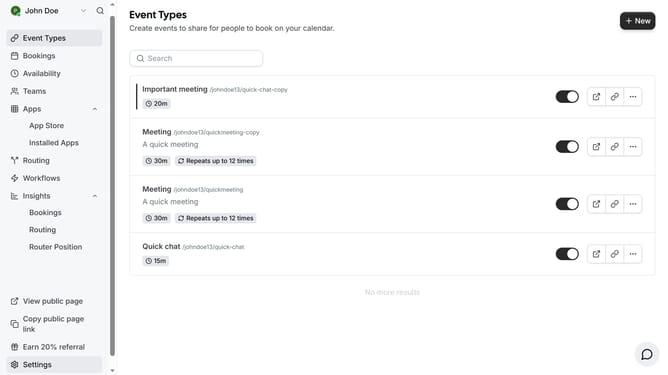
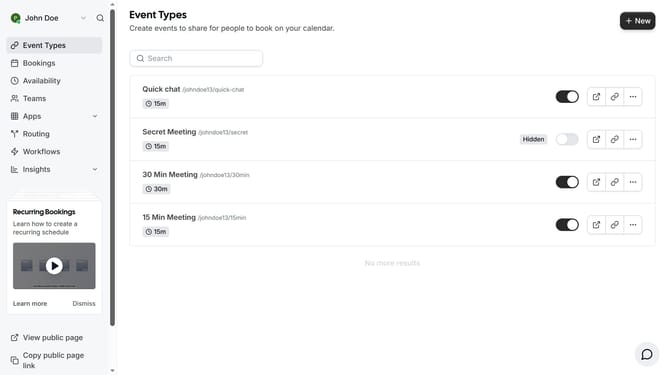
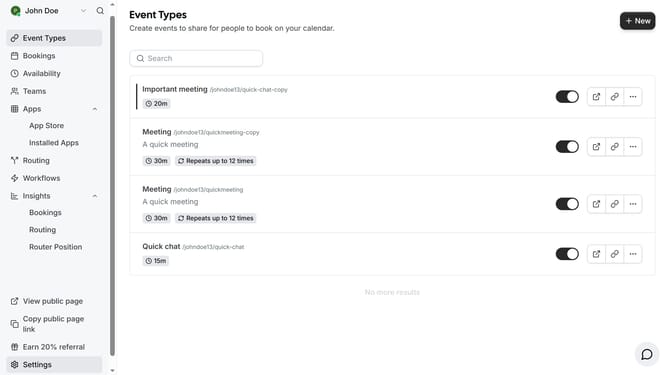
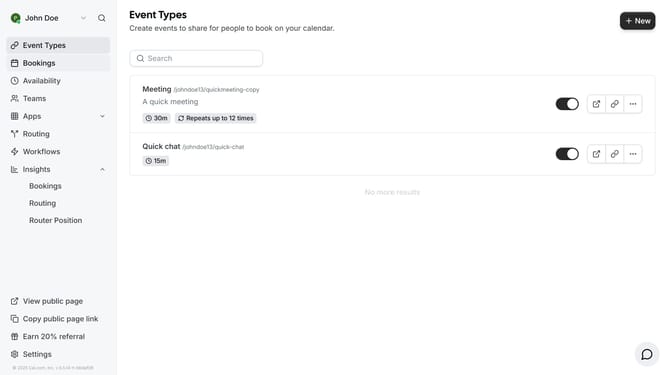
- First click on "Bookings" in the left sidebar menu
- Then click on "Canceled" tab in the main content area
- Next click on "Filter" button in the bookings list
- Then select "Attendees Name" from the filter dropdown menu
- Next click on the "Attendees Name" dropdown menu
- Then click the "Attendees Name" text input field and type in the name of the attendee you want to filter
- Next click "Apply" button to apply the filter
- Finally click on an empty space on the page to view the events based on the attendee you filtered
Why should you filter canceled event by attendee name in Cal.com
Cal.com is a versatile scheduling platform designed to streamline appointment management efficiently.
The ability to filter canceled events by attendee name in Cal.com enhances your scheduling experience significantly.
This feature allows you to quickly identify patterns in cancellations, helping refine future event planning strategies with ease.
By leveraging this tool, users can save time, simplify the management of schedules, and improve overall organization.
Last update