Cal.com
Cal.com is an open-source scheduling platform that helps individuals, teams, and developers automate bookings with customizable workflows, integrations, and full control over data and branding.
Website
Industry
Leadgen
Share this article:

How to inline embed your event in Cal.com

Here is how to inline embed your event in cal.com

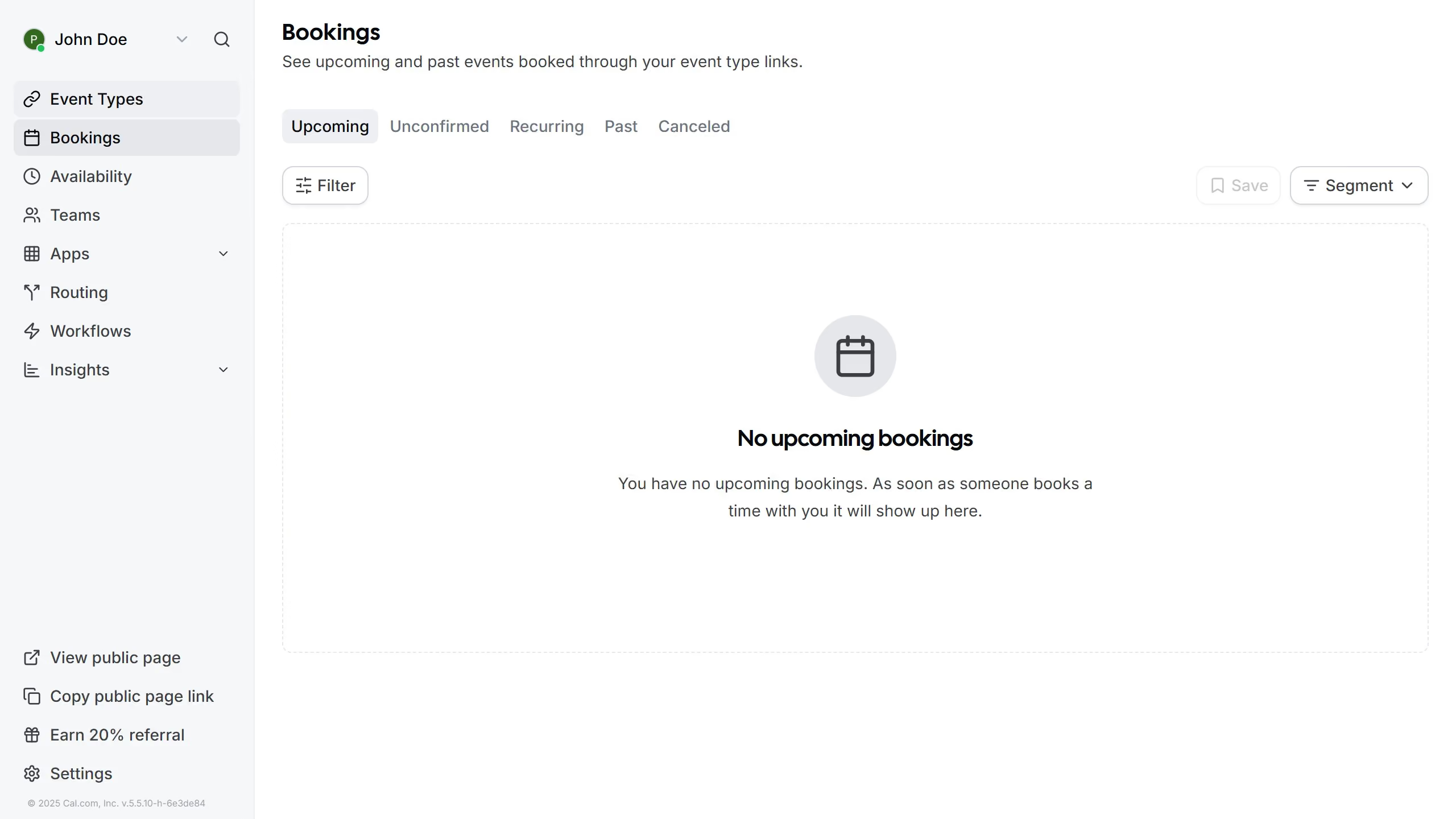
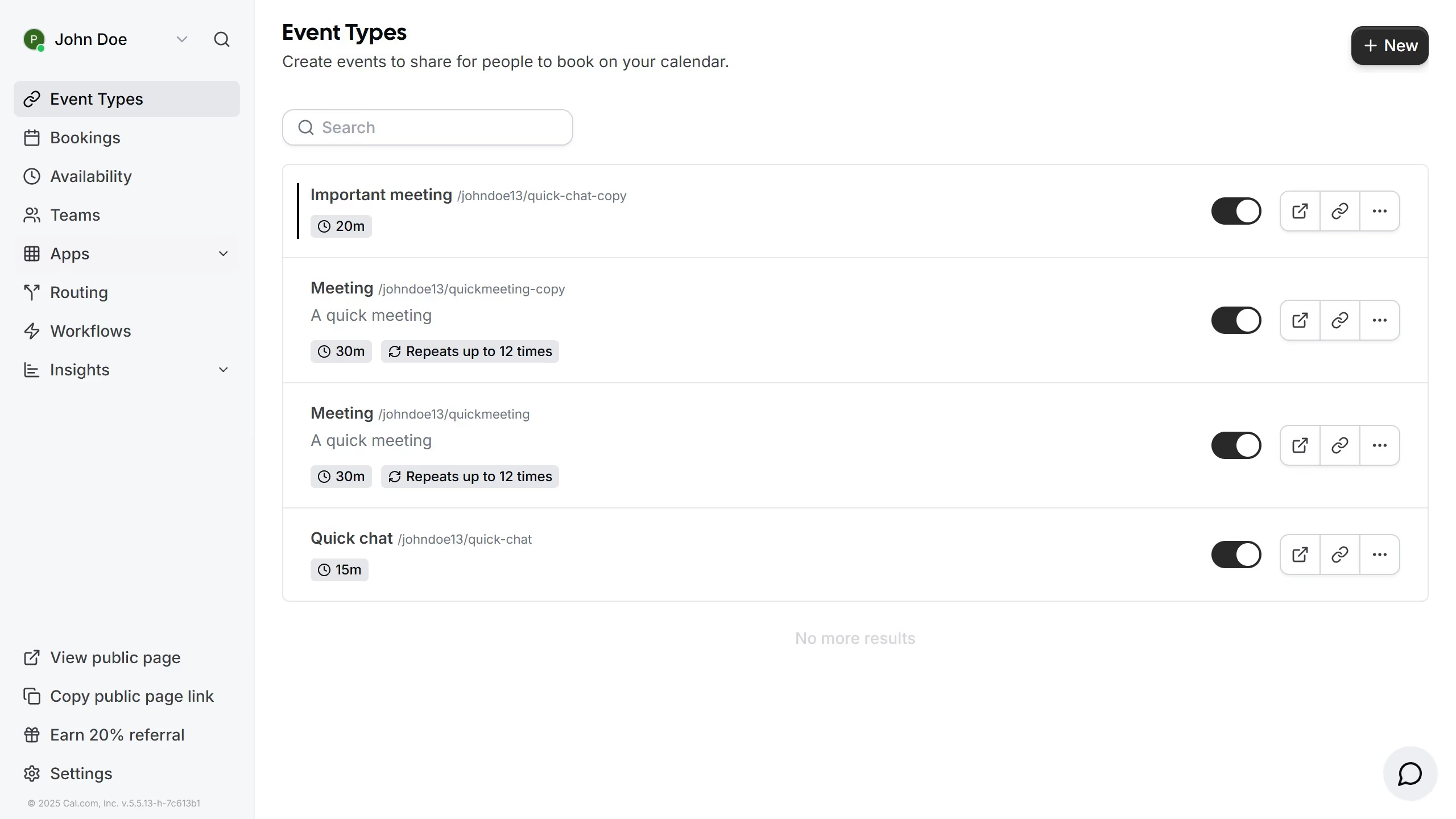
  1. First click on "Event Types" in the sidebar menu
  2. Then click on the three dots option next to the event you want to inline embed
  3. Next click on the "Embed" from the dropdown
  4. Select the "Inline Embed" option from the embed type choices
  5. Finally click the "Copy Code" button in the bottom right corner of the embed configuration modal

Create your own interactive guide with Guideflow

Why should you inline embed your event in Cal.com

Cal.com is your go-to platform for seamless event scheduling and management.

When you inline embed your event in Cal.com, it effortlessly integrates the booking process directly into your website or application, providing a smooth user experience.

This feature enhances attendee engagement by keeping the entire scheduling experience on-brand and within your digital ecosystem, increasing trust and convenience.

By embedding events directly, you eliminate unnecessary redirects, ensuring a streamlined and efficient interaction for all your potential attendees.

Last update
February 3, 2026
Cursor MariaA cursor points to a button labeled "James."

Create your first demo in less than 30 seconds.