How to create an OOO schedule for travel in Cal.com
Here is how to create an ooo schedule for travel in cal.com
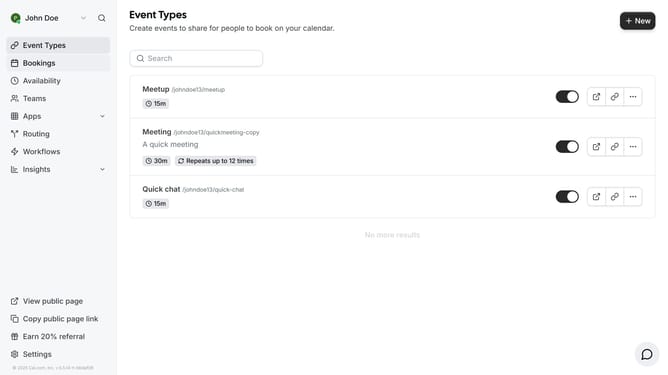
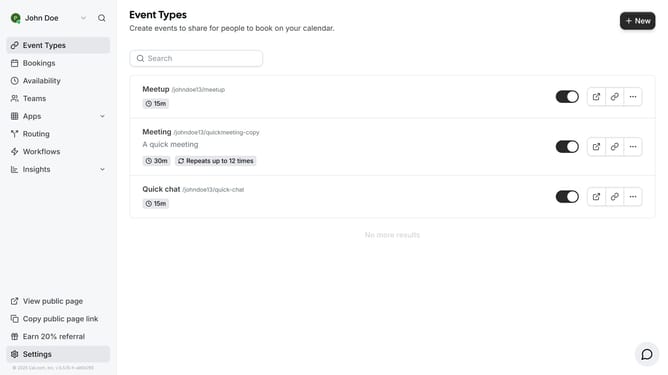
- First click on the "Settings" option in the left sidebar menu
- Then select "Out of office" from the left sidebar settings menu
- Next click the "Add" button in the top-right corner of the Out of office page
- In the calendar date field, click to open the date selector
- Select the date range of your travel from the calendar date picker
- Click the "Reason" dropdown menu to see available options
- Select "Travel" from the reason dropdown list
- Finally click the "Create" button to set your out of office status
Why should you create an OOO schedule for travel in Cal.com
Cal.com is a versatile scheduling platform designed to simplify personal and professional appointments.
Creating an OOO schedule for travel in Cal.com ensures you manage your availability effortlessly.
By using this feature, you maintain a seamless communication line with colleagues and clients, reducing disruptions.
With Cal.com, you easily preset your travel dates, keeping everyone informed and your workload managed efficiently.
Last update