How to allow booking through reschedule link in Cal.com
Here is how to allow booking through reschedule link in cal.com
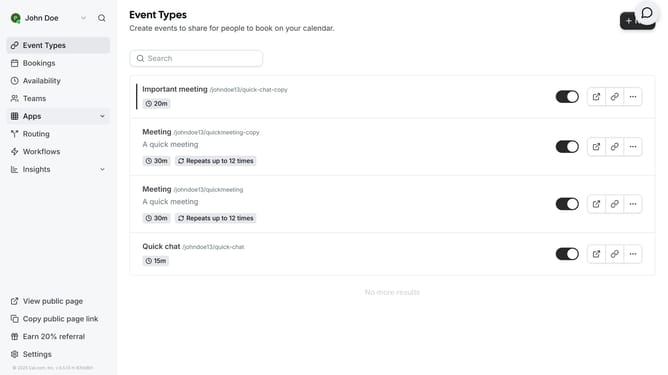
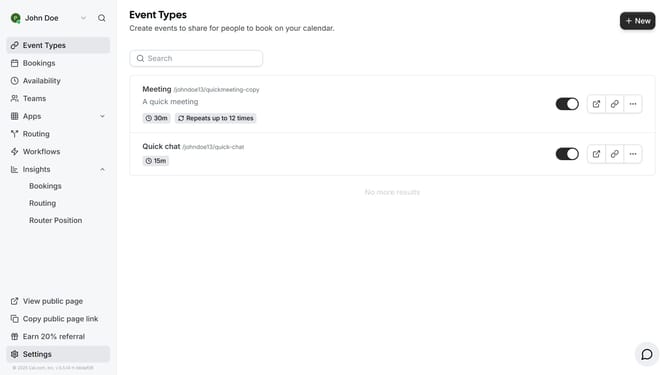
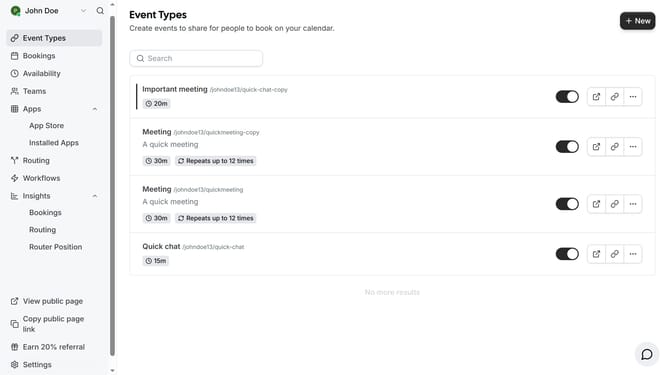
- First click on "Event Types" in the sidebar menu
- Then click on an event in the event types main content area
- Next click on the "Advanced" settings option in the left menu
- Then scroll down in the advanced settings
- Finally click the toggle switch for "Allow booking through reschedule link" in the Advanced settings
Why should you allow booking through reschedule link in Cal.com
Cal.com is a versatile scheduling platform designed to streamline your appointment management.
The feature to allow booking through a reschedule link on Cal.com enhances flexibility in managing appointments.
This functionality provides attendees the liberty to rebook at their convenience, ensuring better alignment with their schedules.
Utilizing this feature can lead to increased satisfaction, as it minimizes the stress of conflicting appointments and maximizes overall productivity.
Last update