How to connect Vimcal in Cal.com
Here is how to connect vimcal in cal.com
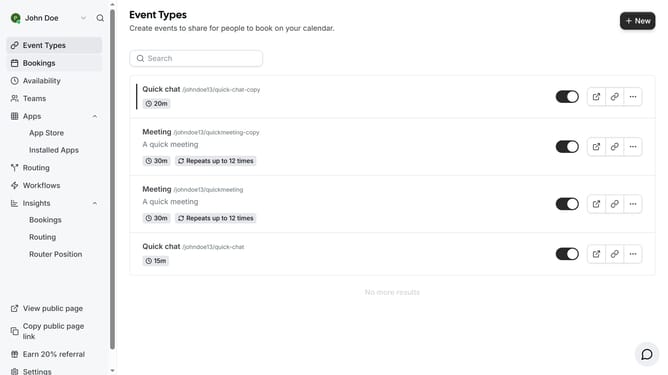
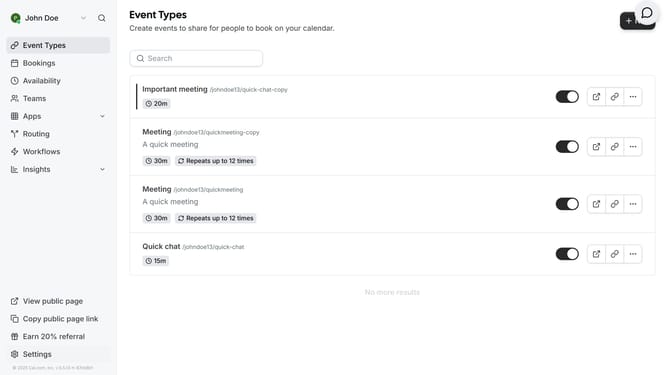
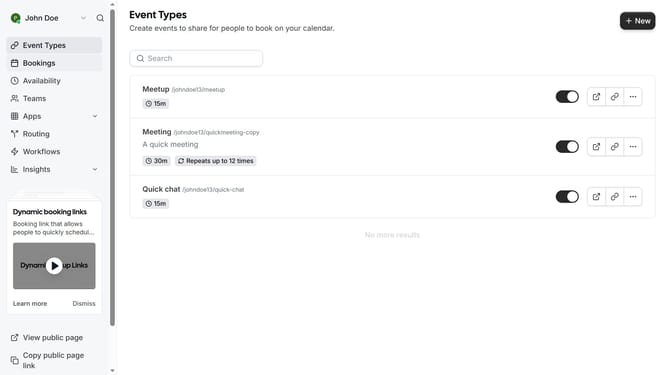
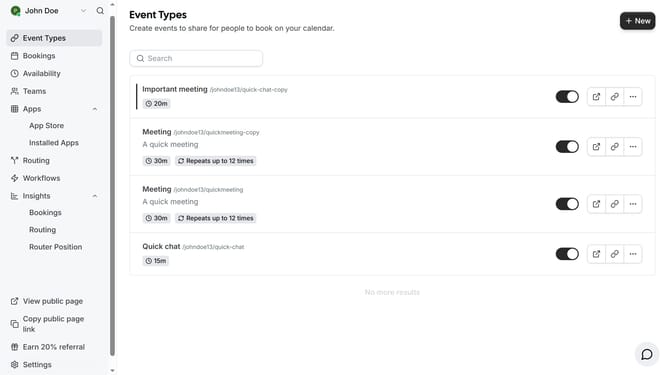
- First click on the "Apps" menu item in the left sidebar
- Then click on "App Store" in the expanded Apps menu
- Next click on the "Calendar" category card in the Featured Categories section
- Then scroll down to find Vimcal in the list of calendar apps
- Click on the "Details" button under the Vimcal app
- Finally click the "Install" button for Vimcal app card to integrate it with Cal
Why should you connect Vimcal in Cal.com
Cal.com is a versatile scheduling platform designed to streamline your booking needs.
By connecting Vimcal to Cal.com, you integrate two powerful tools to optimize your scheduling efficiency. This integration allows for seamless synchronization of your calendar events, ensuring that you never miss an important meeting or appointment.
Using the Vimcal connection, users benefit from a more organized approach to time management and enhanced productivity. Experience hassle-free scheduling and keep your calendar up-to-date effortlessly.
Last update