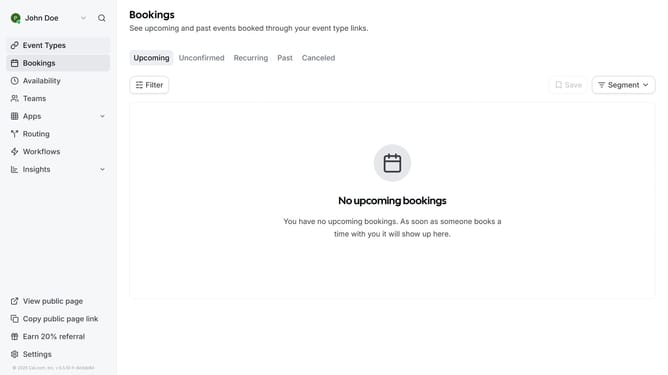
How to disable recording for organizers in Cal.com
Here is how to disable recording for organizers in cal.com
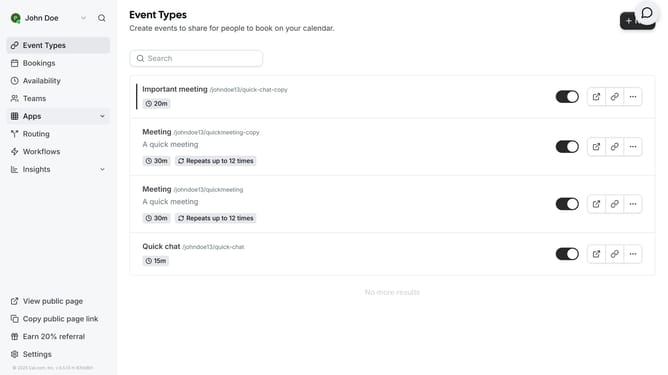
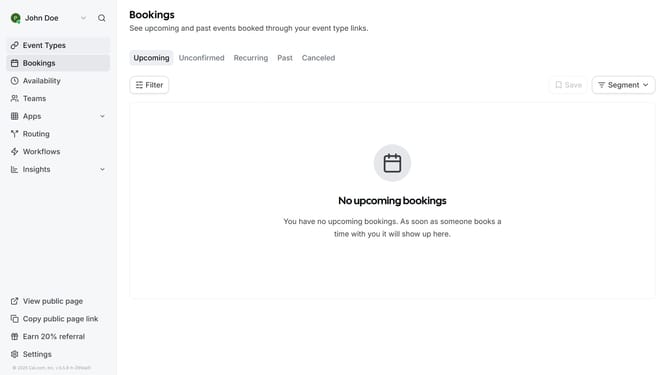
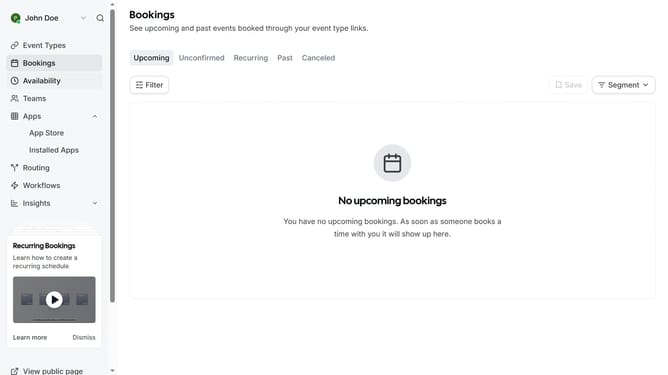
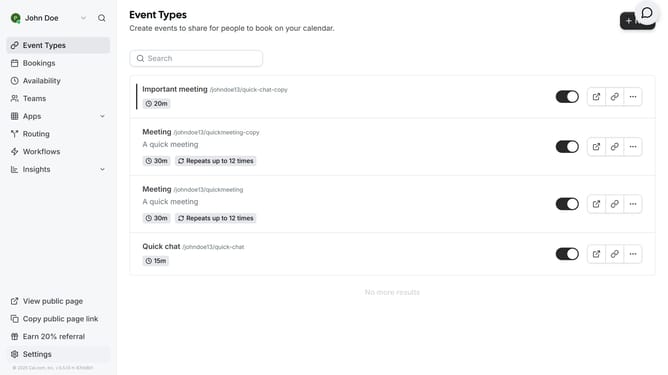
- First click on "Event Types" in the left sidebar menu
- Then click on an event item in the main content area
- Next scroll down in the event setup settings
- Then click on "Disable recording for guests" toggle switch in the Location settings
- Finally click on "Save" button in the top right corner of the page
Why should you disable recording for organizers in Cal.com
Cal.com is a versatile scheduling tool designed to simplify appointment management effortlessly.
One of its notable features is the ability to disable recording for organizers, enhancing privacy and control during meetings.
By turning off recording, organizers can create a more secure and confidential environment, where sensitive discussions remain off-record.
This feature empowers users to maintain control over their data, build trust, and ensure that meetings stay private and focused on the participants' engagement.
Last update