Cal.com
Cal.com is an open-source scheduling platform that helps individuals, teams, and developers automate bookings with customizable workflows, integrations, and full control over data and branding.
Website
Industry
Leadgen
Share this article:

How to connect Fathom to Cal.com

Here is how to connect fathom to cal.com

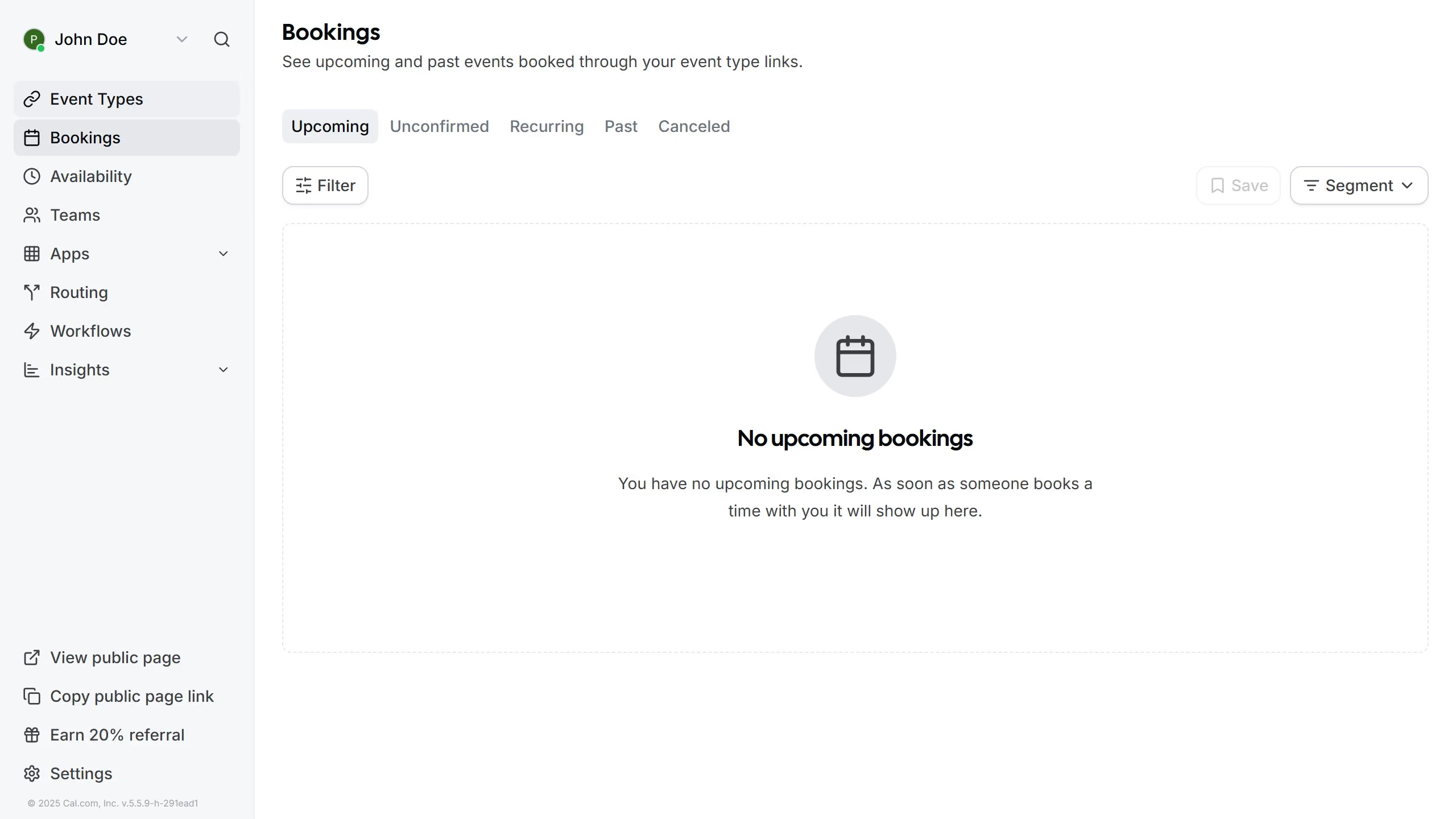
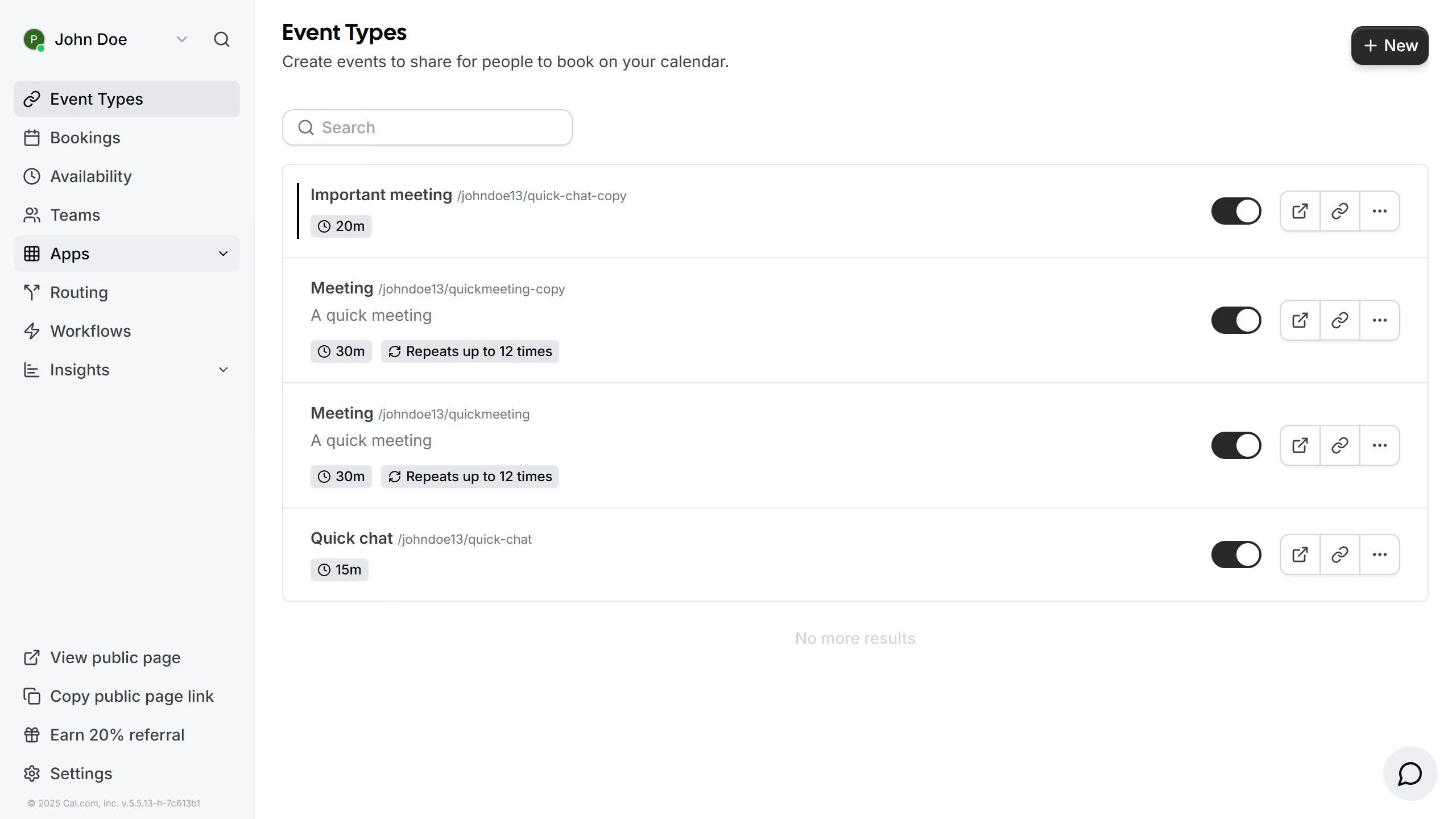
  1. First click on the "Apps" item in the left sidebar
  2. Then click on "App Store" in the expanded Apps menu
  3. Next click on the "Analytics" category card showing 11 Apps
  4. Then click on the "Details" button under the Fathom app description
  5. Finally click on the "Install App" button in the Fathom app details page

Create your own interactive guide with Guideflow

Why should you connect Fathom to Cal.com

Cal.com is a versatile and dynamic platform designed to make scheduling effortless and efficient.

Integrating Fathom with Cal.com elevates the functionality of both tools by enabling seamless analytics and reporting. This connection empowers you to track vital metrics and glean insights into how users interact with your scheduling interface.

The synchronization between Fathom and Cal.com not only enhances operational efficiency but also provides a clearer perspective of user engagement, streamlining decision-making processes and boosting productivity.

Last update
February 3, 2026
Cursor MariaA cursor points to a button labeled "James."

Create your first demo in less than 30 seconds.