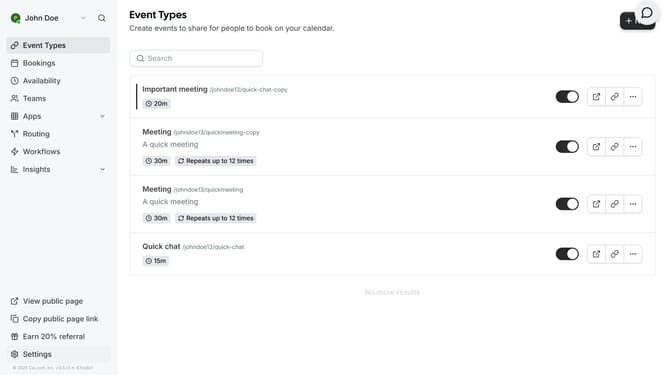
How to connect ElevenLabs to Cal.com
Here is how to connect elevenlabs to cal.com
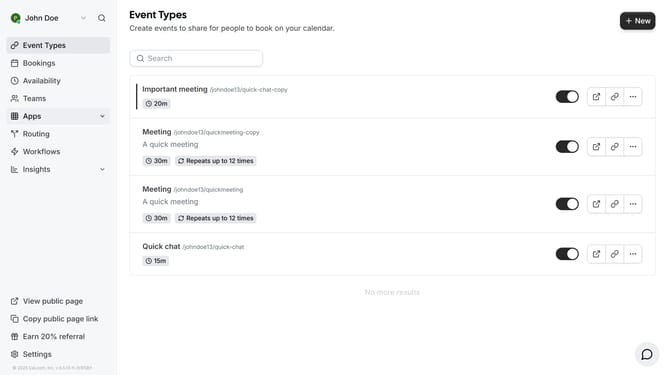
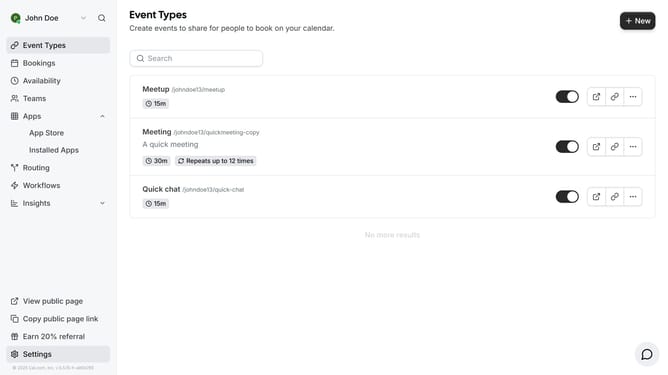
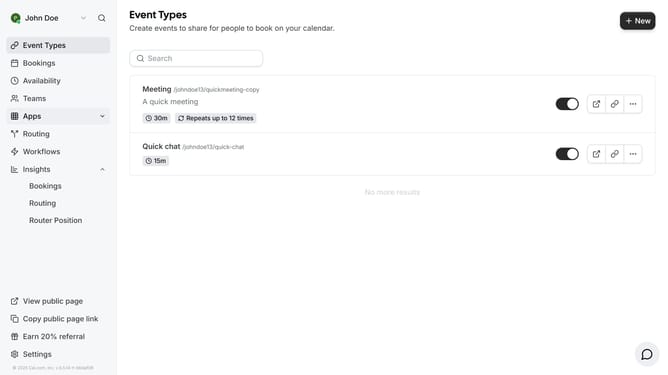
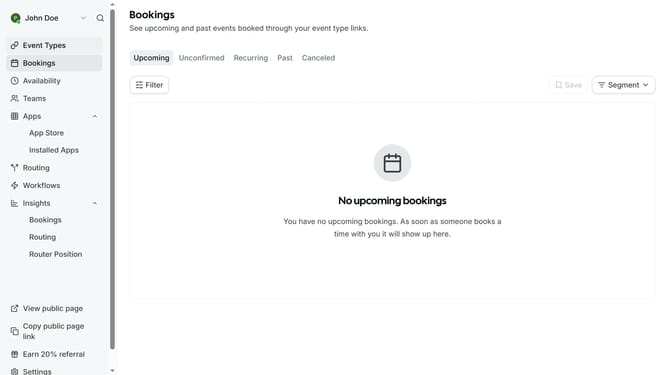
- First click on the "Apps" item in the left sidebar
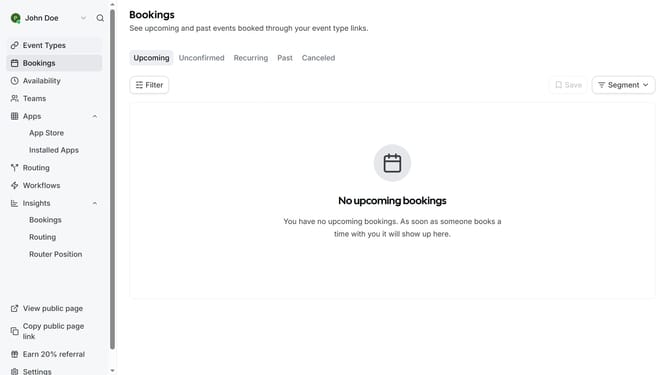
- Then click on "App Store" in the expanded Apps menu
- Next click on the "Automation" category tile in the Featured Categories section
- Then scroll down to find more automation apps
- Click on the "Details" button under the ElevenLabs app
- Finally click on the "Install App" button on the ElevenLabs app details page to integrate it with Cal
Why should you connect ElevenLabs to Cal.com
Cal.com is a versatile scheduling tool designed to streamline appointments effortlessly.
Connecting ElevenLabs with Cal.com enhances your scheduling capabilities, allowing automated voice confirmations and reminders, thus adding efficiency and convenience to your workflow.
This integration empowers users with a seamless experience, making scheduling more interactive and engaging through advanced voice technology.
Using these integrated features results in increased productivity and improved client satisfaction, setting your scheduling operations a cut above the rest.
Last update