How to connect Microsoft Exchange in Cal.com
Here is how to connect microsoft exchange in cal.com
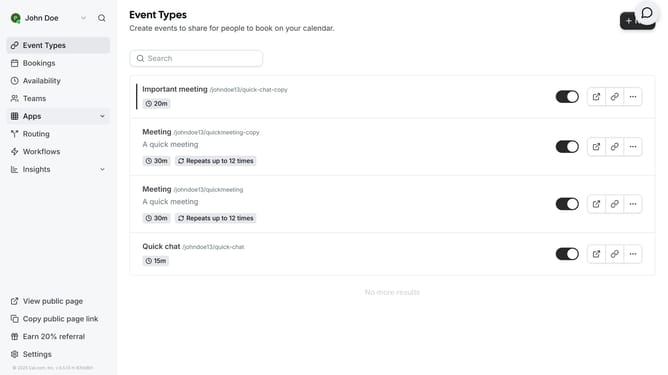
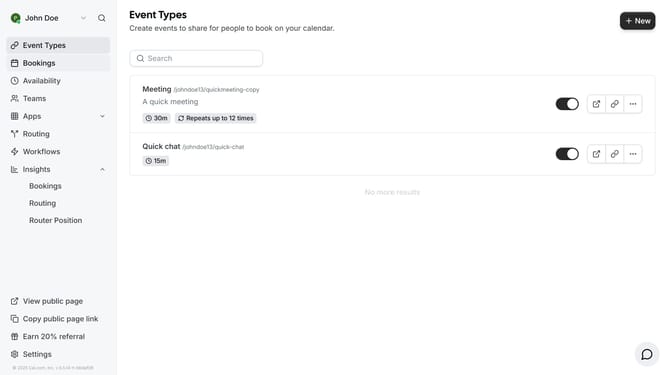
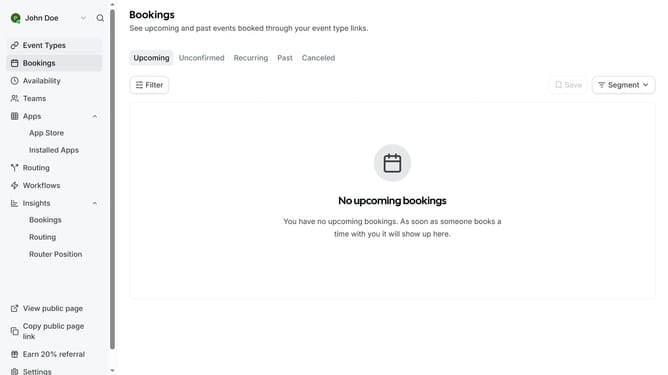
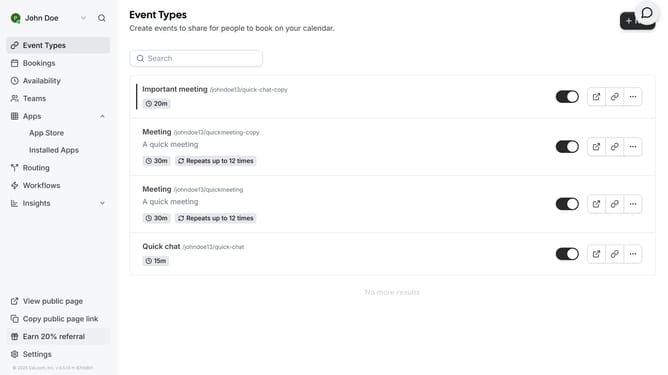
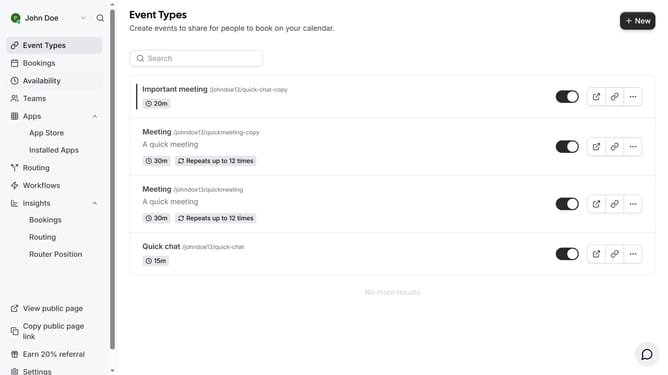
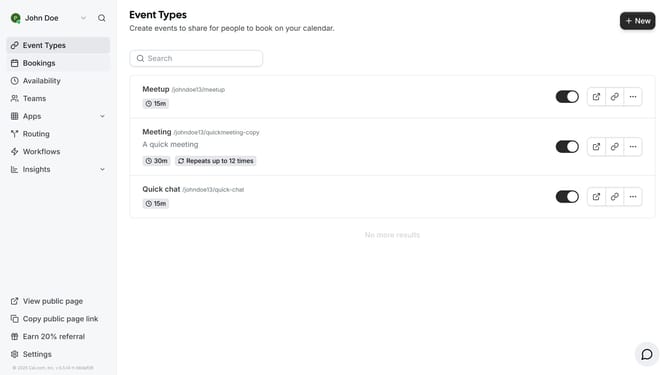
- First click on the "Apps" item in the left sidebar menu
- Then click on "App Store" in the expanded Apps submenu
- Next click on the "Calendar" category tile in the Featured Categories section
- Then scroll down until you see the Microsoft Exchange app card
- Next click "Details" button under the Microsoft Exchange app card
- Finally click the "Install" button for Microsoft Exchange app card to integrate it with Cal
Why should you connect Microsoft Exchange in Cal.com
Cal.com is a versatile scheduling tool designed to streamline your calendar management.
Integrating Microsoft Exchange with Cal.com enhances your scheduling efficiency, ensuring all appointments and meetings are seamlessly synchronized across platforms.
This connection helps eliminate double bookings and simplifies your workflow, offering you peace of mind by keeping your commitments in check.
With this feature, you gain increased control over your schedule, making it easier to manage your time effectively and improve productivity.
Last update