How to set a booker active booking limit in Cal.com
Here is how to set a booker active booking limit in cal.com
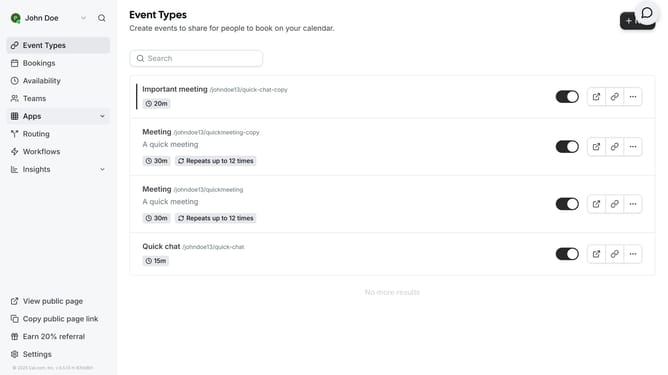
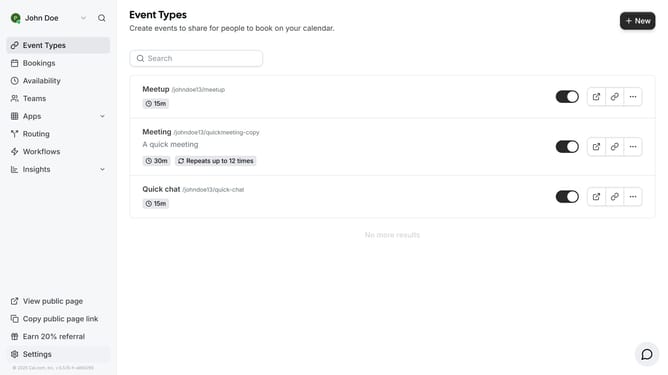
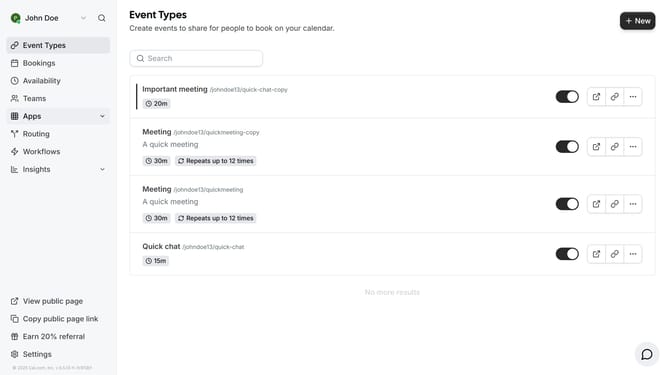
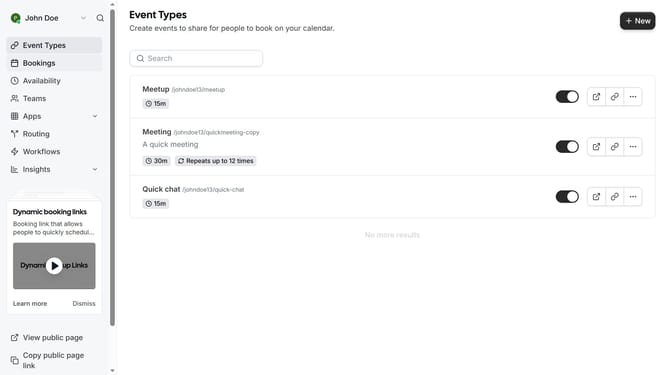
- First click on "Event Types" link in the left sidebar
- Then click on an event in the main content area
- Next click on "Limits" option in the left settings menu
- Scroll down in the event types limit settings
- Click to enable the "Booker active booking limit" toggle switch
- Click on the booking limit field
- Then type in the desired limit for your bookings
- Finally click save on the top right corner of the page
Why should you set a booker active booking limit in Cal.com
Cal.com is a seamless scheduling tool designed to simplify the way you book appointments.
One of its standout features is the ability to set a booker's active booking limit.
This feature empowers users to control the number of active bookings a client can have at a time.
By setting this limit, you can efficiently manage your schedule, minimize overbooking, and enhance your clients' booking experience.
Ultimately, this ensures a smoother operation for both you and your clients.
Last update