How to connect WhatsApp in Cal.com
Here is how to connect whatsapp in cal.com
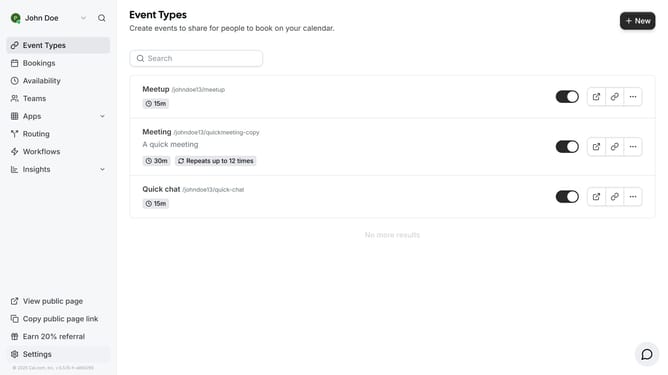
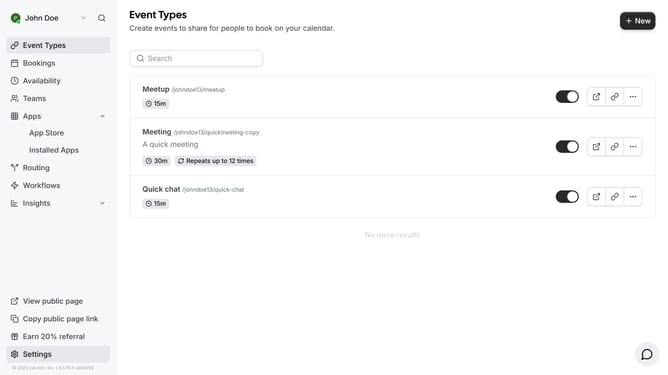
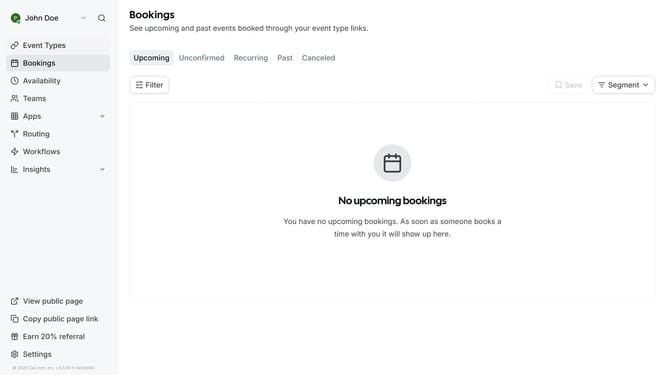
- First click on the "Apps" dropdown menu in the left sidebar
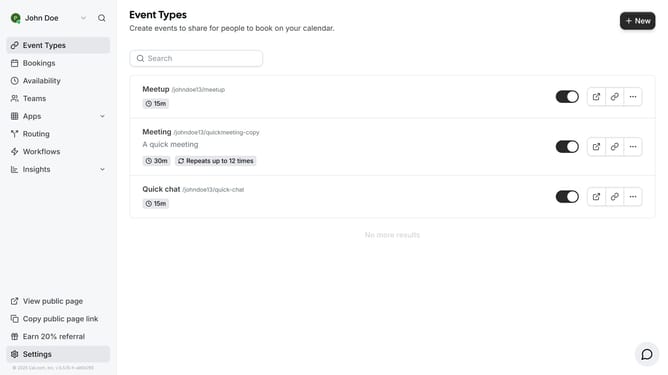
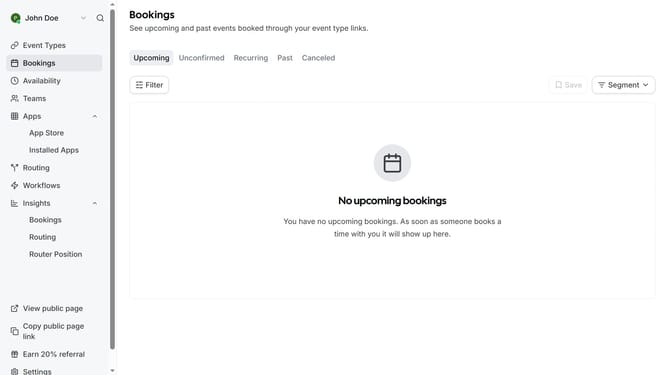
- Then click on "App Store" option in the expanded Apps menu
- Next click the left arrow navigation button in the Featured Categories section
- Then click on the "Messaging" category tile
- Next click on the "Details" button under the WhatsApp app
- Finally click the "Install" button for WhatsApp to integrate it with Cal
Why should you connect WhatsApp in Cal.com
Cal.com is an innovative platform designed to streamline and simplify scheduling for individuals and businesses.
Connecting WhatsApp within Cal.com enhances how you engage by tapping into real-time communications for effortless appointment handling.
This integration ensures that every scheduled interaction is both convenient and effective, tapping into WhatsApp's wide user base to reach clients easily.
By bringing WhatsApp into the fold, Cal.com empowers users with hassle-free, instant communication capabilities, keeping everyone seamlessly connected.
Last update