How to disable transcription for organizers in Cal.com
Here is how to disable transcription for organizers in cal.com
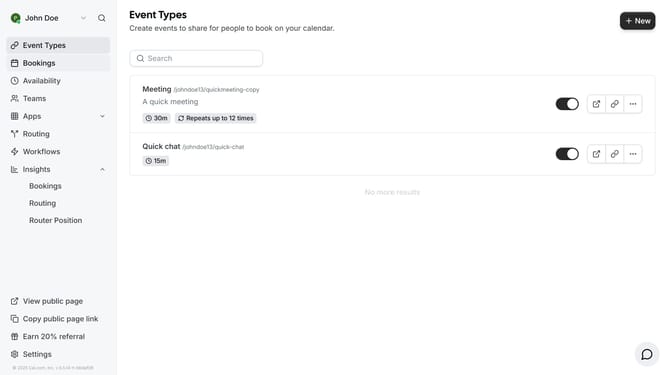
- First click on "Event Types" in the left sidebar menu
- Then click on an event in the main content area
- Next scroll down in the event setup settings
- Then click on "Disable transcription for organizer" toggle switch in the location settings
- Finally click on "Save" button in the top-right corner of the page
Why should you disable transcription for organizers in Cal.com
Cal.com is a streamlined scheduling platform designed to simplify booking and management of meetings.
One of its versatile features is the ability to disable transcription for organizers, a useful option for those who prioritize privacy during conversations.
This feature ensures that sensitive dialogues remain confidential, fostering trust and a secure environment for important meetings.
By managing transcription settings, organizers can maintain focus and streamline meeting interactions, enhancing productivity and participant comfort.
Last update