How to filter upcoming bookings by attendee name in Cal.com
Here is how to filter upcoming bookings by attendee name in cal.com
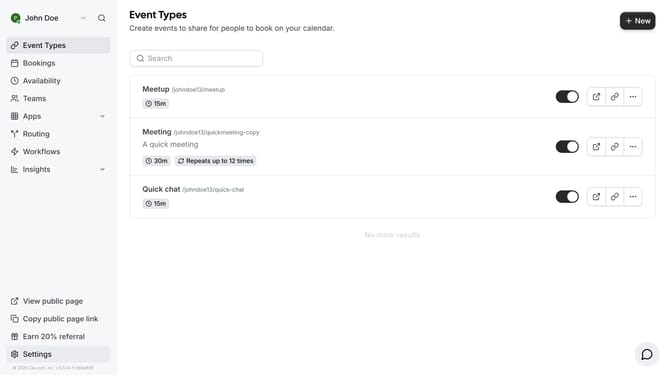
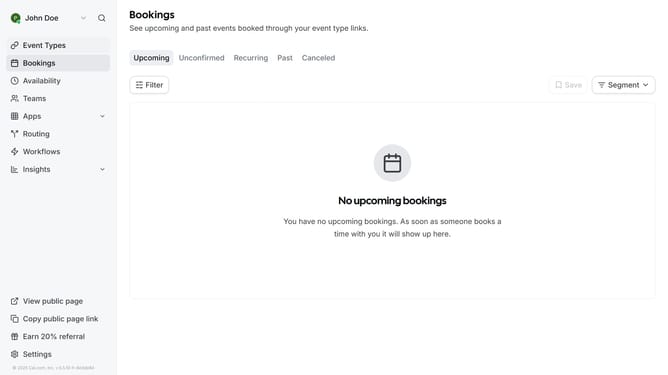
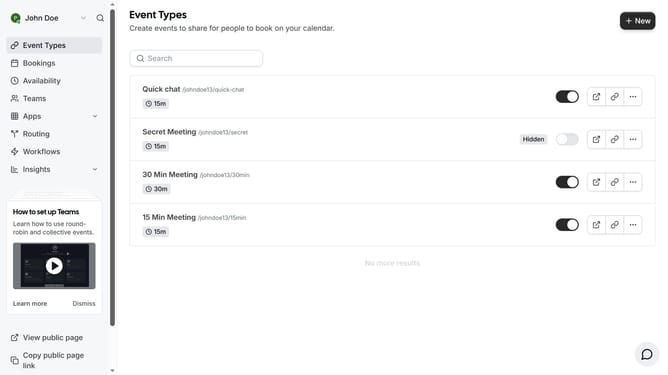
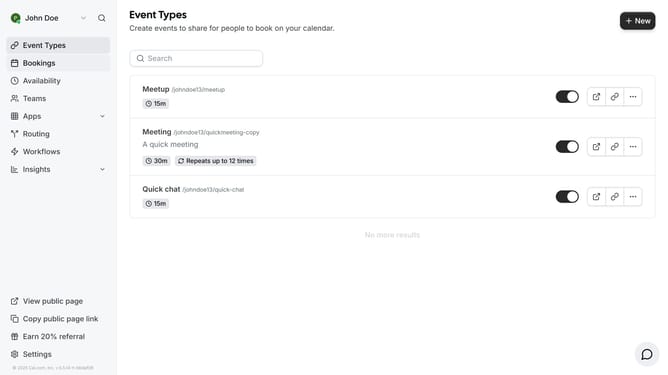
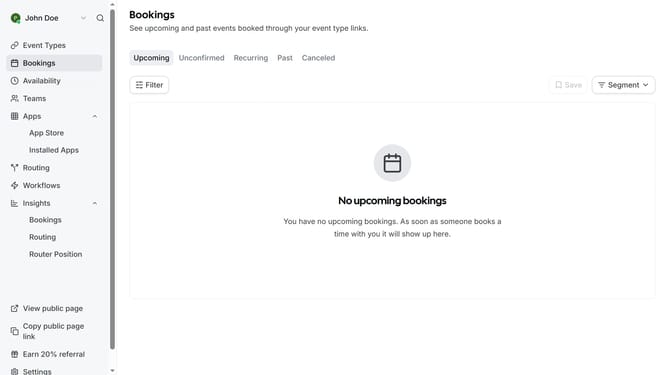
- First click on "Bookings" item in the left sidebar
- Then click on "Filter" button in the main content area
- Next click on "Attendees Name" option in the filter dropdown menu
- Then click on the dropdown arrow next to "Attendees Name" filter
- Next click in the text input field and type in the name of the attendee you want to filter below the "Is" dropdown
- Then click on "Apply" button in the filter dialog
- Finally click on an empty space on the page to view the events based on the attendee name you filtered
Why should you filter upcoming bookings by attendee name in Cal.com
Cal.com is your ultimate scheduling platform designed to streamline appointment management and simplify scheduling tasks.
One of its standout features allows you to filter upcoming bookings by attendee name effortlessly.
This feature is particularly valuable for users needing quick access to specific client details, helping enhance organization and personalization.
By allowing instant search capabilities, it fosters efficiency in managing schedules, saving time and boosting productivity while ensuring client-centric service.
Last update