How to add a guest to an upcoming event in Cal.com
Here is how to add a guest to an upcoming event in cal.com
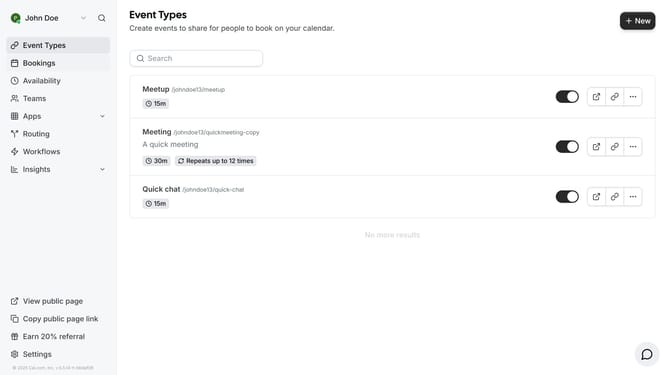
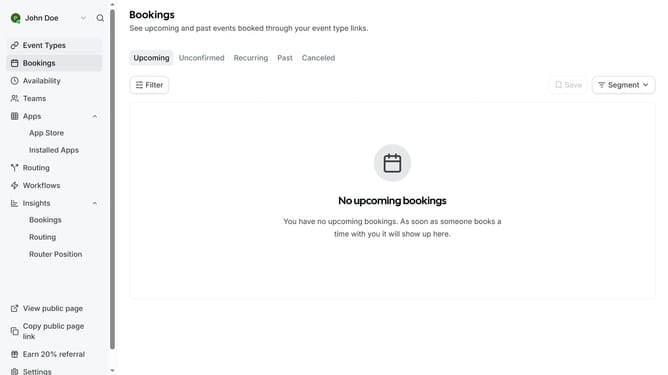
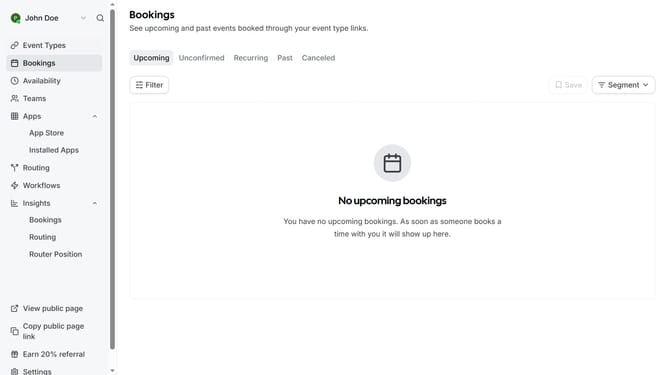
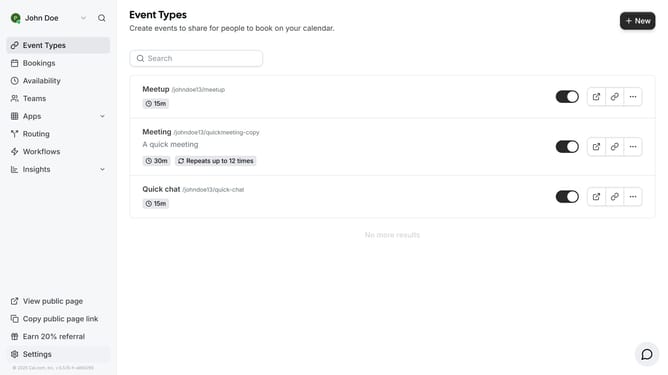
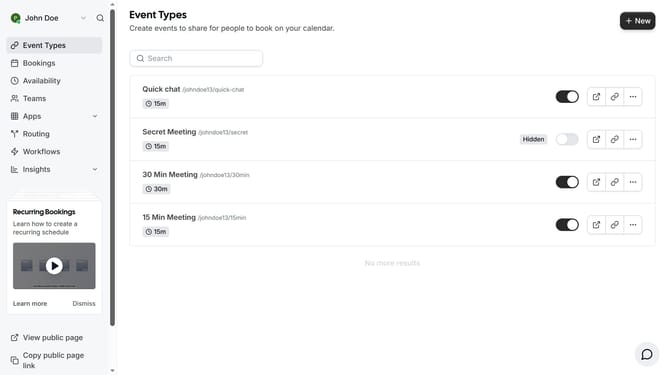
- First click on the "Bookings" item in the left sidebar menu
- Then click on the "more options" button (three dots) next to the first event in the list
- In the dropdown menu, click on the "Add guests" option
- Click the Add Emails input field and type in the email of the guest you want to add
- Finally click on the "Add" button in the Add guests dialog
Why should you add a guest to an upcoming event in Cal.com
Cal.com is an intuitive scheduling platform designed to simplify your event management.
Easily adding a guest to an upcoming event in Cal.com enhances your organizational efficiency, making coordination straightforward and hassle-free. This feature fosters seamless communication by ensuring everyone is promptly informed and aligned.
By utilizing this feature, you can elevate your event planning experience, guaranteeing no one misses out, thus promoting successful and stress-free gatherings. Efficient collaboration is just a guest addition away.
Last update