Cal.com
Cal.com is an open-source scheduling platform that helps individuals, teams, and developers automate bookings with customizable workflows, integrations, and full control over data and branding.
Website
Industry
Leadgen
Share this article:

How to set default availability schedule in Cal.com

Here is how to set default availability schedule in cal.com

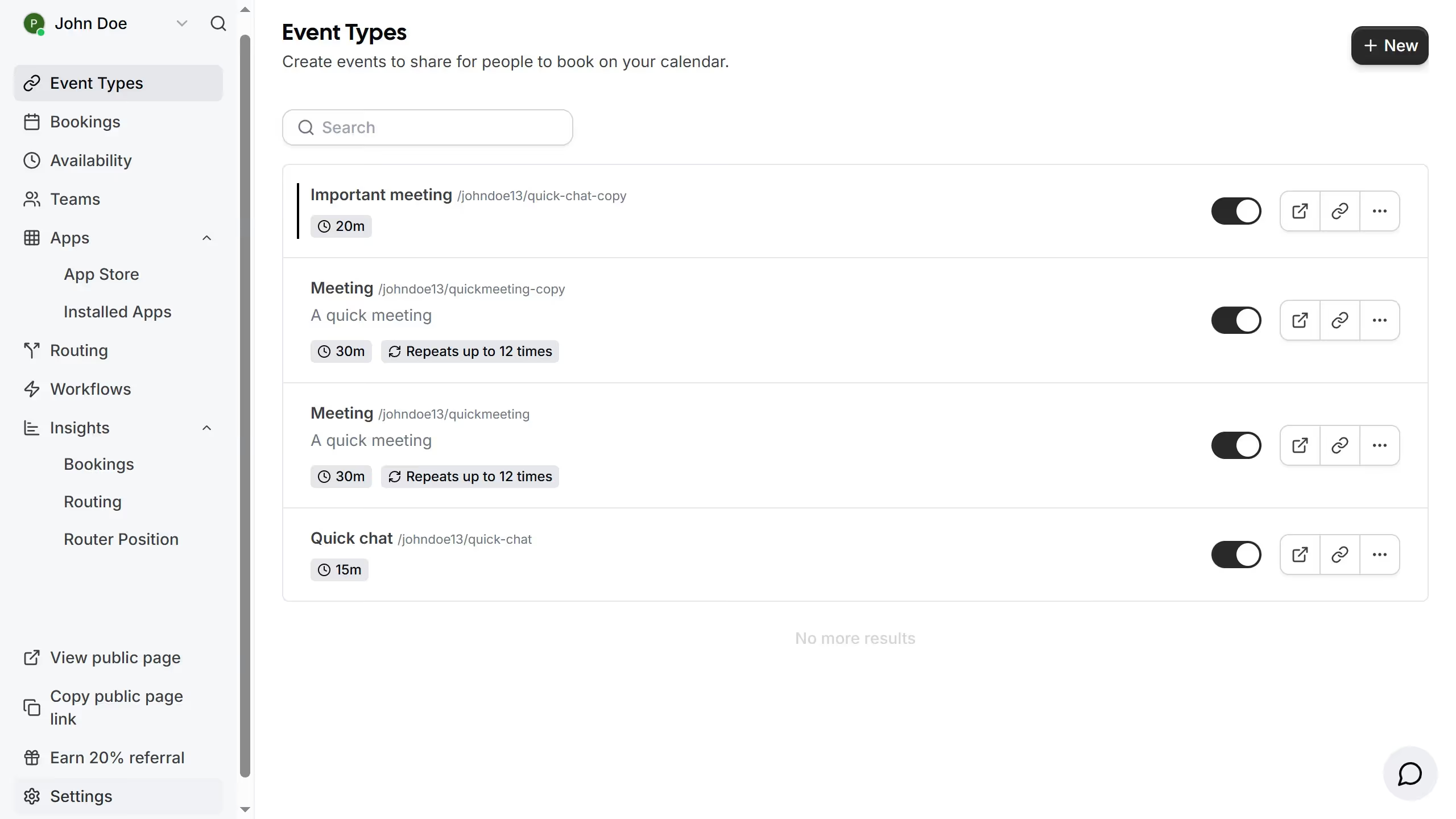
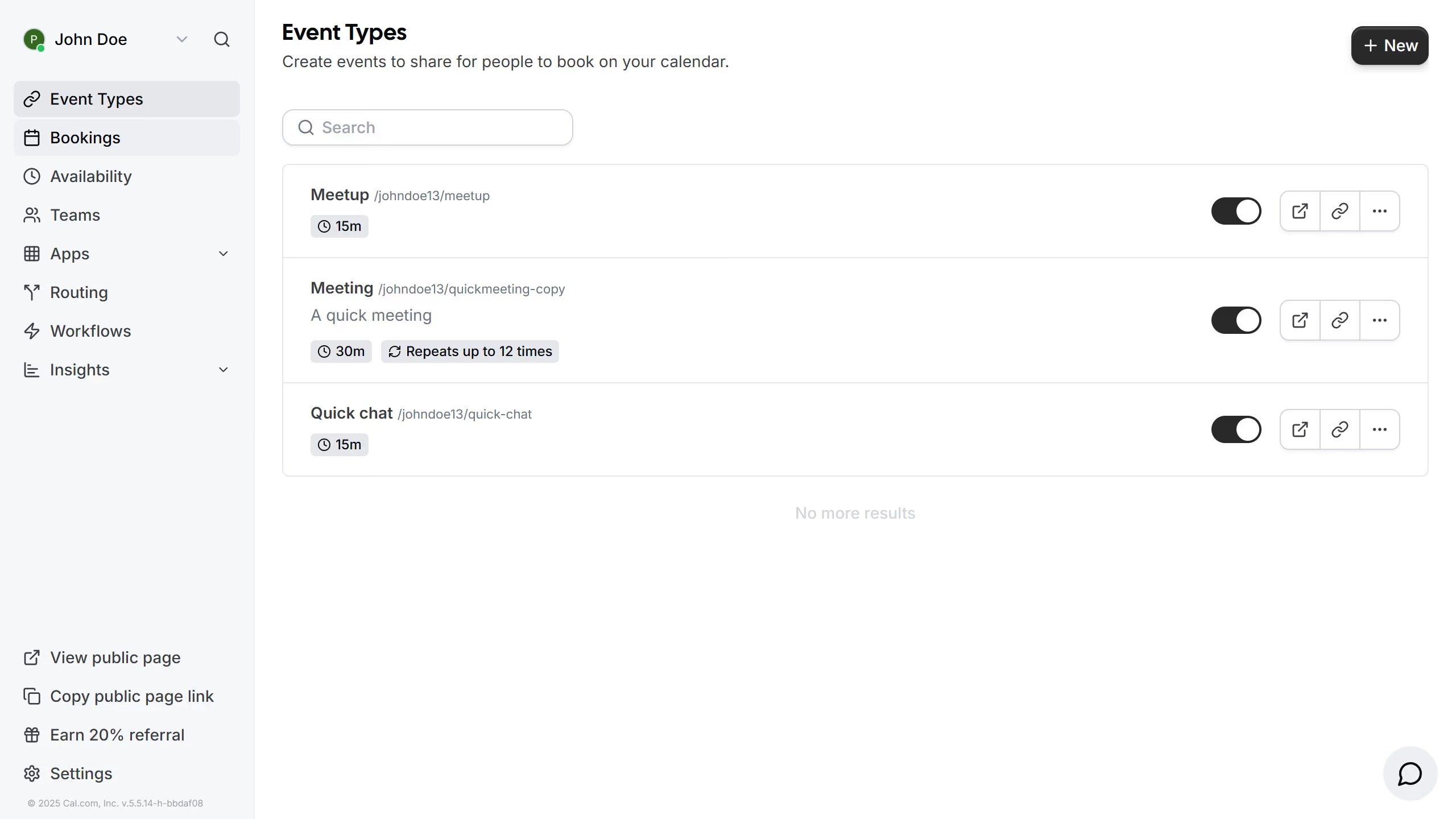
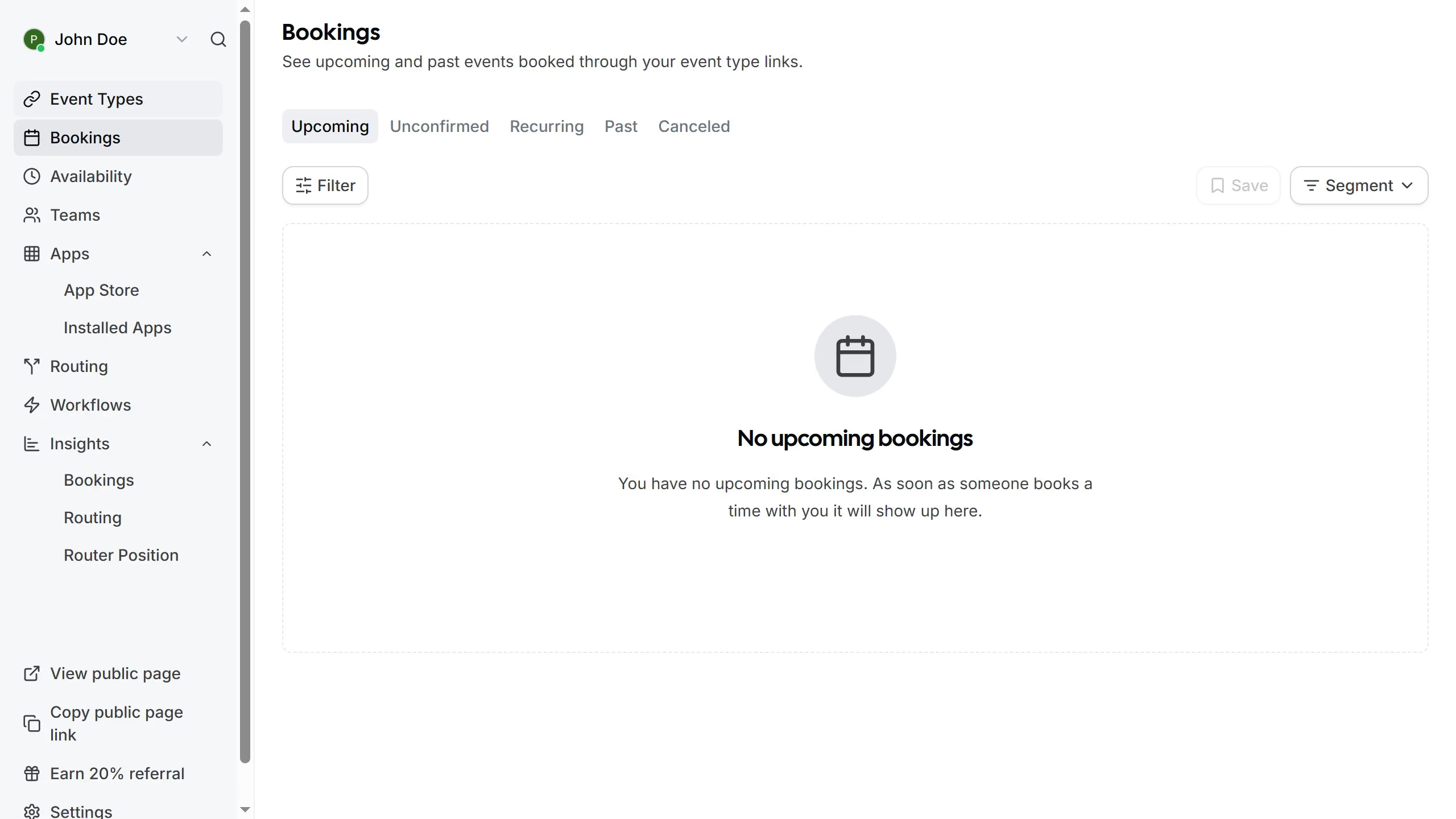
  1. First click on the "Availability" option in the left sidebar menu
  2. Then click on the three dots menu next to the schedule you want to set as default
  3. Next click on the "Set as default" option from the dropdown menu
  4. Then select the existing events you want to be updated
  5. Finally click the "Update" button in the bulk update modal dialog

Create your own interactive guide with Guideflow

Why should you set default availability schedule in Cal.com

Cal.com is an intuitive scheduling platform designed to simplify appointment bookings and enhance productivity.

Setting a default availability schedule in Cal.com ensures a streamlined booking process, aligning your calendar with your preferred working hours. This feature allows you to manage your time more effectively, reducing the chances of unwanted disruptions during your off-hours.

Moreover, having a default schedule in place communicates your availability clearly to potential clients or colleagues, enhancing your professional image and fostering trust.

Embrace efficient time management and enjoy a balanced work-life harmony with Cal.com's customizable scheduling features.

Last update
February 3, 2026
Cursor MariaA cursor points to a button labeled "James."

Create your first demo in less than 30 seconds.