How to connect CalDav in Cal.com
Here is how to connect caldav in cal.com
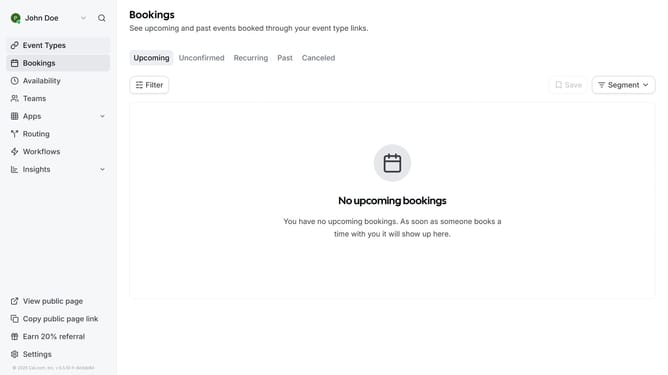
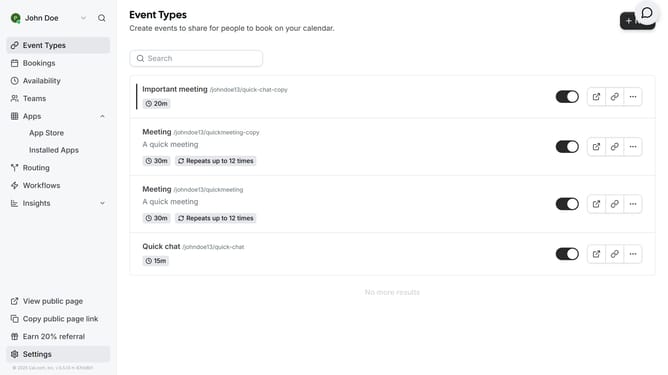
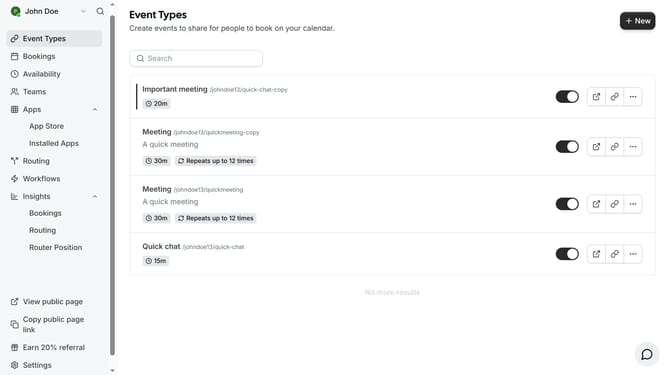
- First click on the "Apps" item in the left sidebar menu
- Then click on "App Store" in the expanded Apps submenu
- Next click on the "Calendar" category tile in the Featured Categories section
- Then click on the "Details" button under the CalDav (Beta) app
- Finally click the "Install" button for CalDav app card to integrate it with Cal
Why should you connect CalDav in Cal.com
Cal.com is a versatile scheduling platform that makes managing your calendar effortless.
By connecting CalDav in Cal.com, you can seamlessly synchronize your scheduling across multiple devices, ensuring that you're always up-to-date with your commitments.
This feature eliminates the chaos of managing separate calendars, allowing for a streamlined, unified schedule.
Utilizing CalDav in Cal.com not only enhances efficiency but also empowers you with precise control over your time management, significantly reducing the chances of double bookings or missed appointments.
Last update