How to connect Greetmate.ai to Cal.com
Here is how to connect greetmate.ai to cal.com
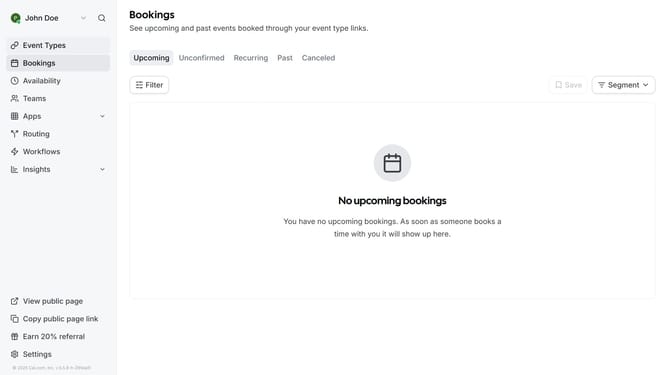
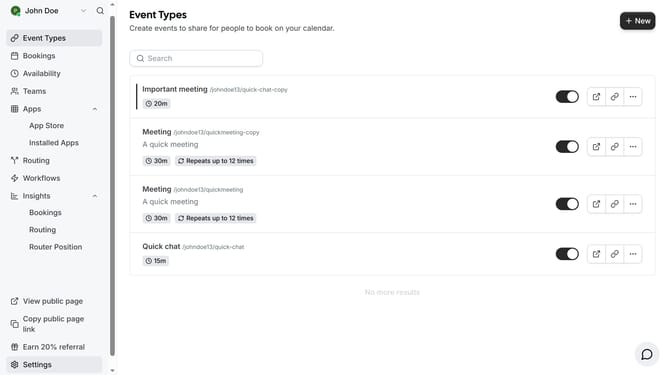
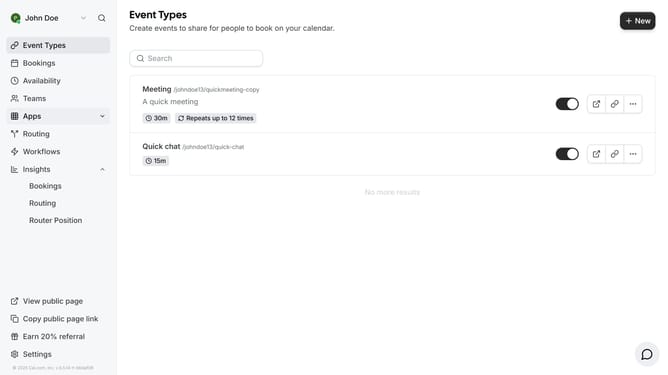
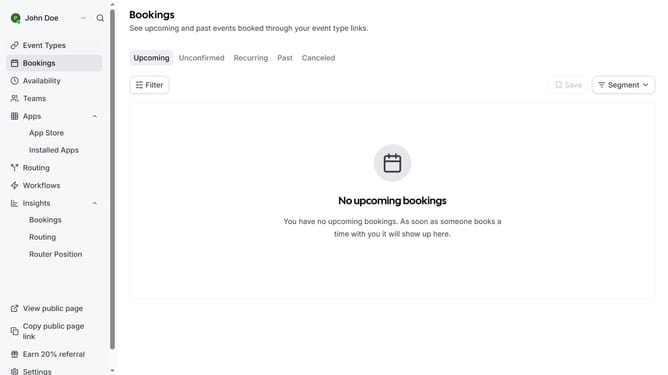
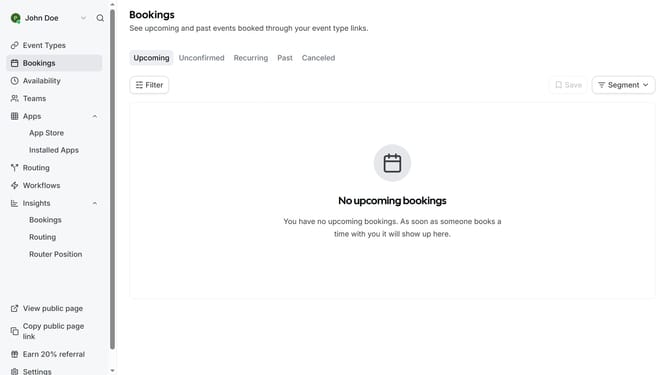
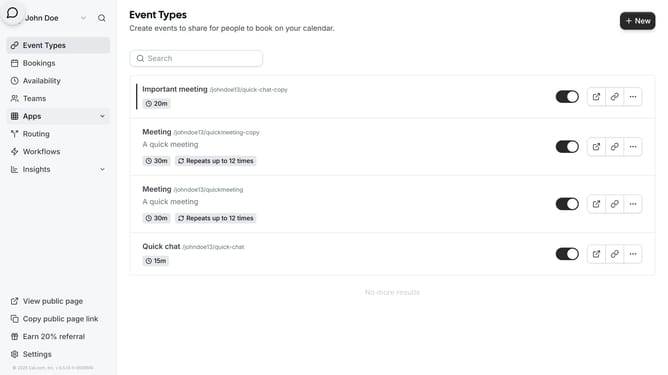
- First click on the "Apps" item in the left sidebar menu
- Then click on "App Store" in the expanded Apps submenu
- Next click on the "Automation" category tile in the Featured Categories section
- Then scroll down in the App Store
- Next click on "Details" button under the Greetmate.ai app card
- Finally click on the "Install App" button on the Greetmate.ai app details page to integrate it with Cal
Why should you connect Greetmate.ai to Cal.com
Cal.com is a versatile platform that streamlines scheduling and appointment management, fostering seamless connections.
Integrating Greetmate.ai with Cal.com enhances your scheduling experience by automating personalized meeting greetings. This integration saves time and creates a harmonious tone for your interactions.
By connecting these two powerful tools, you not only optimize workflow efficiency but also enrich client relations with custom, automated communication.
The result is a finely tuned system that benefits both productivity and customer satisfaction, making every meeting feel personally tailored and professionally executed.
Last update