Cal.com
Cal.com is an open-source scheduling platform that helps individuals, teams, and developers automate bookings with customizable workflows, integrations, and full control over data and branding.
Website
Industry
Leadgen
Share this article:

How to allow dynamic group links in Cal.com

Here is how to allow dynamic group links in cal.com

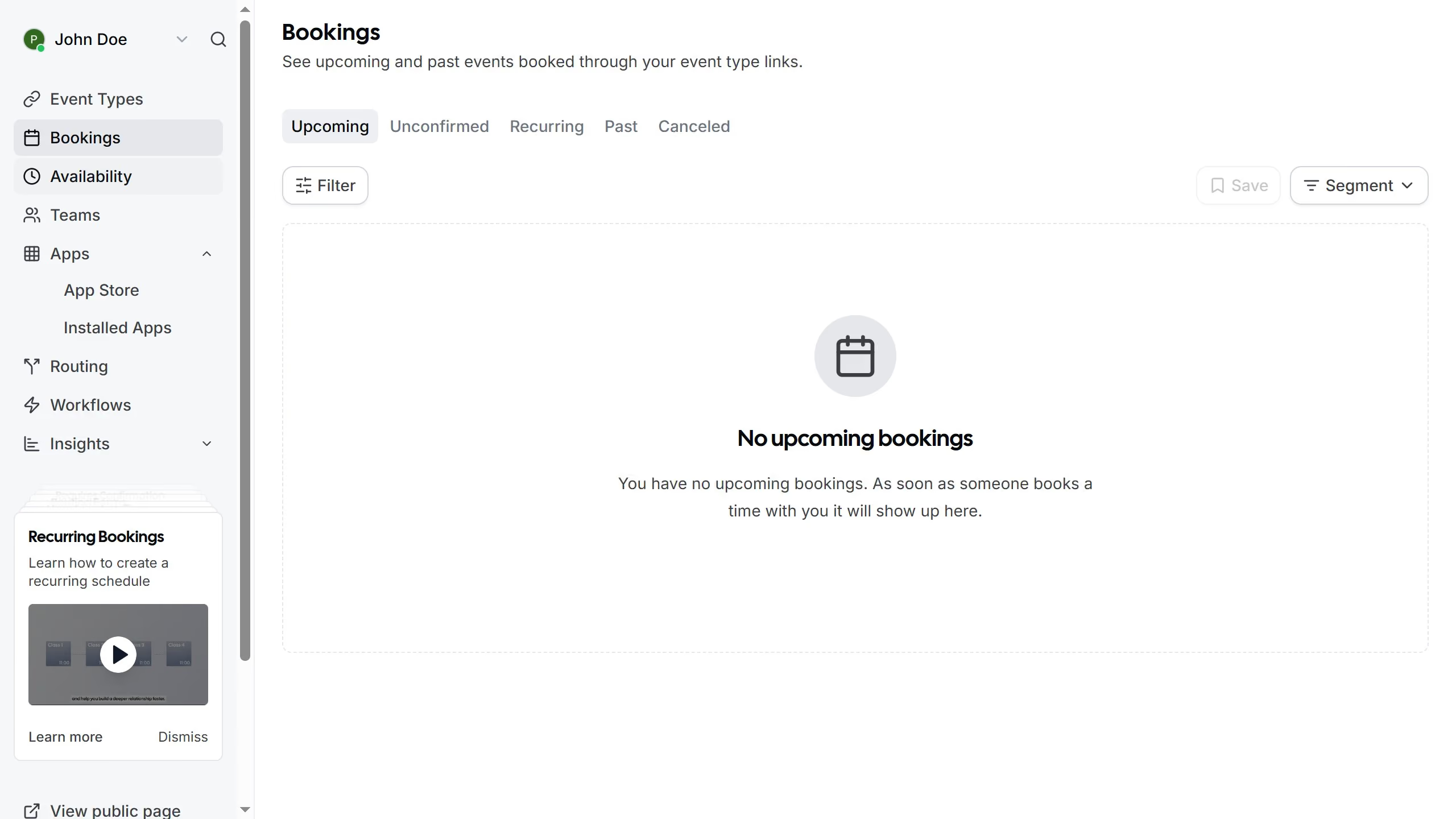
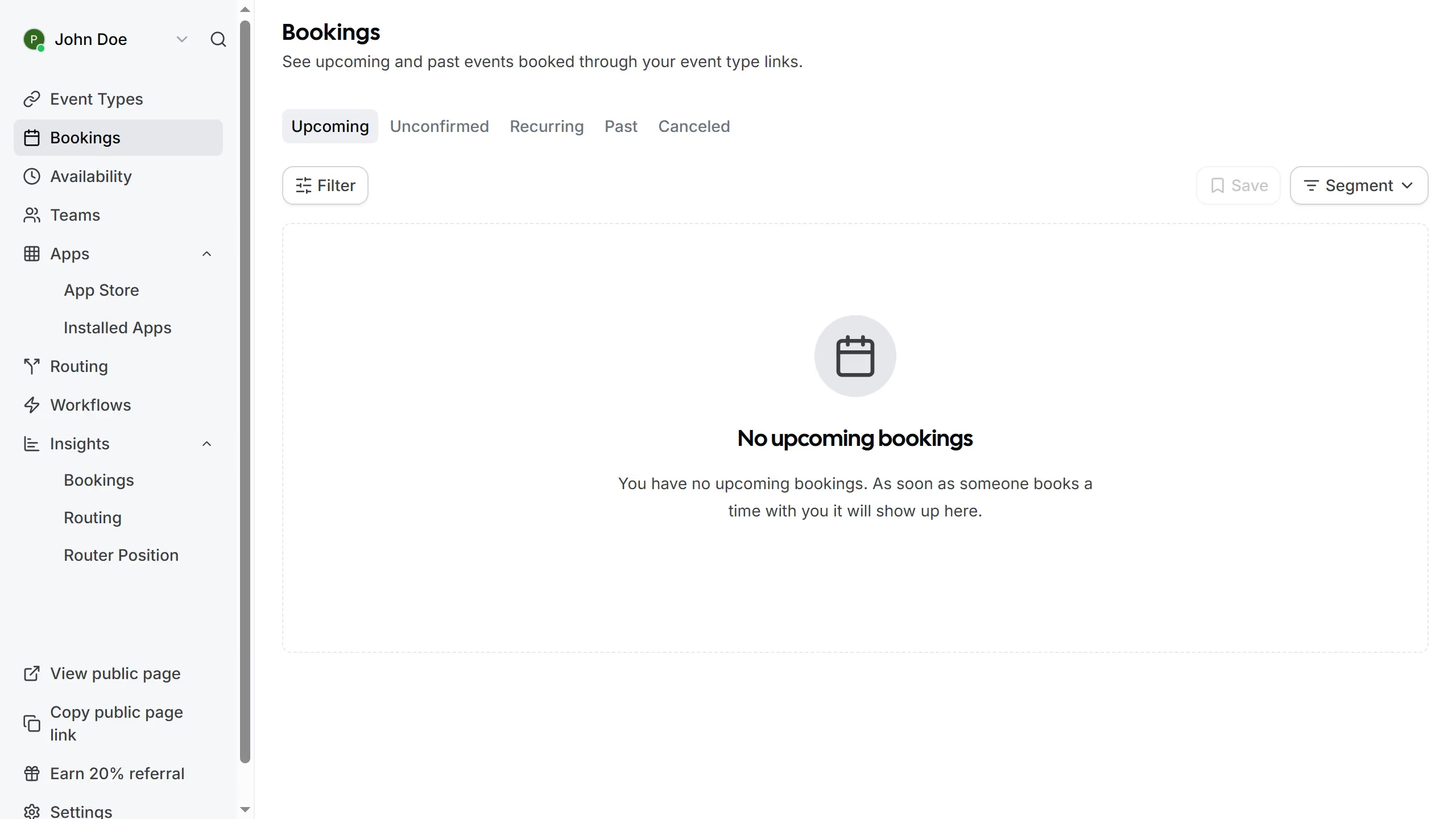
  1. First click on the "Settings" option in the left sidebar menu
  2. Then click on the "General" tab in the settings submenu
  3. Next scroll down in the general settings area
  4. Finally toggle the "Dynamic group links" switch in the general settings section

Create your own interactive guide with Guideflow

Why should you allow dynamic group links in Cal.com

Cal.com is a versatile scheduling tool designed to streamline and simplify the process of booking meetings.

Allowing dynamic group links in Cal.com elevates the user experience by offering flexibility in managing group availability. This feature automatically adjusts the availability of multiple participants, making scheduling a breeze.

With dynamic group links, coordination becomes seamless, as everyone involved can see mutual availability in real-time. This not only saves time but enhances the efficiency of arranging group events or meetings.

Incorporating this feature ensures that every meeting setup is organized efficiently and effectively, fostering collaborative success.

Last update
February 3, 2026
Cursor MariaA cursor points to a button labeled "James."

Create your first demo in less than 30 seconds.