How to show only the first booking slot each day as available in Cal.com
Here is how to show only the first booking slot each day as available in cal.com
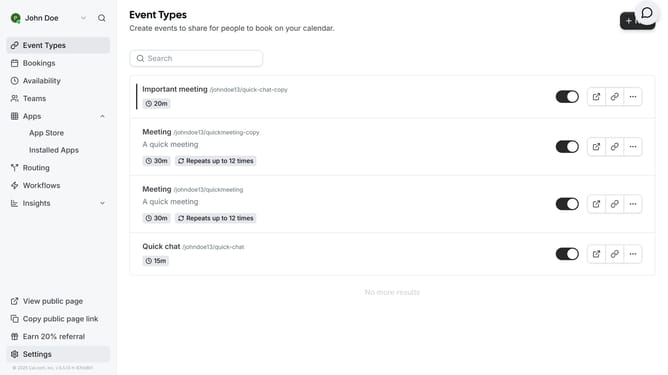
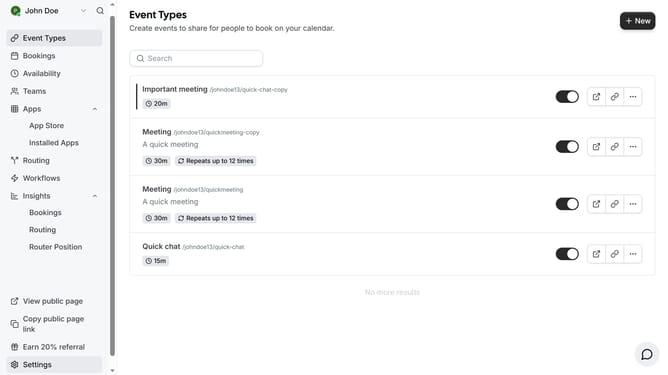
- First click on "Event Types" in the left sidebar menu
- Then click on an event from the list of available event types
- Next click on "Limits" field in left side menu
- Then click on the toggle switch for "Only show the first slot of each day as available" option
- Finally click on the "Save" button in the top-right corner of the event setup form
Why should you show only the first booking slot each day as available in Cal.com
Cal.com is a versatile scheduling tool designed to simplify booking appointments effortlessly.
One of its intuitive features is the ability to display only the first booking slot available each day. This provides a streamlined experience for users by reducing decision fatigue and highlighting prime availability.
Using this feature helps maintain focus on optimal booking times, ensuring that each day gets filled efficiently and effectively. The approach benefits both the user and the booker by facilitating quicker, more decisive scheduling interactions.
Last update