How to hide notes from the calendar view in Cal.com
Here is how to hide notes from the calendar view in cal.com
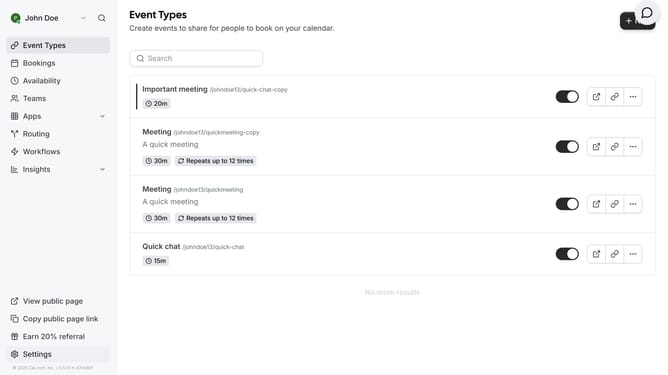
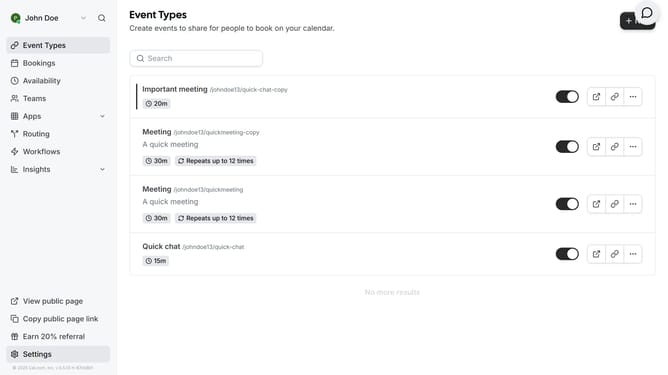
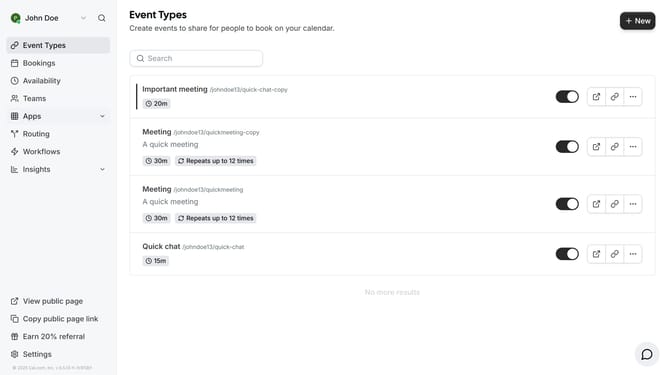
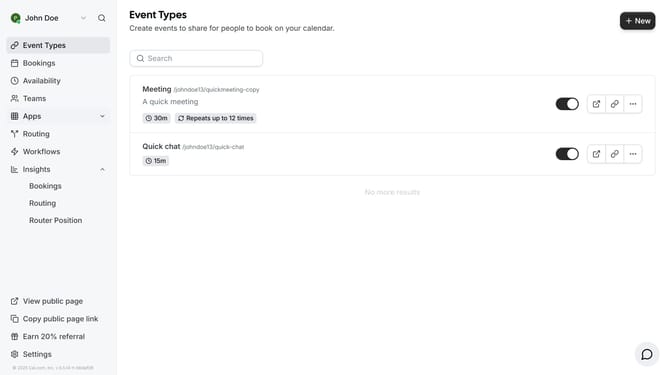
- Then click on an event in the main content area
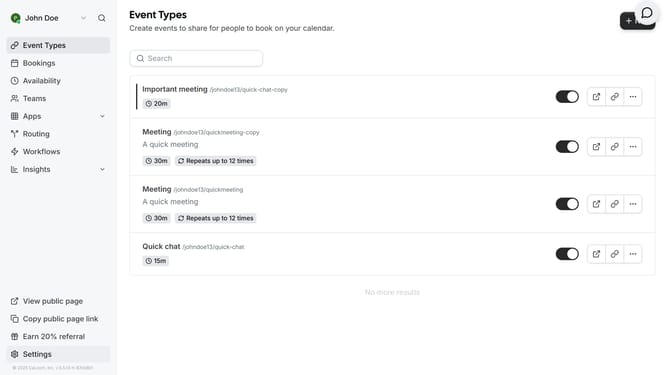
- Then click on an event type in the main content area
- Next click on the "Advanced" option in the left settings panel
- Then scroll down in the advanced settings
- Next click on the "Hide notes in calendar" toggle switch to enable it
- Finally click on the "Save" button in the top-right corner
Why should you hide notes from the calendar view in Cal.com
Cal.com is a versatile scheduling tool designed to streamline and simplify your scheduling needs.
The ability to hide notes from the calendar view within Cal.com offers clarity and enhanced focus. By keeping your calendar interface clean, you can emphasize crucial events and prevent extraneous information from cluttering your view.
This feature is especially beneficial for professionals who need an organized calendar to maintain productivity, allowing users to quickly assess their schedules without unnecessary distractions.
Last update