How to enable booker email verification in Cal.com events
Here is how to enable booker email verification in cal.com events
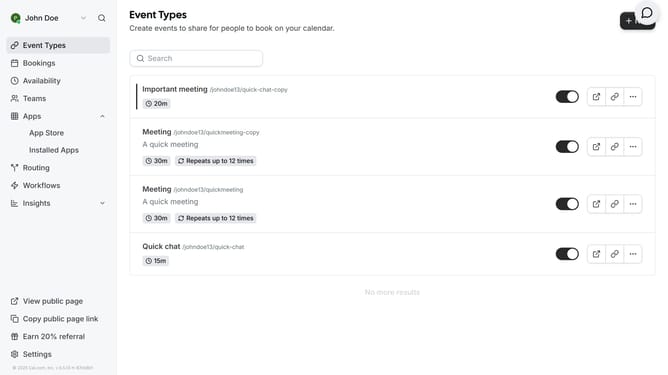
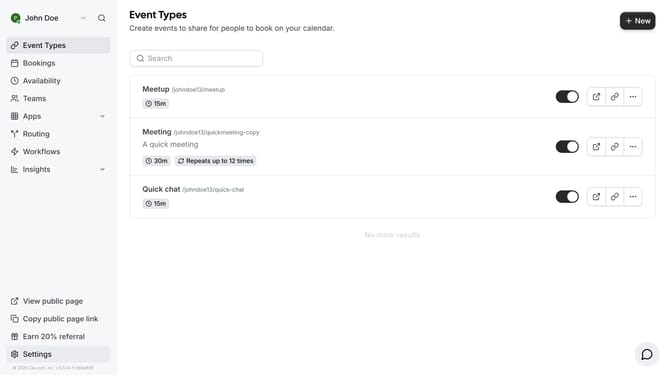
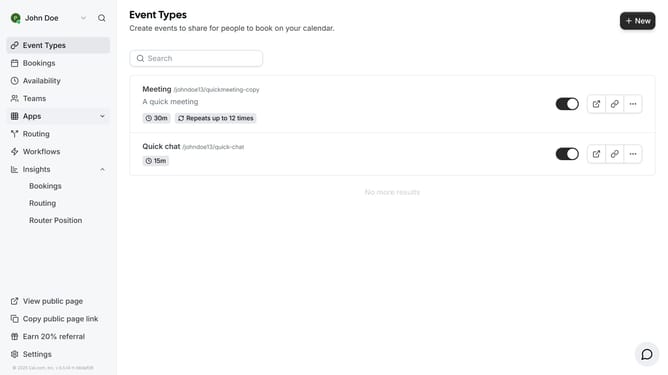
- First click on "Event Types" in the left sidebar menu
- Then click on an event item in the event types list
- Next click on the "Advanced" settings option in the left panel
- Then scroll down on the advanced settings
- Finally click on the toggle switch next to "Requires booker email verification" in the Advanced settings
Why should you enable booker email verification in Cal.com events
Cal.com is a versatile scheduling platform designed to streamline event booking and make appointments seamless.
Enabling booker email verification in Cal.com events ensures a reliable method to confirm the identity of participants, fostering trust and reducing no-shows.
It enhances the professionalism of interactions and guarantees that only verified attendees can book slots, which results in a more organized and efficient scheduling experience.
This feature significantly improves the integrity of event participation and overall user satisfaction.
Last update