How to connect Sendgrid in Cal.com
Here is how to connect sendgrid in cal.com
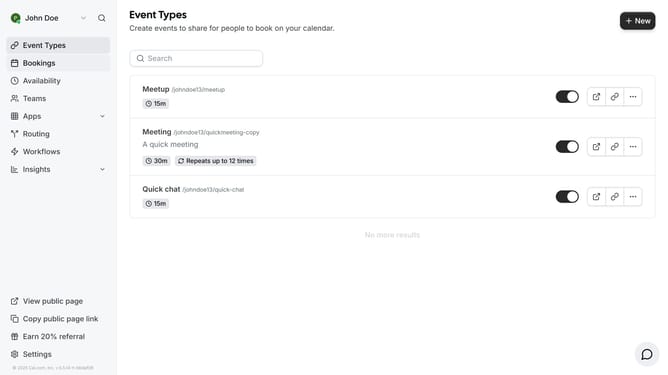
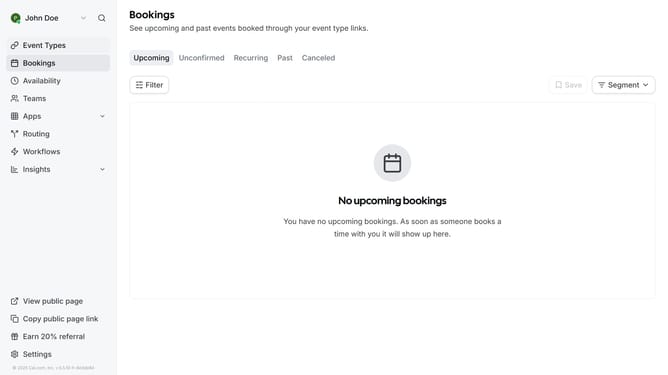
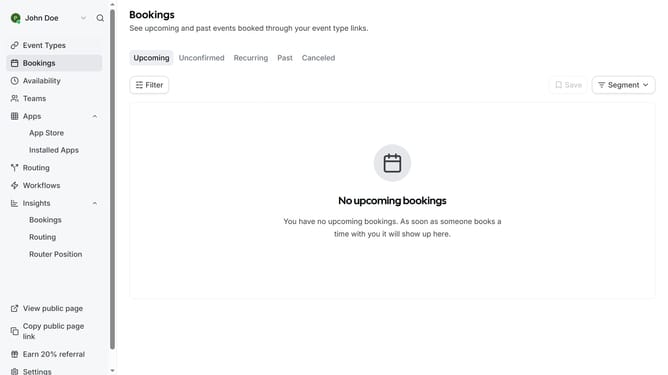
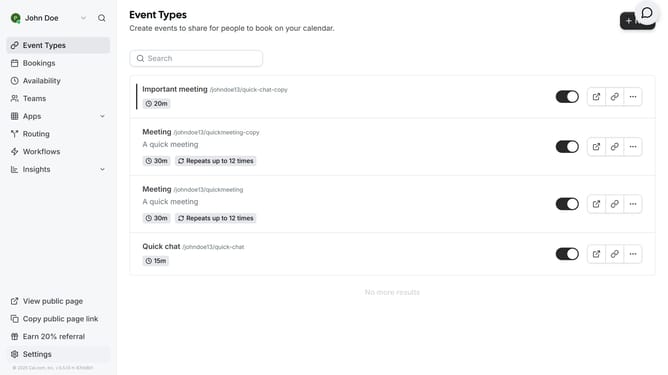
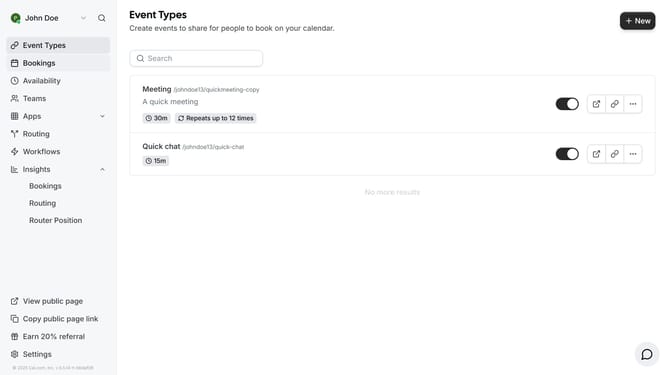
- First click on the "Apps" dropdown in the left sidebar
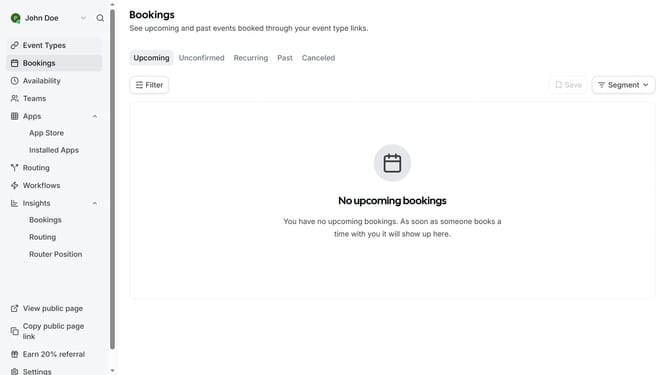
- Then click on "App Store" in the expanded Apps menu
- Click the right arrow button in the Featured Categories section to navigate
- Click the right arrow button again to see more categories
- Click on the "CRM" category tile
- Click on the "Details" button under the Sendgrid app
- Finally click the "Install" button for Sendgrid to integrate it with Cal
Why should you connect Sendgrid in Cal.com
Cal.com is a seamless scheduling platform designed to simplify booking appointments.
Connecting Sendgrid to Cal.com enhances your communication strategy by leveraging an efficient email distribution system. This integration ensures timely notifications and confirmations to both hosts and attendees, improving overall engagement and reducing communication gaps.
Benefit from Sendgrid’s reliable email deliverability to maintain a professional connection with your clients, ensuring your scheduling process remains smooth and efficient.
Last update