How to select your available schedule for an event in Cal.com
Here is how to select your available schedule for an event in cal.com
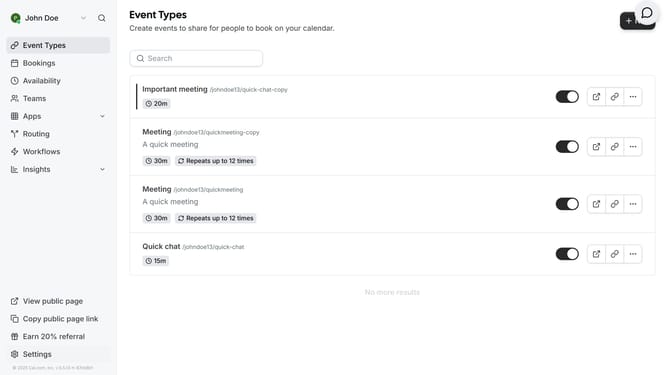
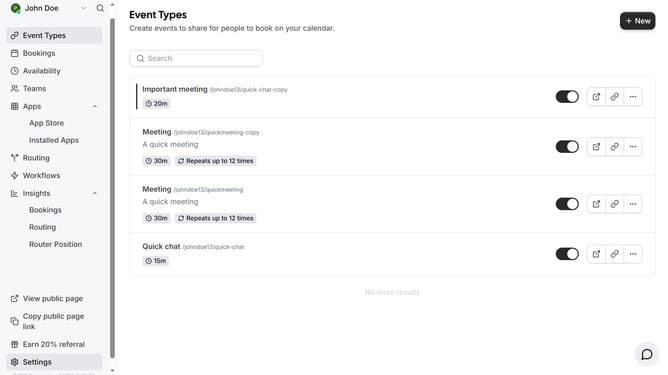
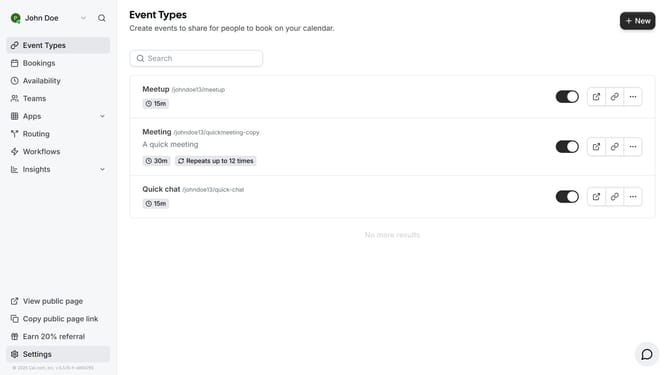
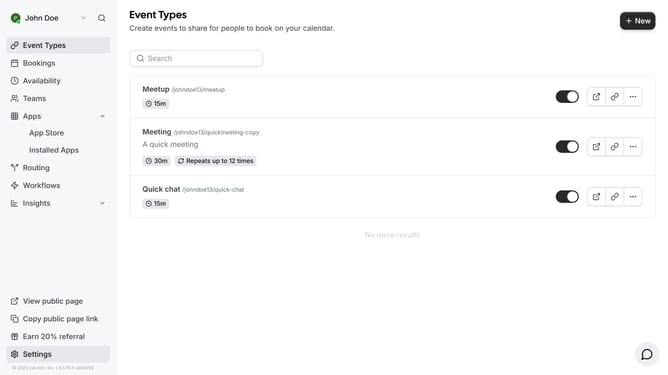
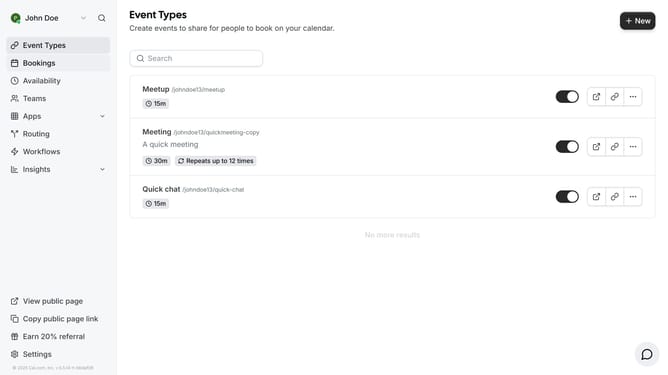
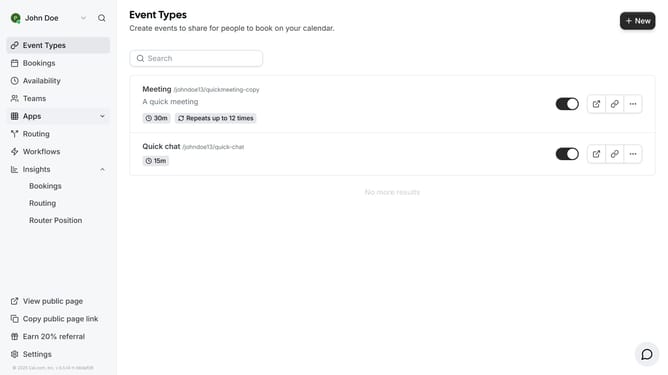
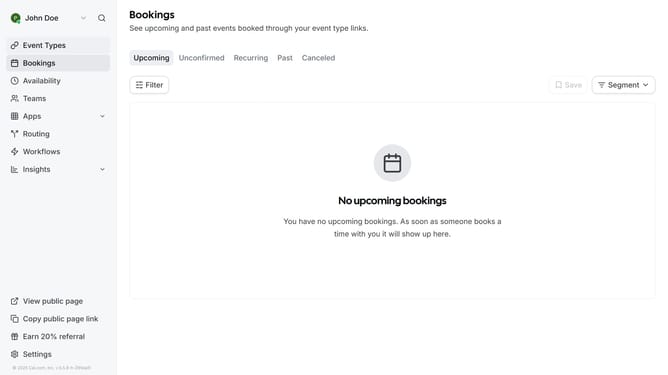
- First click on "Event Types" in the left sidebar menu
- Then click on an event type in the list
- Next click on "Availability" option in the left settings menu
- Then click on the dropdown in the availability section
- Next select your preferred schedule from the dropdown menu
- Finally click the "Save" button in the top-right corner
Why should you select your available schedule for an event in Cal.com
Cal.com is a seamless platform for managing appointments effortlessly.
One of its standout features is the ability to select your available schedule for an event, ensuring you have the flexibility and control to manage your time efficiently.
This feature streamlines the booking process by allowing you to indicate precisely when you're available, reducing back-and-forth communication and boosting productivity.
Ultimately, it enhances your workflow, enabling smoother interactions and helping you capitalize on every opportunity without a hitch.
Last update