How to offer seats for booking in Cal.com
Here is how to offer seats for booking in cal.com
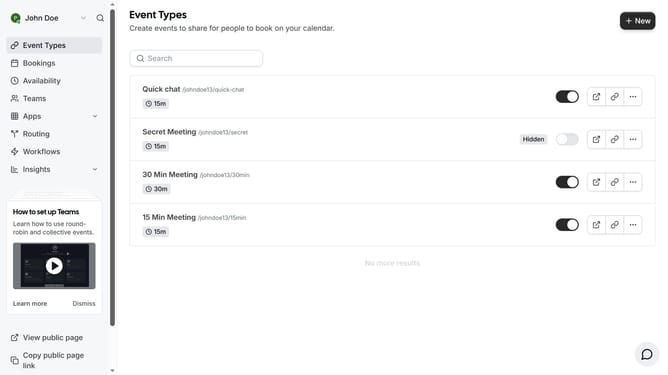
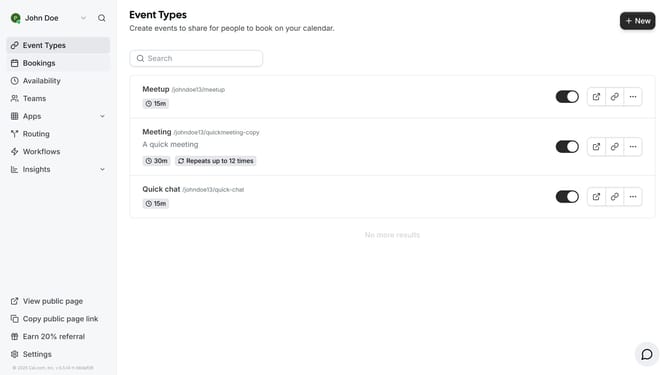
- First click on "Event Types" in the left sidebar
- Then click on an event from the event types list
- Next click on "Advanced" option in the settings menu
- Then scroll down in the advanced settings
- Click on "Offer seats" toggle switch to enable seat booking
- Then click on the seats number input field and change it to your desired number of seats to offer
- Finally click on "Save" button in the top right corner to apply all changes
Why should you offer seats for booking in Cal.com
Cal.com is an innovative scheduling platform designed to streamline booking processes for businesses and individuals alike.
Offering seats for booking in Cal.com allows for flexible management of group events or workshops. This feature ensures that your clients or attendees can easily reserve their spot in advance, enhancing their overall experience.
By providing precise control over availability and booking limits, businesses can efficiently fill seats and maximize participation. The seamless integration into your scheduling routine helps in optimizing resource management and improving client satisfaction.
Overall, offering seats for booking with Cal.com affords a simplification in organizing group events, enabling focus on delivering value and engagement to your audience.